Two different vertical color background
-
Hi @arminunruh and @mariusjopen !
I have one question (i've tried to figure it out in the forum but i've seen nothing about it):
I need to have two different color backgrounds on the same row (i'm using fullscreen slider). Half left with one color and half right another. I just saw this in this website made with laytheme:
I'll really appreciate your help!
Thank you!! :D
-
Hi antonioprado!
Buero Kirchner solved it with adding a background image to the Gridder for each slide:
.background-image {
    position: absolute;
    top: 0;
    left: 0;
    width: 100%;
    height: 100%;
    pointer-events: none;
    overflow: hidden;
    z-index: 0;
}
Try it and let us know if you face trouble!
All the best!
Marius
-
Hi @mariusjopen !
Thank you very much for the answer! It works really good! :)
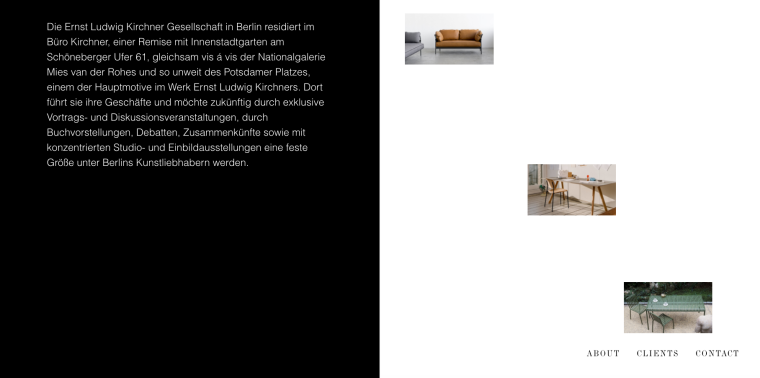
I just have one more question... when I try to put an element on the top of a slide, nothing happens... it stays on the middle of the page. I want the text and images to be located at the top of the page.
This is how I have it on laytheme:
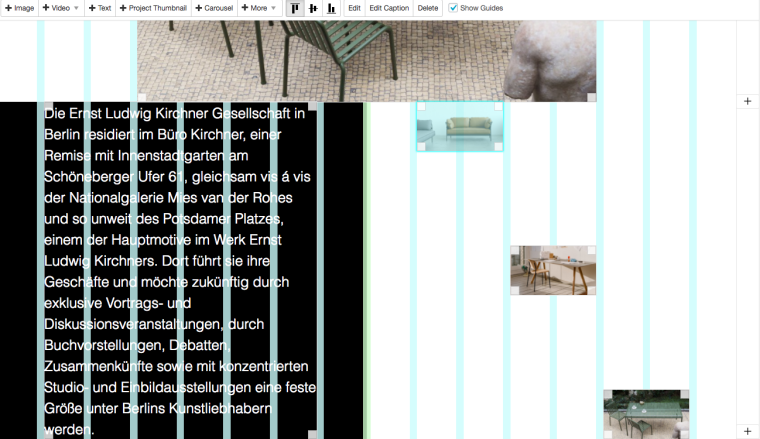
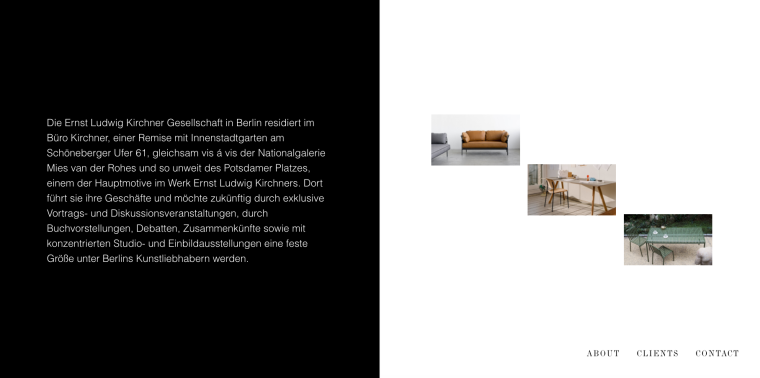
And this is the result on the web:
And this is how i want:
Is there any way to put the elements on the top?
Thank you very much guys!!!
-
Hi antonioprado!
This is a default setting to align the elements in a right balance on the page.
If you have a bigger text, the box which aligns the images on the right gets bigger as well.
Have a look here:
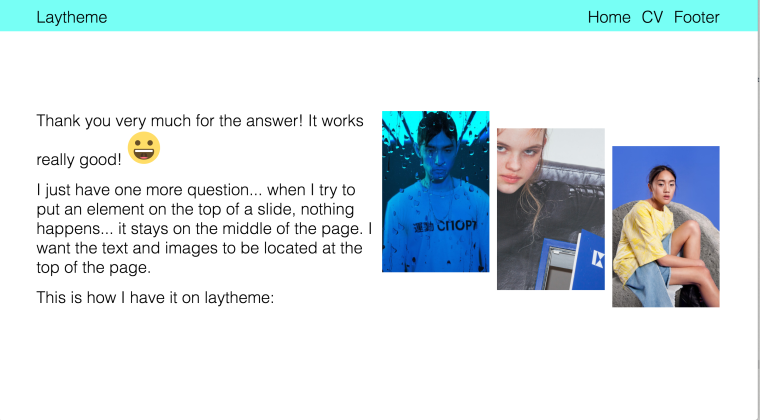
And now here:
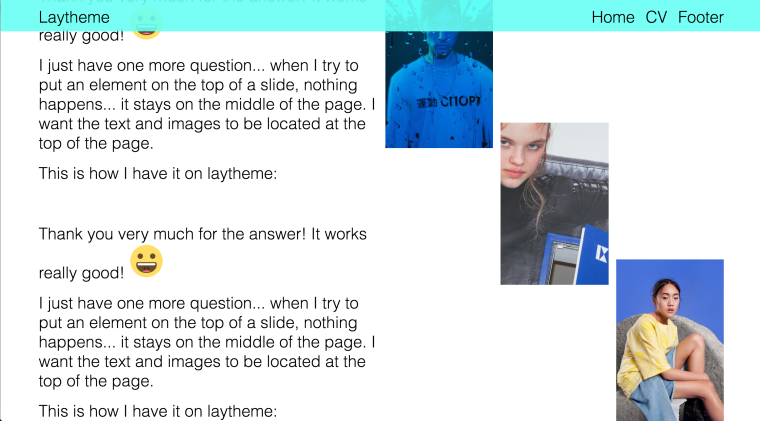
You would need the text box and extra class and style it with the custom CSS:
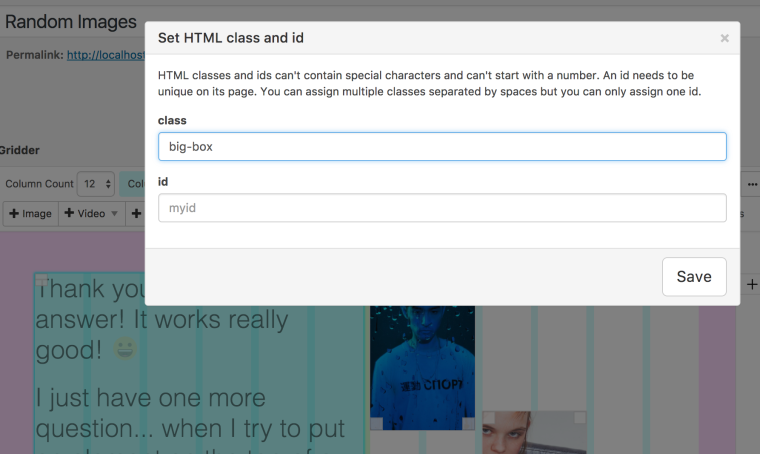
.big-box {
    height: 70vh;
}
I hope that helped!
All the best!
Marius
-
Hi antonioprado!
This is a default setting to align the elements in a right balance on the page.
If you have a bigger text, the box which aligns the images on the right gets bigger as well.
Have a look here:
And now here:
You would need the text box and extra class and style it with the custom CSS:
.big-box {
    height: 70vh;
}
I hope that helped!
All the best!
Marius
@mariusjopen Thank you! It works really good! Cheers!! :D
-
Hi antonioprado!
This is a default setting to align the elements in a right balance on the page.
If you have a bigger text, the box which aligns the images on the right gets bigger as well.
Have a look here:
And now here:
You would need the text box and extra class and style it with the custom CSS:
.big-box {
    height: 70vh;
}
I hope that helped!
All the best!
Marius
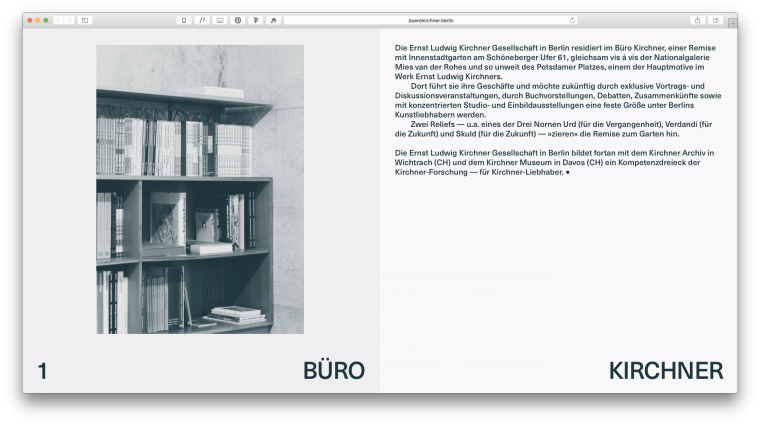
@mariusjopen Hello again! The trick you told me works good, but how can I put two elements and get one on the top or center and another on the bottom? When I try to put another text box it shows me that i can't do it. Something like this:
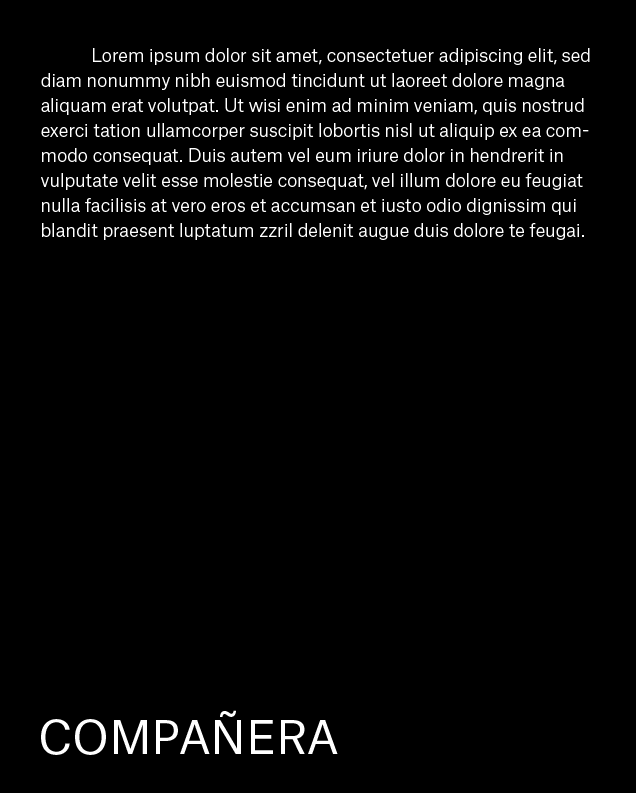
Here an exemple of Buerokirchner:
Thank you guys!!
-
hi antonioprado!
Great!
I think the best way to do this is with a specific id or class.
You can give elements an id or a class by right-clicking on them.
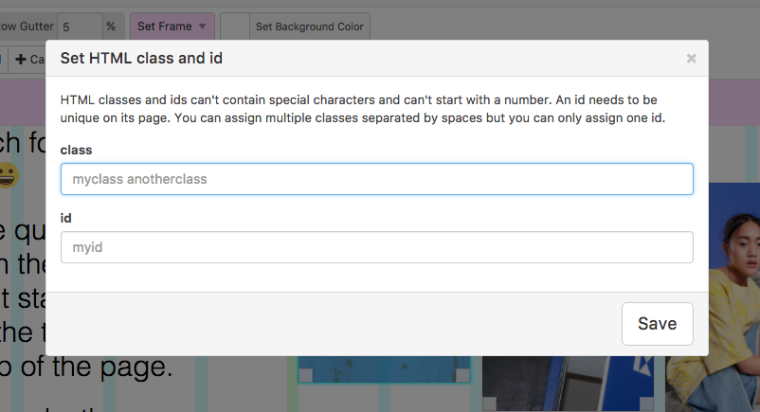
Then you can give a class name and use custom CSS to move it to the bottom.
I hope that helped!
All the best!
Marius
-
hi antonioprado!
Great!
I think the best way to do this is with a specific id or class.
You can give elements an id or a class by right-clicking on them.
Then you can give a class name and use custom CSS to move it to the bottom.
I hope that helped!
All the best!
Marius
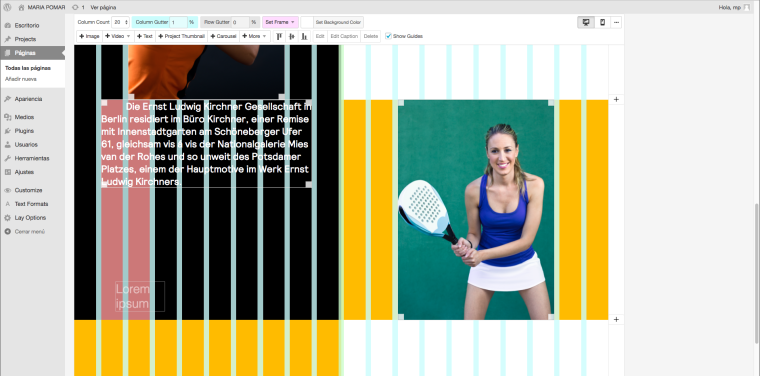
@mariusjopen Thank you for the answer! I I imagined that it would be something like that, but the problem I have is that i can't even add a text box to add the class or the id... As I already have a text box that occupies the width, I can't add another under this on; the same happens with images, once I have one that occupies the width, I can't put another under it. Any ideas? :S I'm using fullscreen slider.
Thank you very much!!!!
-
hi antonioprado!
Great!
I think the best way to do this is with a specific id or class.
You can give elements an id or a class by right-clicking on them.
Then you can give a class name and use custom CSS to move it to the bottom.
I hope that helped!
All the best!
Marius
@mariusjopen Hello!! I just find out how to add elements under others! I just activated the option "user browser height for row height".
Thank you! :D

Hello! It looks like you're interested in this conversation, but you don't have an account yet.
Getting fed up of having to scroll through the same posts each visit? When you register for an account, you'll always come back to exactly where you were before, and choose to be notified of new replies (either via email, or push notification). You'll also be able to save bookmarks and upvote posts to show your appreciation to other community members.
With your input, this post could be even better 💗
Register Login