Adding imagery to projects
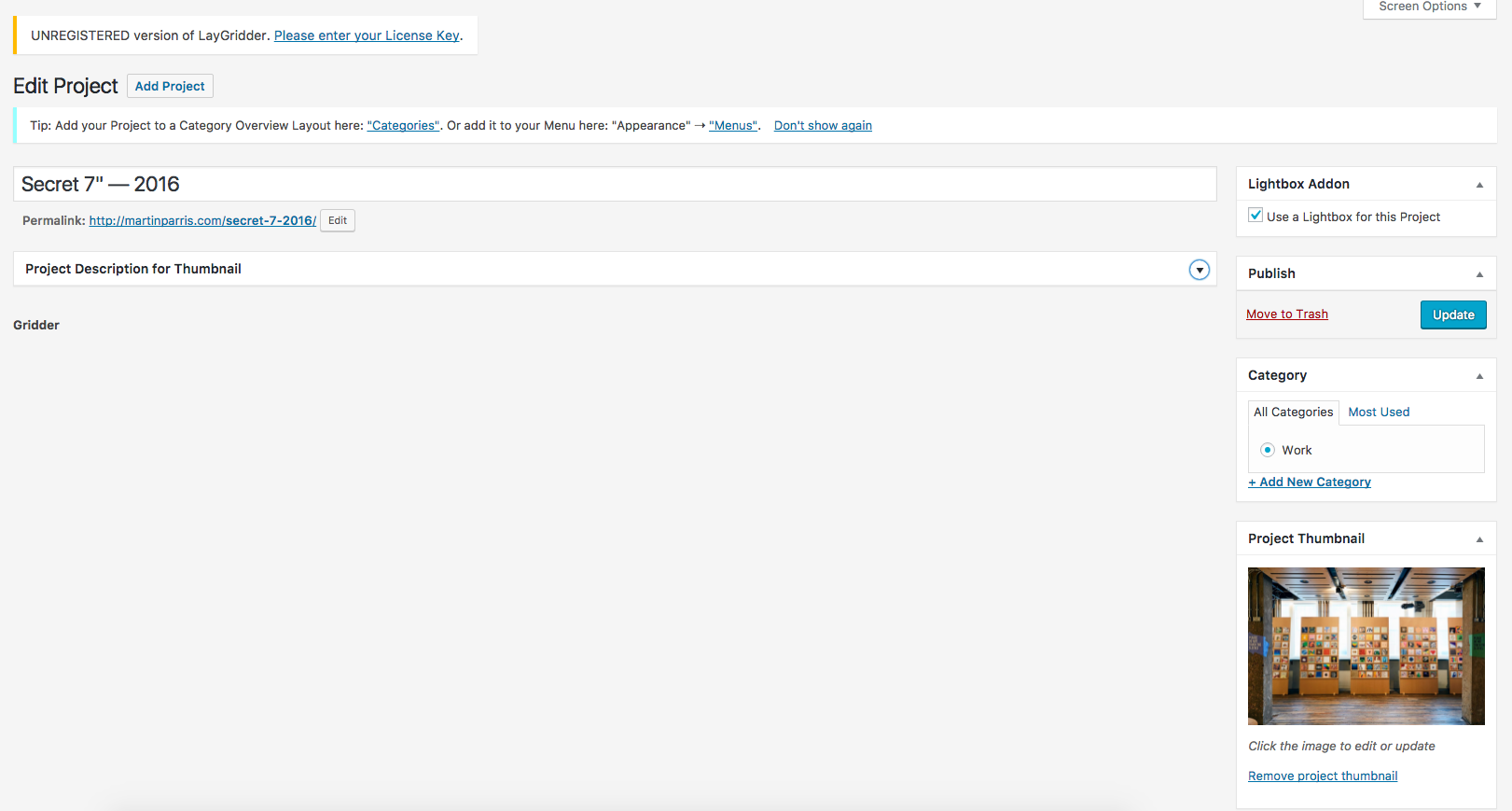
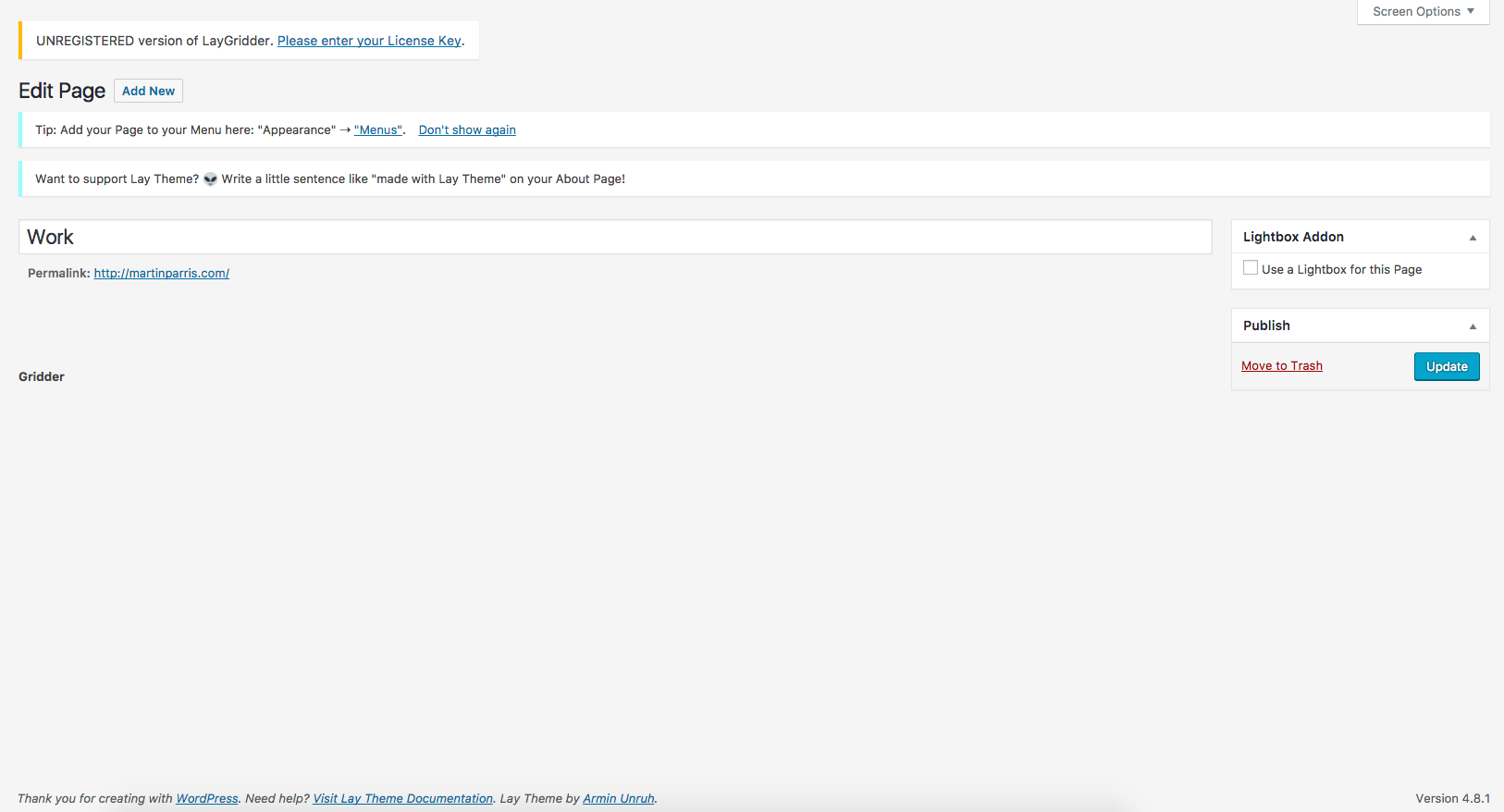
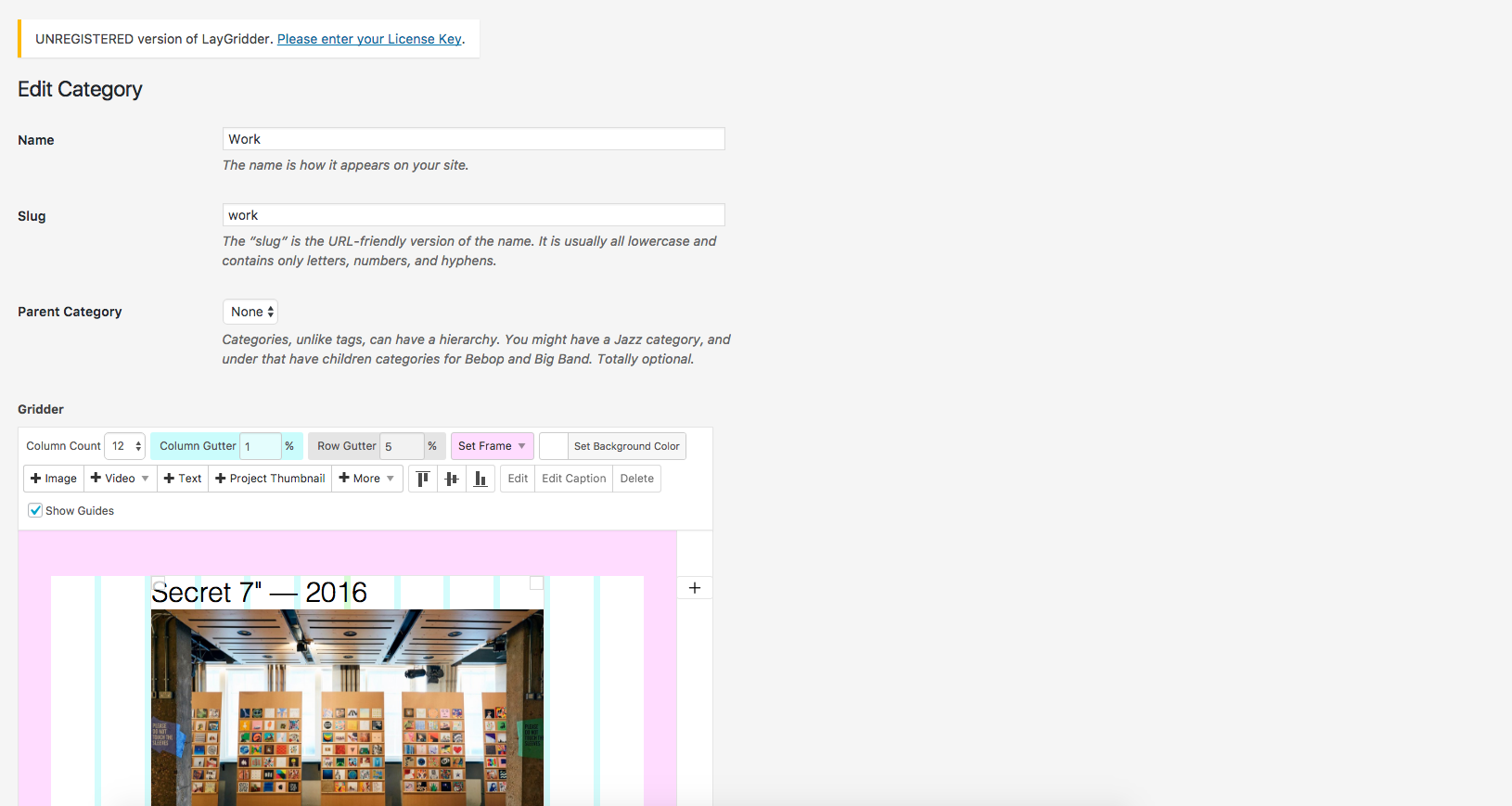
-
Hi,
Recently purchased the Lay Theme Pro (and wish to use the lightbox add-on with it) and have been trying to create my first 'project'. On my project page, I don't seem to have anywhere to add additional imagery? So when project thumbnail is clicked on, obvisouly nothing shows. Am I missing something or is the theme?I noticed the project and the 'pages' section both have the sub title 'Grinder' there, but nothing to actually use? The only way I can set up a page is via the 'categories' section, is this right?
Also, I keep getting a message at top of page requesting – "UNREGISTERED version of LayGridder. Please enter your License Key." When I purchased the Theme Pro I only got the key for the theme not for Gridder. Does this matter/effect it? If so, shouldn't my Pro license cover this?!


Any help would be grand
Martin -
Hi Martin,
are you sure you bought the LayTheme and not the Gridder Plugin?
Here is Laytheme
http://laytheme.com/
You install it as a themeHere is the Lightbox plugin which works ONLY with Laytheme
http://laytheme.com/lightbox.html
You install it as a pluginHere is the LayGridder which is a Wordpress plugin which you do NOT install with Laytheme but with an empty Wordpress installation. It is not connected to Laytheme
http://laygridder.com/
You install it as a plugin.If you made the wrong purchase – let us know. We can fix that.
Best!
Marius

Hello! It looks like you're interested in this conversation, but you don't have an account yet.
Getting fed up of having to scroll through the same posts each visit? When you register for an account, you'll always come back to exactly where you were before, and choose to be notified of new replies (either via email, or push notification). You'll also be able to save bookmarks and upvote posts to show your appreciation to other community members.
With your input, this post could be even better 💗
Register Login