Mobile Screen Navigation Adjustment
-
Hello!
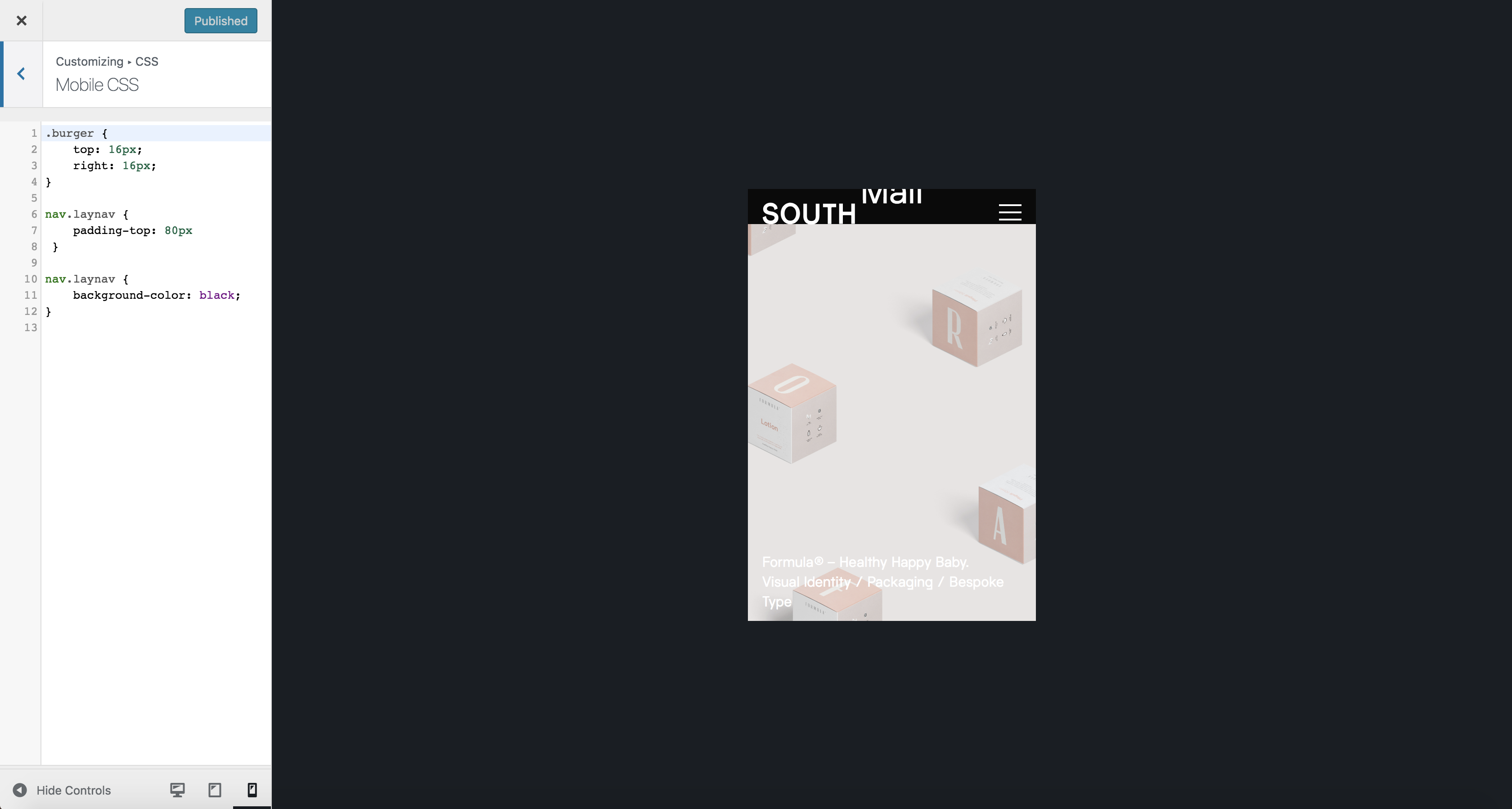
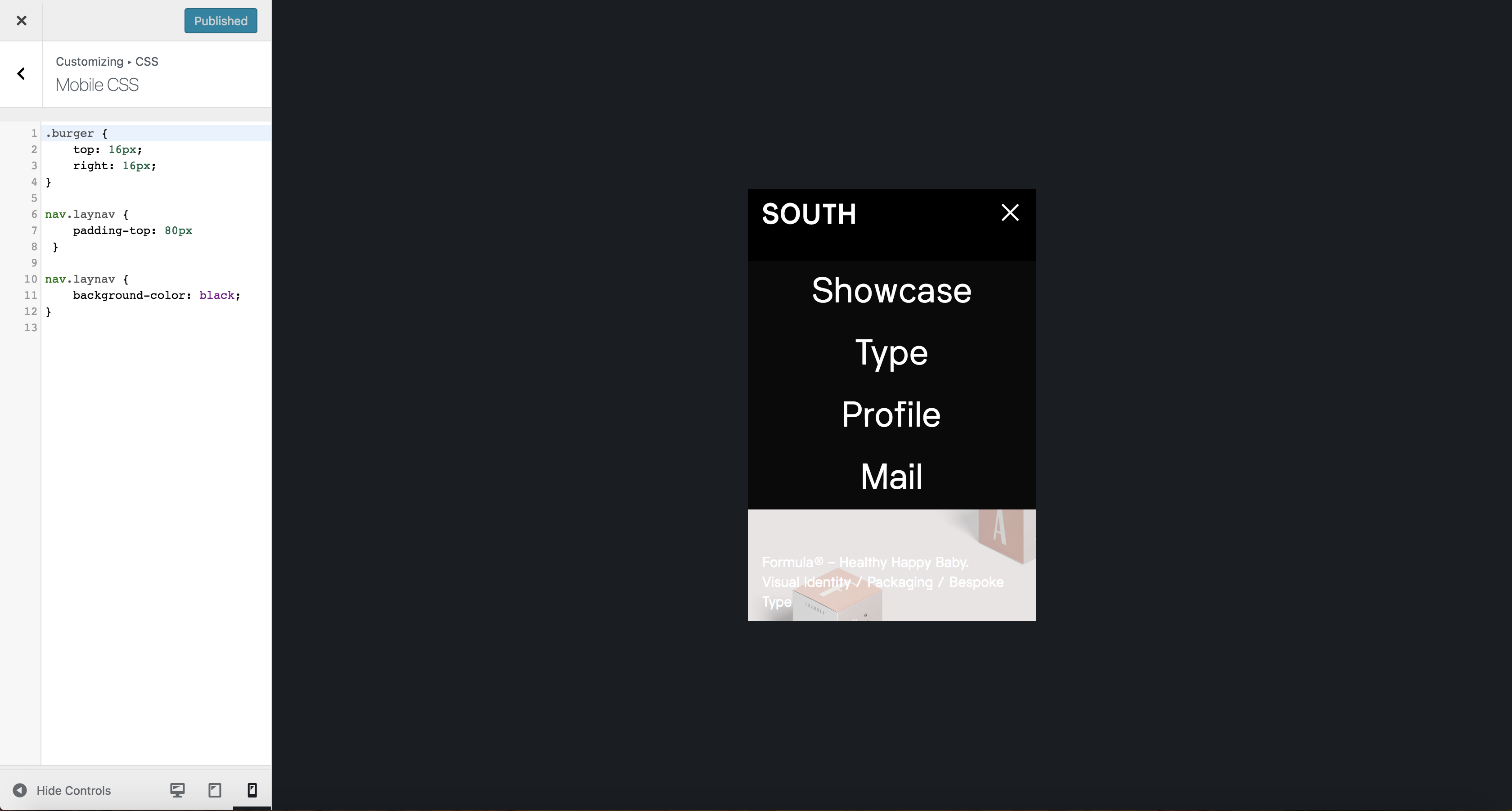
I would like to adjust the navigation on the mobile version of my site.
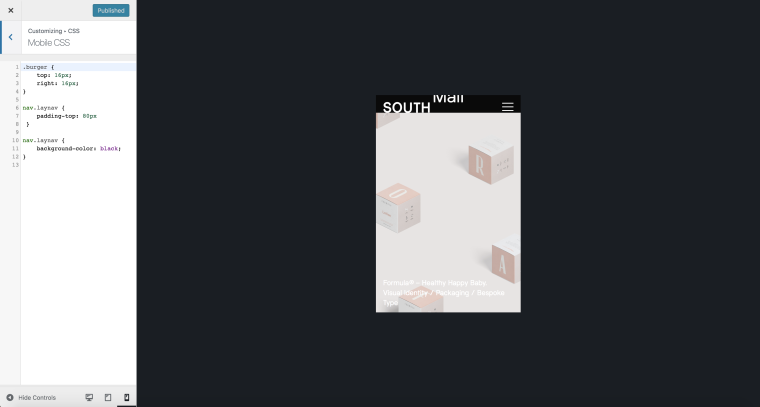
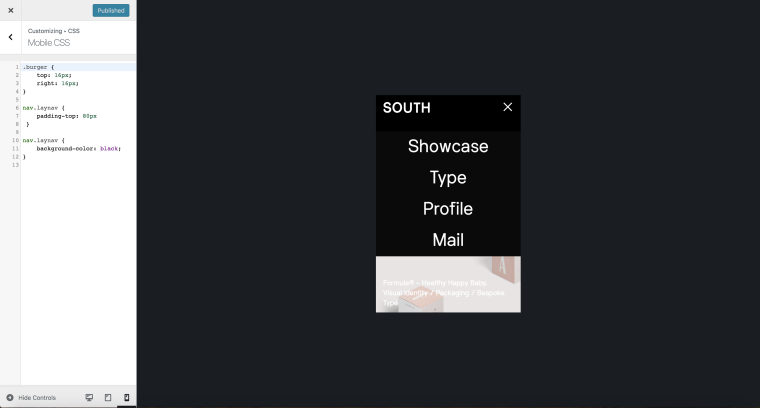
I added a little CSS and was able to push the Navigation links down using the padding, although now when the navigation is hidden you can still see it cut off at the top of the screen (see below). I would also like to make the whole screen black with the links in the center.
Thanks for your time!
Best,
A
-
-
-
-
Dear @amc
in the CUSTOMIZER you can change the fontsize etc of the mobile navigation.
I recommend to use this instead of the Custom CSS:
Best!
Marius
-
-
Dear @mariusjopen & @edgrbnz Thanks for your messages.
When I hide the 'menu bar' this messes up the padding at the top of the navigation. As I don't want a black bar behind the site title and burger.I cannot see where I can make this complete colour overlay either sadly.
Thanks in advance!
A -
Dear @amc
-
Your black navbar is not a read navbar.
The black is from the background colour which you can see because the LayTheme content gets pushed down with the padding. See here:

-
When you edit the active navigation CSS like this you can make changes:
.laynav.mobile-nav.transition.active {
    background: red !important;
    height: 100vh;
}
Or for the list elements:
.laynav.mobile-nav.transition.active li {
    padding-top: 20px;
}
Best you play around with this a bit :-)
Hope I could help!
Marius
-
-
Thanks @mariusjopen!
I made it work!Cheers
A


Hello! It looks like you're interested in this conversation, but you don't have an account yet.
Getting fed up of having to scroll through the same posts each visit? When you register for an account, you'll always come back to exactly where you were before, and choose to be notified of new replies (either via email, or push notification). You'll also be able to save bookmarks and upvote posts to show your appreciation to other community members.
With your input, this post could be even better 💗
Register Login