Skip to content
  • Recent
  • Tags
  • Popular
  • Users
  • Search
Skins
  • Light
  • Brite
  • Cerulean
  • Cosmo
  • Flatly
  • Journal
  • Litera
  • Lumen
  • Lux
  • Materia
  • Minty
  • Morph
  • Pulse
  • Sandstone
  • Simplex
  • Sketchy
  • Spacelab
  • United
  • Yeti
  • Zephyr
  • Dark
  • Cyborg
  • Darkly
  • Quartz
  • Slate
  • Solar
  • Superhero
  • Vapor

  • Default (No Skin)
  • No Skin
Collapse

Lay Theme Forum

  1. Home
  2. General Discussion
  3. Moving wp-admin

Moving wp-admin

Scheduled Pinned Locked Moved General Discussion
4 Posts 2 Posters 1.3k Views
  • Oldest to Newest
  • Newest to Oldest
  • Most Votes
Reply
  • Reply as topic
Log in to reply
This topic has been deleted. Only users with topic management privileges can see it.
  • B
    B
    BTC
    wrote on last edited by
    #1

    Hello,

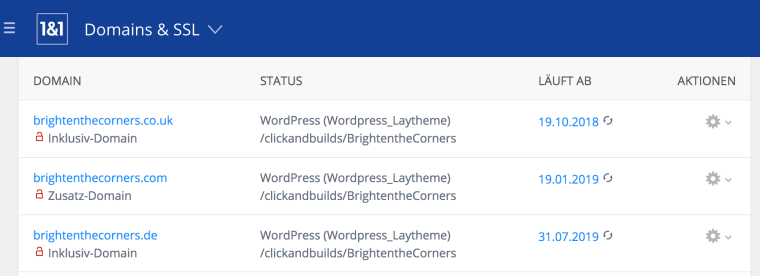
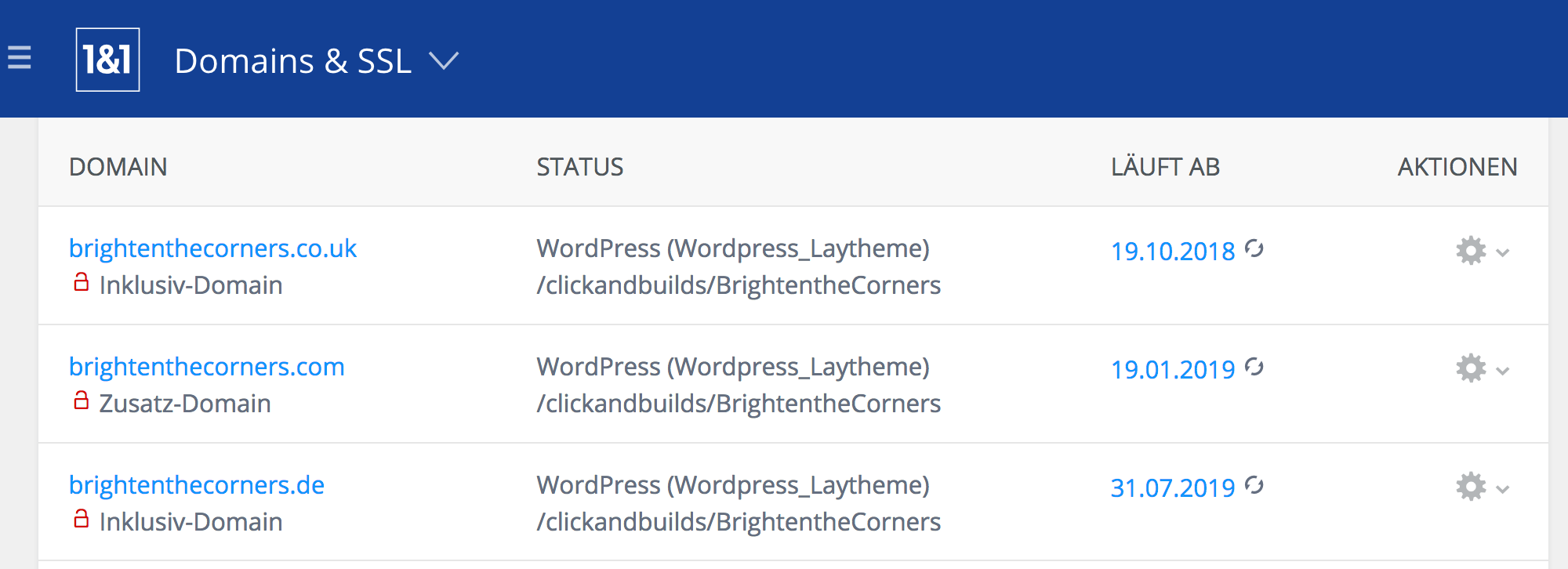
    we did set up our new website design with Wordpress/Laytheme on one of our three domains www.brightenthecorners.co.uk. For our other two domains we set the path to the same Wordpress/Laytheme folder. So when you also visit use www.brightenthecorners.com or www.brightenthecorners.de you will see the same content as on the .co.uk domain.

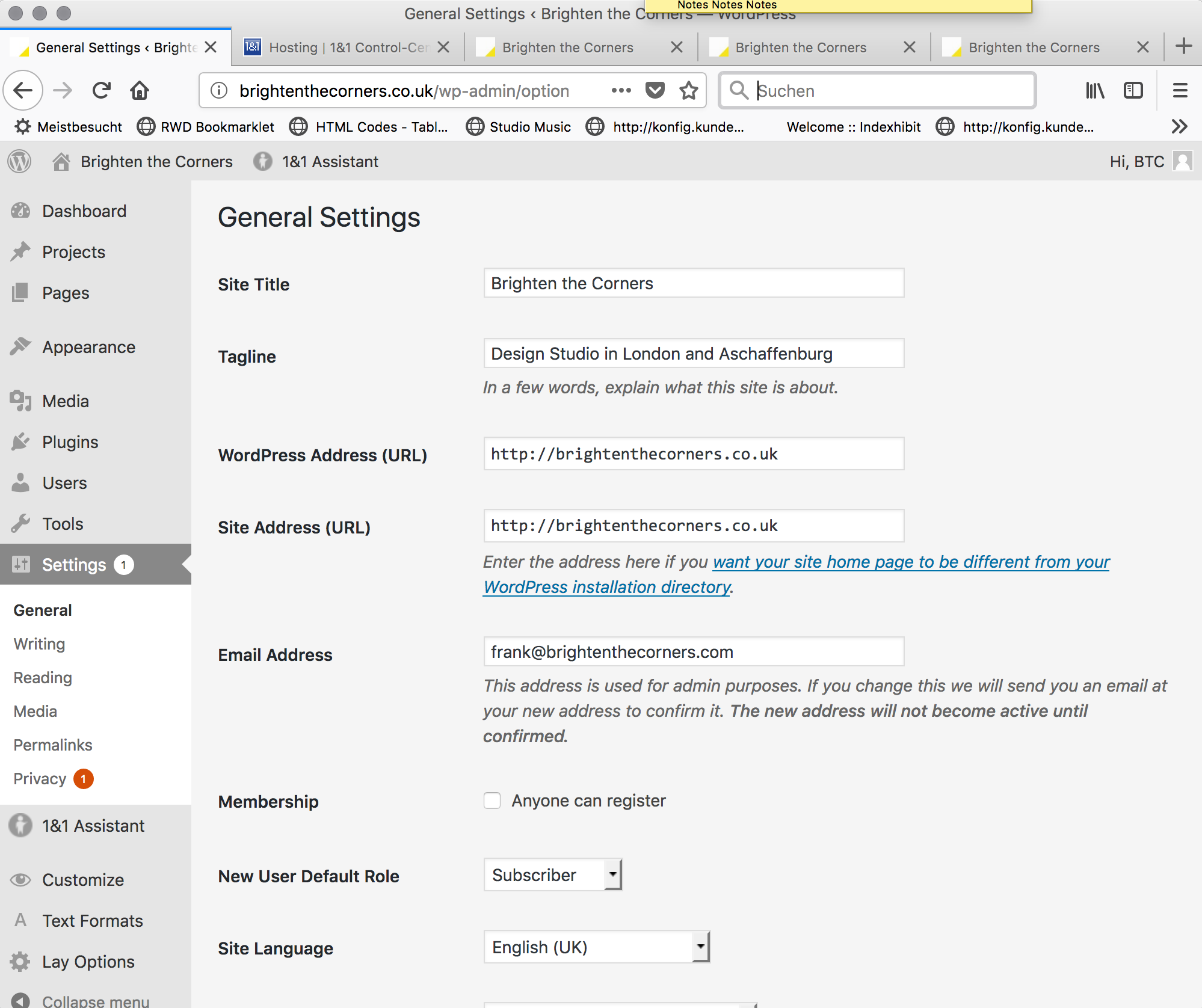
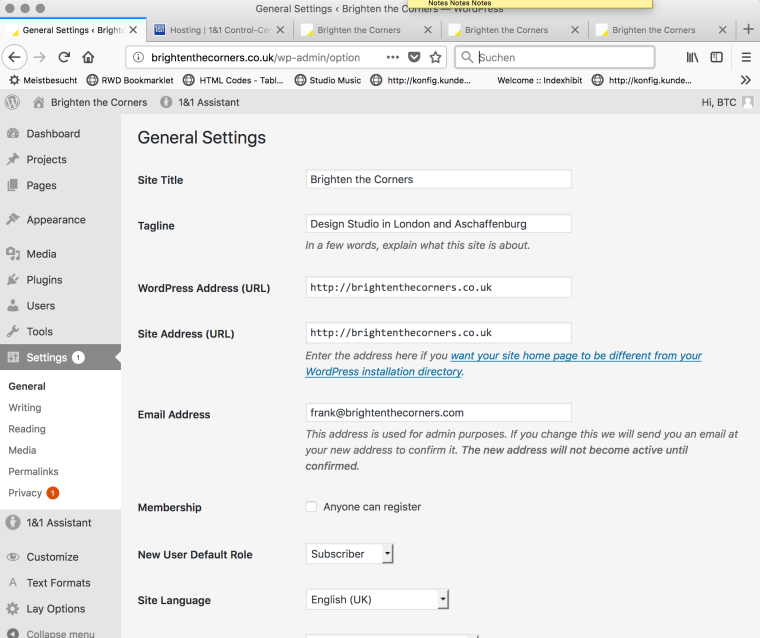
    Now we want to get rid of our co.uk plus our .de domains and only keep the .com domain. Is there an easy way (this did not work: http://laytheme.com/documentation.html#moving-website) that the wp-admin now runs on http://brightenthecorners.com/wp-admin instead of http://brightenthecorners.co.uk/wp-admin?

    Thanks!
    Frank
    0_1538638190653_Bildschirmfoto 2018-10-03 um 21.53.53.png

    0_1538638083639_Bildschirmfoto 2018-10-03 um 21.47.50.png

    1 Reply Last reply
    0
    • mariusjopenM
      mariusjopenM
      mariusjopen
      Global Moderator
      wrote on last edited by
      #2

      Dear @BTC
      yes. You could change the ending of the URL in the General settings.

      But be aware. You might run into trouble when the server is not perfectly set up.

      What I recommend you is the following – even if it is more work:

      1. Make a backup of your website
      2. Install Wordpress under the new domain
      3. Import your backup

      Have a look at Updraft Plus for the backup.

      I see you are using 1&1. They might help you with this as well.

      Best!

      Marius

      www.mariusjopen.world

      1 Reply Last reply
      0
      • B
        B
        BTC
        wrote on last edited by
        #3

        Thanks for pointing me to Updraft. This works perfect!

        1 Reply Last reply
        0
        • mariusjopenM
          mariusjopenM
          mariusjopen
          Global Moderator
          wrote on last edited by
          #4

          Dear @BTC
          ah great!

          very happy to hear!

          Best!

          Marius

          www.mariusjopen.world

          1 Reply Last reply
          0

          Hello! It looks like you're interested in this conversation, but you don't have an account yet.

          Getting fed up of having to scroll through the same posts each visit? When you register for an account, you'll always come back to exactly where you were before, and choose to be notified of new replies (either via email, or push notification). You'll also be able to save bookmarks and upvote posts to show your appreciation to other community members.

          With your input, this post could be even better 💗

          Register Login
          Reply
          • Reply as topic
          Log in to reply
          • Oldest to Newest
          • Newest to Oldest
          • Most Votes


          Online Users
          A
          Anna_S
          Forgot your key, lost your files, need a previous Lay Theme or Addon version? Go to www.laykeymanager.com
          laytheme.com
          • Login

          • Don't have an account? Register

          • Login or register to search.
          • First post
            Last post
          0
          • Recent
          • Tags
          • Popular
          • Users
          • Search