iOS Safari Viewport Height
-
Hello everyone,
I couldn't manage to get content in 100vh with iOS Safari. The navigation bar of safari is overlaying the lowest part of my 100vh. It's a well-known problem and there are a few solutions on the web. Unfortunately, nothing works in my case. For example:
https://css-tricks.com/the-trick-to-viewport-units-on-mobile/Has anyone managed to make 100vh work in iOS Safari?
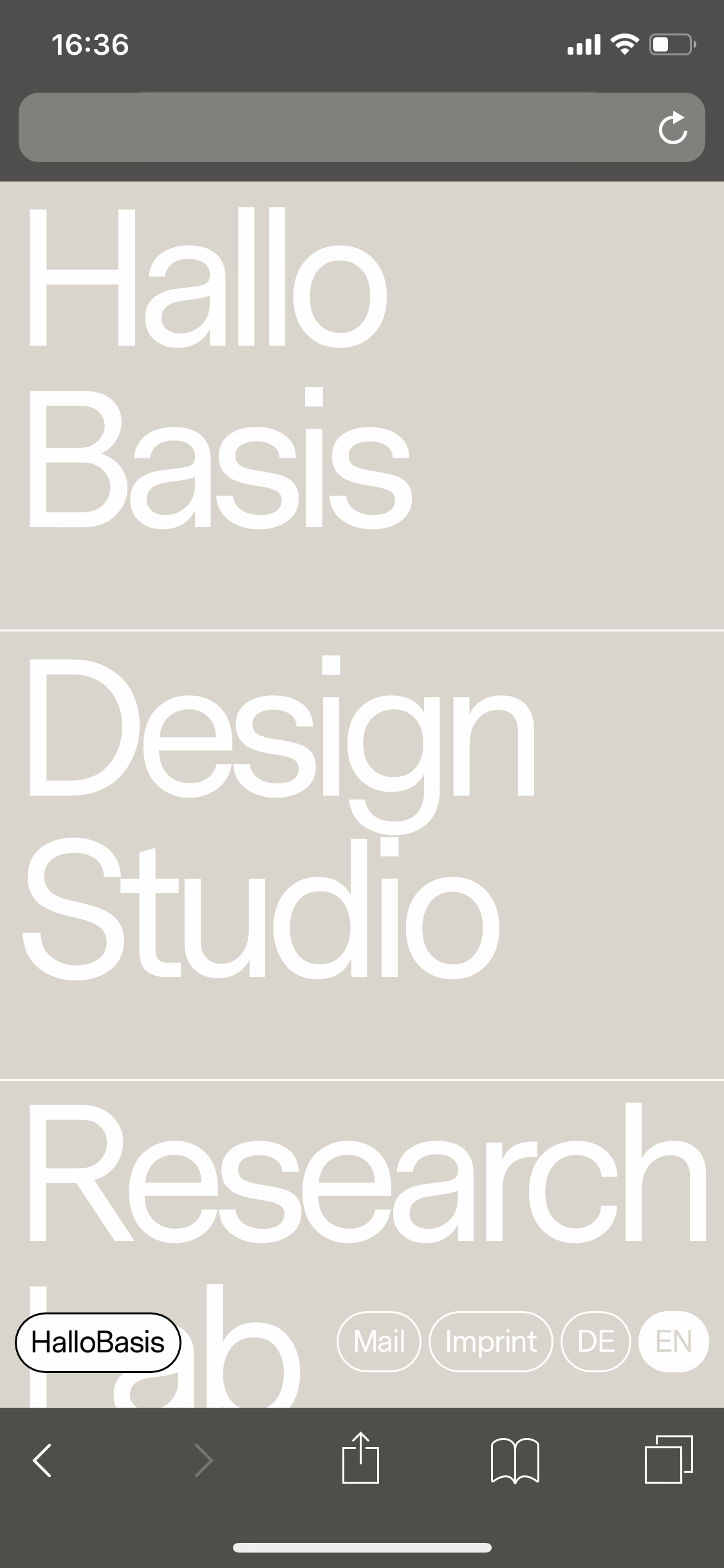
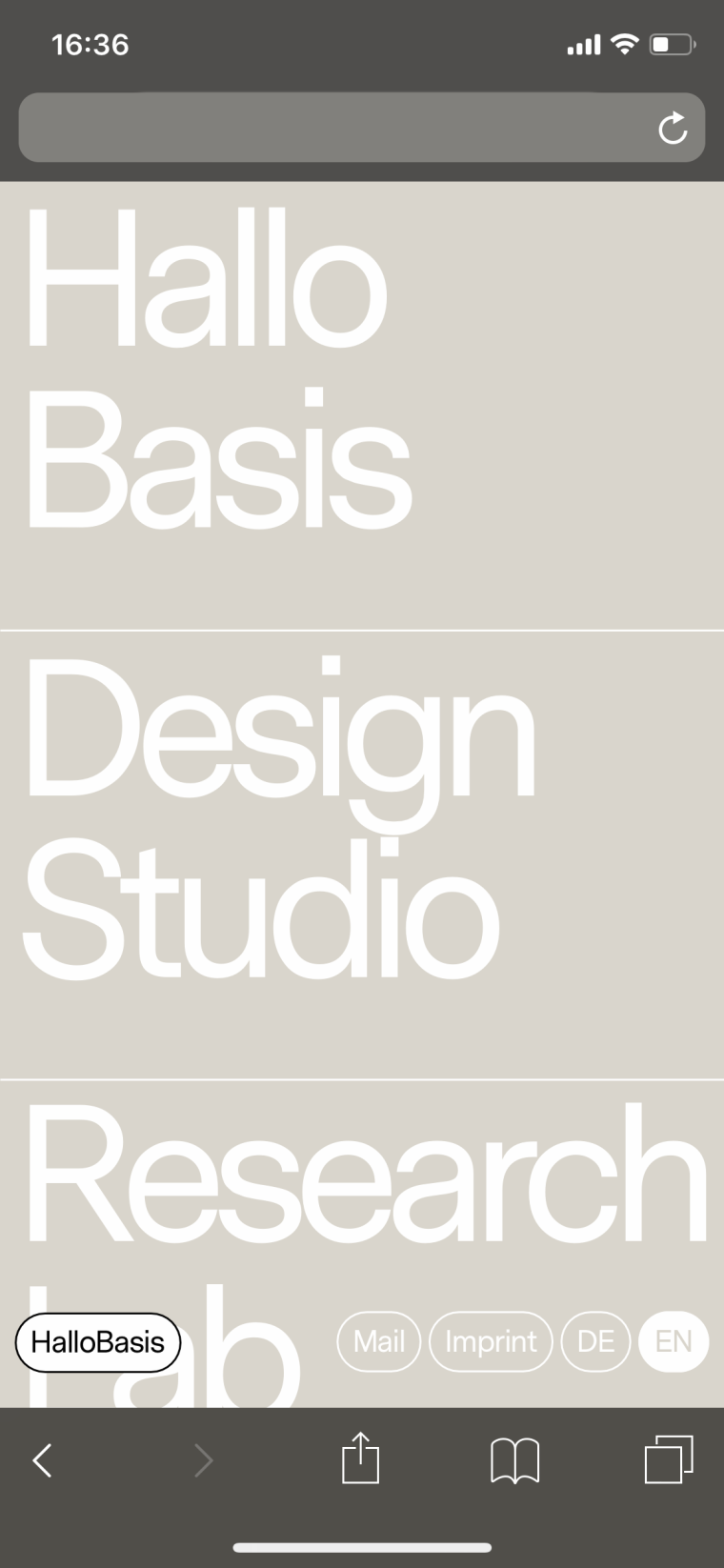
It should look like this (what it does in many cases):

But on an iPhone X it looks like this:
-
Dear @jwk
that is a tricky one.
Not sure if we will get a fix for that quickly.
I will forward it to Armin.Best!
Marius
-
-
Mh sorry for the late reply.
Not much we can do here, sry!



Hello! It looks like you're interested in this conversation, but you don't have an account yet.
Getting fed up of having to scroll through the same posts each visit? When you register for an account, you'll always come back to exactly where you were before, and choose to be notified of new replies (either via email, or push notification). You'll also be able to save bookmarks and upvote posts to show your appreciation to other community members.
With your input, this post could be even better 💗
Register Login