Adjusting space between images in carousel
-
-
-
@Anders @mariusjopen Adding the following CSS did the trick:
.lay-carousel-wrap.show-multiple-slides .lay-carousel-slide img, .lay-carousel-wrap.show-multiple-slides .lay-carousel-slide video { padding-right:1%; } -
Dear @studioworkhorse
Ah great! Thank you for sharing and using LayTheme!
Best!
Marius -
That didn't work for me, but here is my solution, if you have single slides:
.lay-carousel-slide.is-selected {
margin-left: 3%;
left: -3%;
}

.lay-carousel-slide.swiper-slide-prev {
left: -3%;
}
The numbers you can change to your liking, but they should all be the same.
-
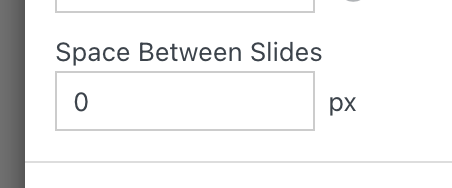
when you edit your carousel, there is also this setting
-
-
when using "aspect ratio of first element"
only one image at a time is shown:
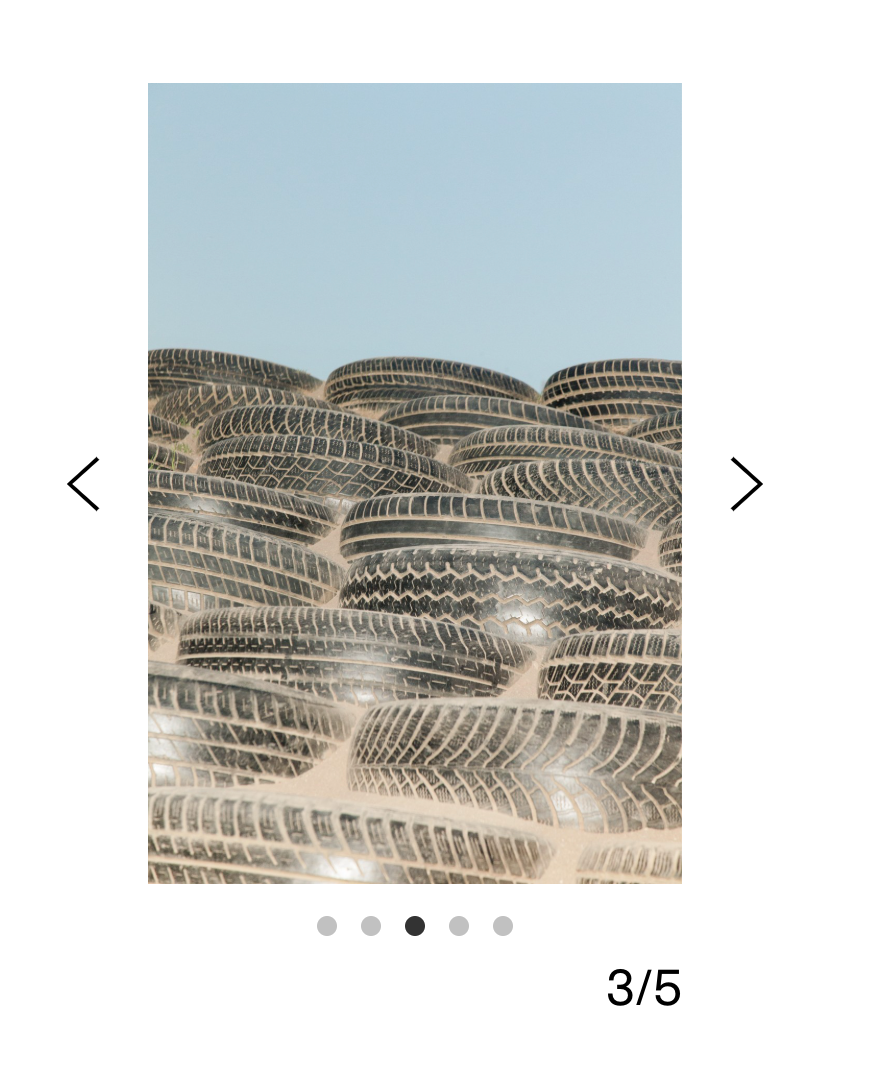
the currently non existing space between images is just shown during the sliding animation.
i will show the "space between slides" setting for this case too with the next lay theme update.
i just tested it and it seems to work fine.
-


Hello! It looks like you're interested in this conversation, but you don't have an account yet.
Getting fed up of having to scroll through the same posts each visit? When you register for an account, you'll always come back to exactly where you were before, and choose to be notified of new replies (either via email, or push notification). You'll also be able to save bookmarks and upvote posts to show your appreciation to other community members.
With your input, this post could be even better 💗
Register Login