Mailchimp
-
-
hey manuela!
ok, can you use the embedded mailchimp form? that one should work.

There are several embedded forms, you could try "Super Slim", I think that one works for sure. The others could work too.
-
Hey Armin,
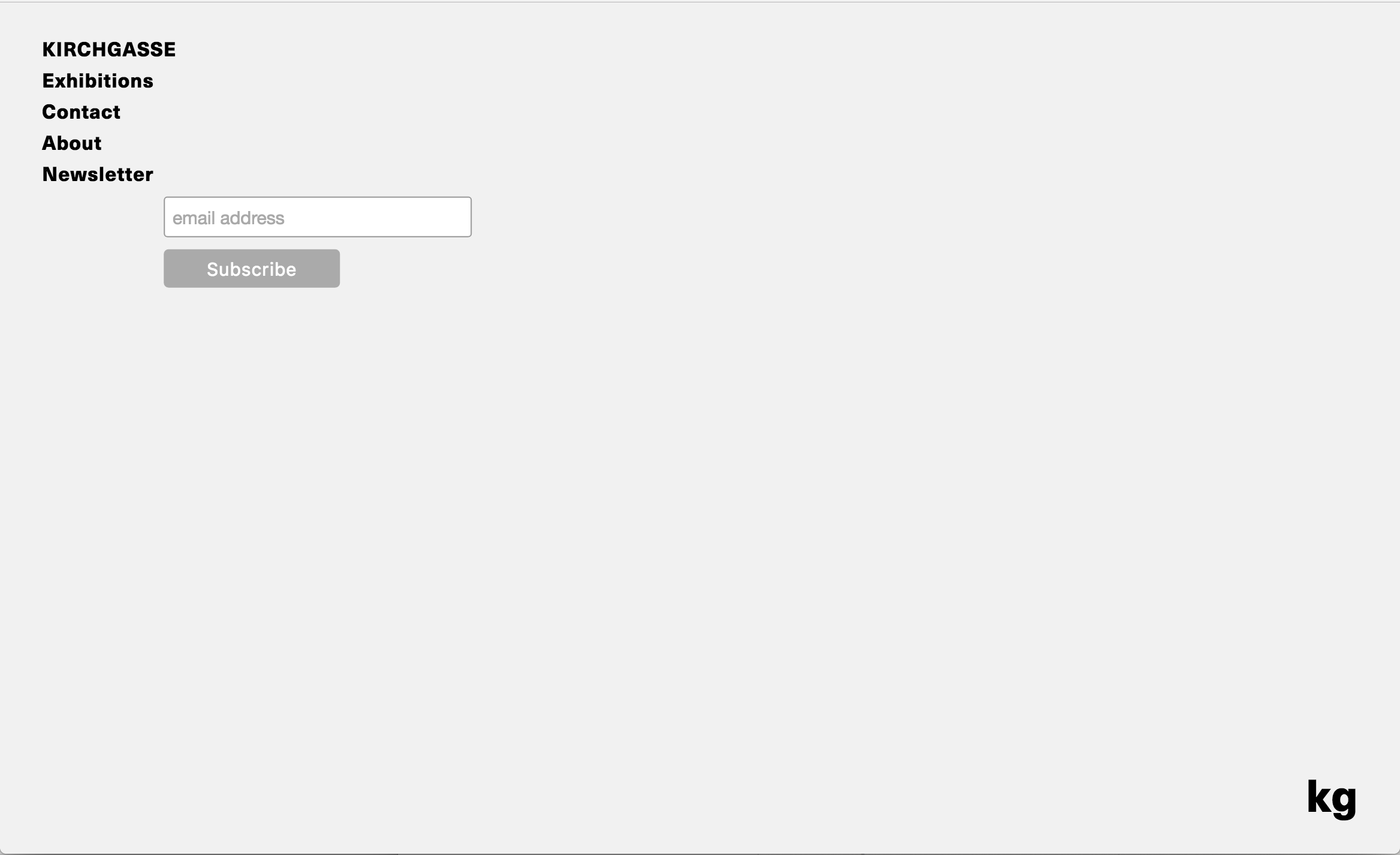
I’ve used mailchimp’s super slim version which you have suggested:
I am unable to override mailchimp’s CSS with the websites’ text formats and styles.I tried to adjust the style/CSS directly in the code snippet inside the text element and also moved it inside Custom CSS/HTML…
http://www.kirchgasse.com/newsletter/
-
in the code there is this line:
<link href="//cdn-images.mailchimp.com/embedcode/slim-10_7.css" rel="stylesheet" type="text/css">If you remove that line, the signup form will be completely unstyled. That would be a better starting point for you to style this by yourself.
-

Hello! It looks like you're interested in this conversation, but you don't have an account yet.
Getting fed up of having to scroll through the same posts each visit? When you register for an account, you'll always come back to exactly where you were before, and choose to be notified of new replies (either via email, or push notification). You'll also be able to save bookmarks and upvote posts to show your appreciation to other community members.
With your input, this post could be even better 💗
Register Login