Page showing only content of first row in gridder
-
Hi there,
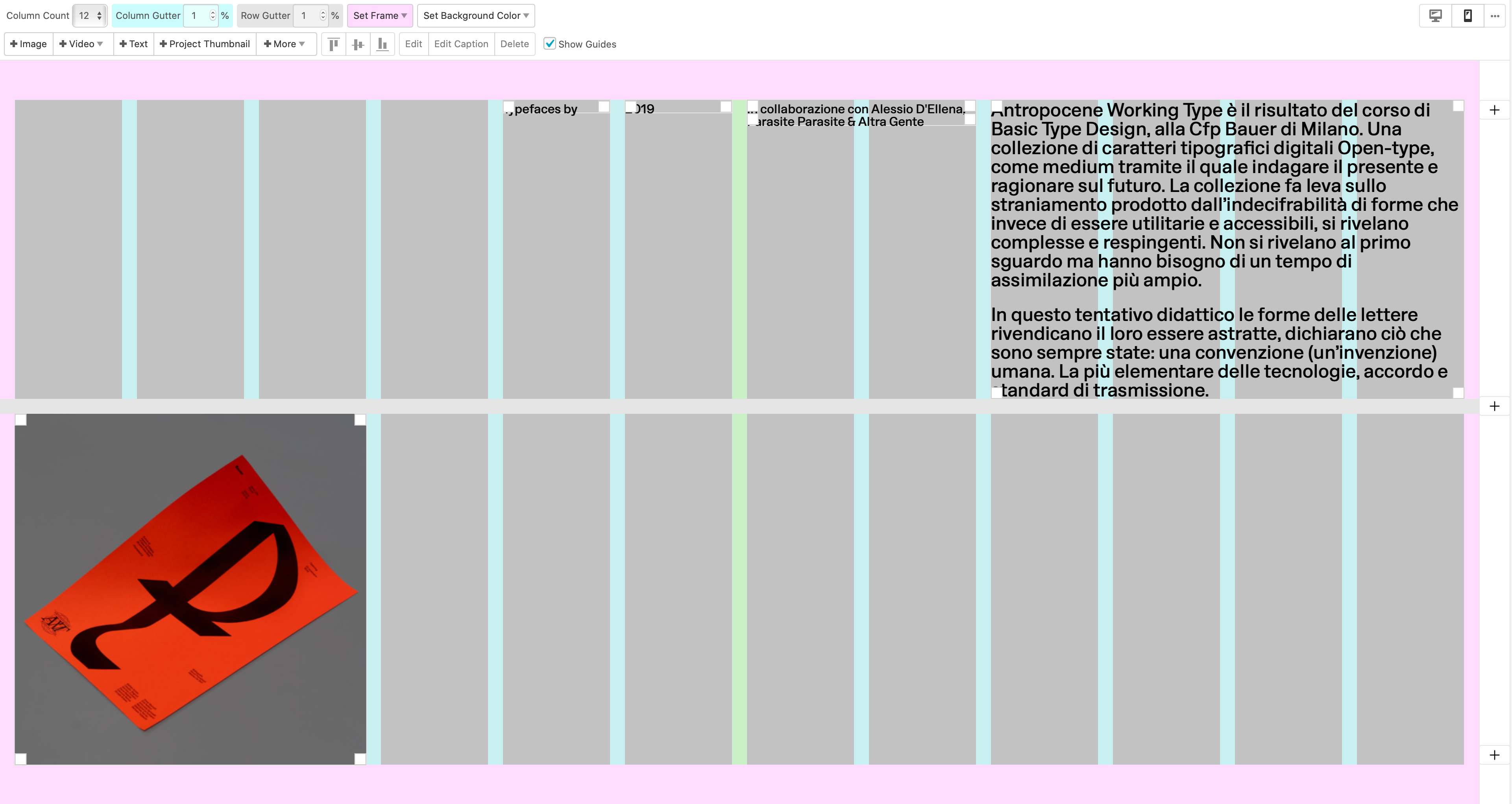
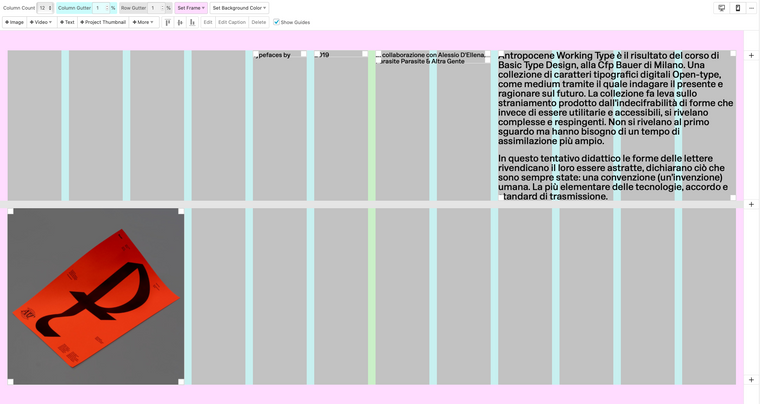
I'm having an issue using multiple rows on a page: the website (ex: http://www.bourgeoiscesar.com/awt) show content only for the first row, and on the following ones it just doesn't appear. Use browser height for row Height is not activated.
here attached a screenshot of the Gridder for the linked page:
Any idea what is the problem?
Thanks!
-
-
Hey,
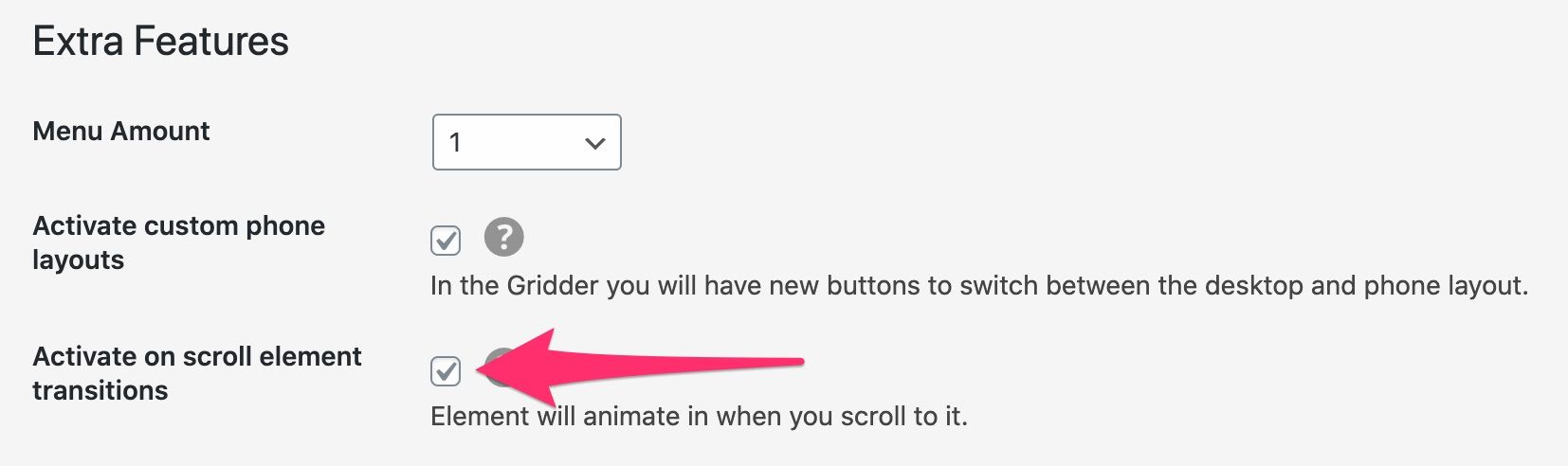
Thanks for you answer.I've the v3.2.0 and Activate on scroll element transitions feature is not activated. Using safari at the moment.
-
so that page has fullscreen slider activated
can you see in your lay options -> fullscreen slider addonif you can activate settings that make it possible to like scroll down or use a click to go to the next row
because the problem is theres no way i can go to the next slide
you could also just disable fullscreen slider -
Yesss, Thanks!


Hello! It looks like you're interested in this conversation, but you don't have an account yet.
Getting fed up of having to scroll through the same posts each visit? When you register for an account, you'll always come back to exactly where you were before, and choose to be notified of new replies (either via email, or push notification). You'll also be able to save bookmarks and upvote posts to show your appreciation to other community members.
With your input, this post could be even better 💗
Register Login