Changing the site title and navigation menu to white with a black bg image using full screen slider
-
Hi,
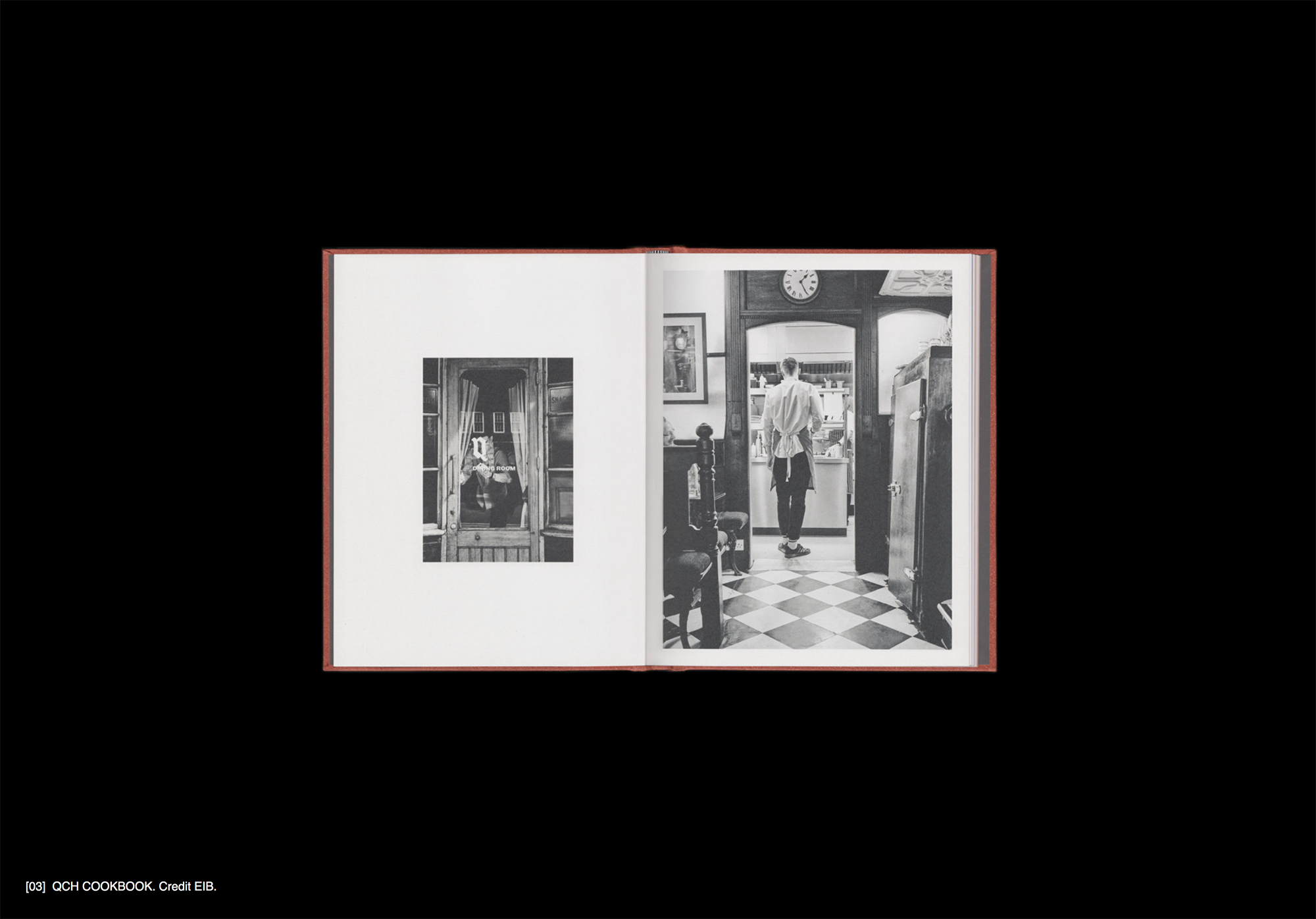
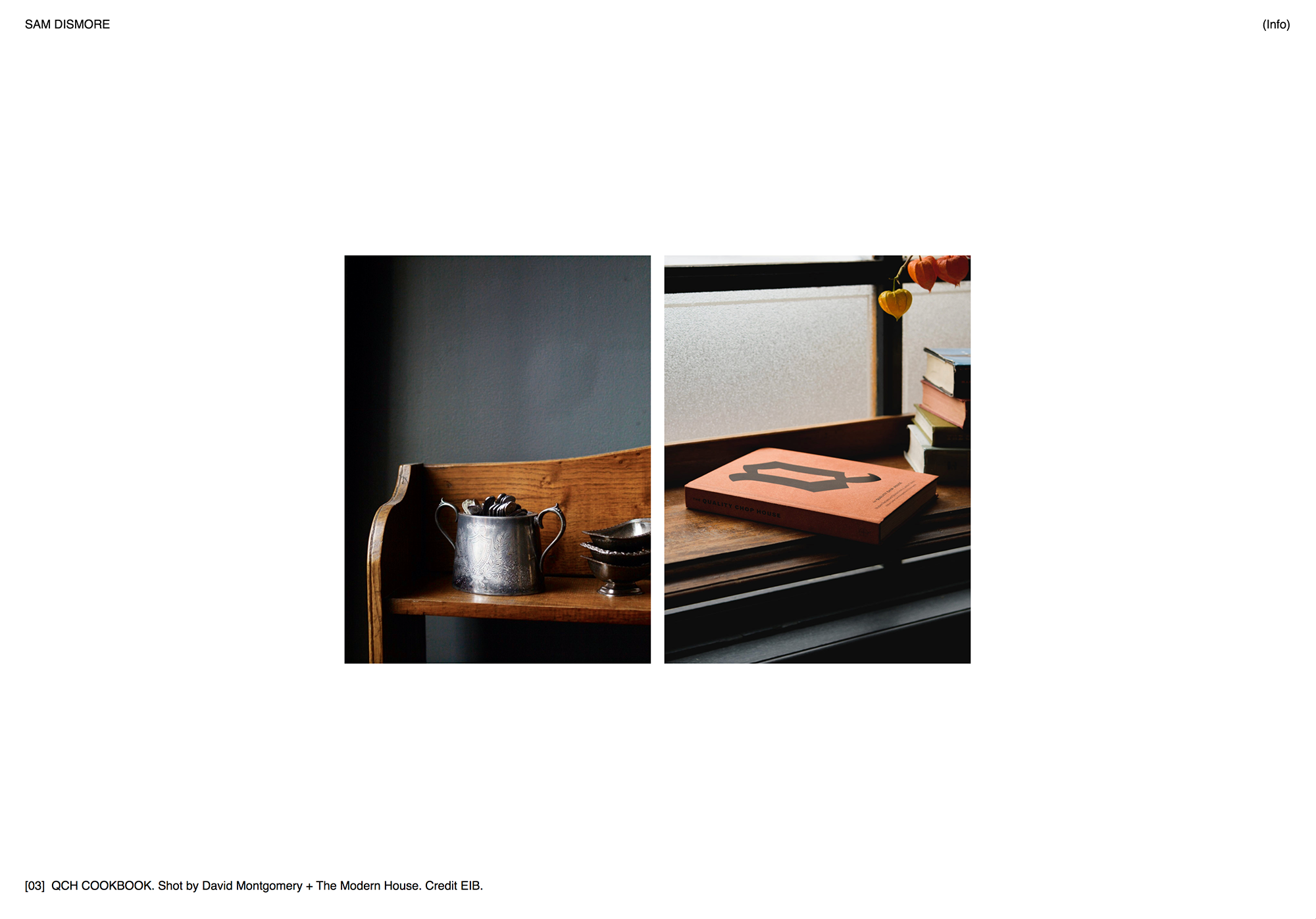
I'm using the full screen slider addon on my website and I've got a mix of images with some covering the whole browser with a black background. For these I have a white caption bottom left but the site title and navigation are still black and so they disappear into the image. I need to keep the site title and nav black for the rest of the site, so is there any way to change the colour of the site title and navigation to white when it gets to these handful of images with black backgrounds in the slider?
Any help would be really appreciated!
-
Dear @samdismore
It is possible but you may wish to seek the aid of a developer for this one,
Some Javascript would need to look at the contents/data of the image, register whether it is black or white and then change the Navigation accordingly - bit tricky but would be possible.
Another way which is probably easier is to manually set a class/ID for the slides that have the black background:

Set the the ID to e.g #special
And then when the slide with #special is active in the slide the navigation changes accordingly. This is the one i would go for.There are more ways for sure and hopefully people will share their thoughts!
I hope i have been somewhat helpful Sam, apologies that i cannot create a tutorial just now!
Let me know your thoughts and have a wonderful day :)
Sincerely
Richard

Hello! It looks like you're interested in this conversation, but you don't have an account yet.
Getting fed up of having to scroll through the same posts each visit? When you register for an account, you'll always come back to exactly where you were before, and choose to be notified of new replies (either via email, or push notification). You'll also be able to save bookmarks and upvote posts to show your appreciation to other community members.
With your input, this post could be even better 💗
Register Login