text in front of carousel
-
Hi everyone,
I've read all the thread and tried everything css line and unfortunately it's not working for me haha.
You can see on the website that I'm working on, there is a title "Geoffrey Pauchard" (class : name) which is fixed and the carousel below (class : carousel).
When I'm scrolling down, the title is going behind the carousel element. I would like to have the title in front of the carousel. I've tried the z-index but it's not working.There is my css code for it :
.name {position: fixed}
.name {z-index: 99}

.carousel {z-index: 1}
website link: http://latelierjungle.com/geoffrey-pauchard
Let me know if there is a way to make it work.
Thank you in advance.Jeff
-
-
Hi Richard, Thank you for your reply,
Unfortunately it doesn't work. The carousel is still on the title.
I've inspected the carousel block and it seems that when I remove all position div's in the main div which the class is called " row no-row -hoverimage row-2".See attached the the picture.
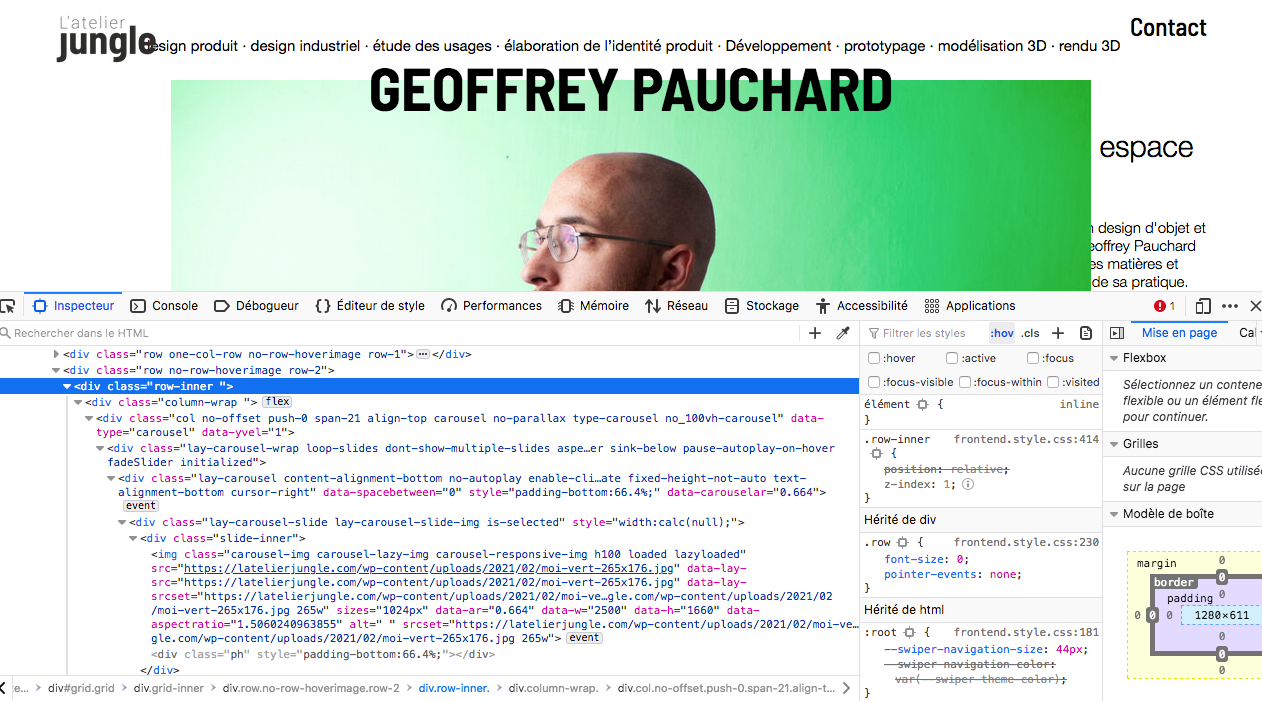
There is a way to change the code of the carousel ?
-
Dear @jeff
Your first-row that contains your Title should just need a z-index more that '1' :
.first-row.row-0 {
    z-index:10 !important;
}
Here on my browser:
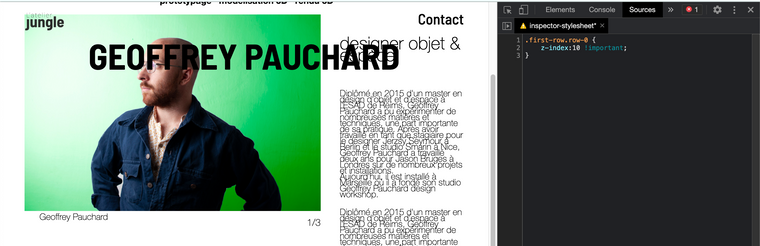
I Hope this helps you Jeff
Have a wonderful day, Thank you for using Lay Theme & talk soonSincerely
Richard -
-

Hello! It looks like you're interested in this conversation, but you don't have an account yet.
Getting fed up of having to scroll through the same posts each visit? When you register for an account, you'll always come back to exactly where you were before, and choose to be notified of new replies (either via email, or push notification). You'll also be able to save bookmarks and upvote posts to show your appreciation to other community members.
With your input, this post could be even better 💗
Register Login