Carousel overlapping with site title
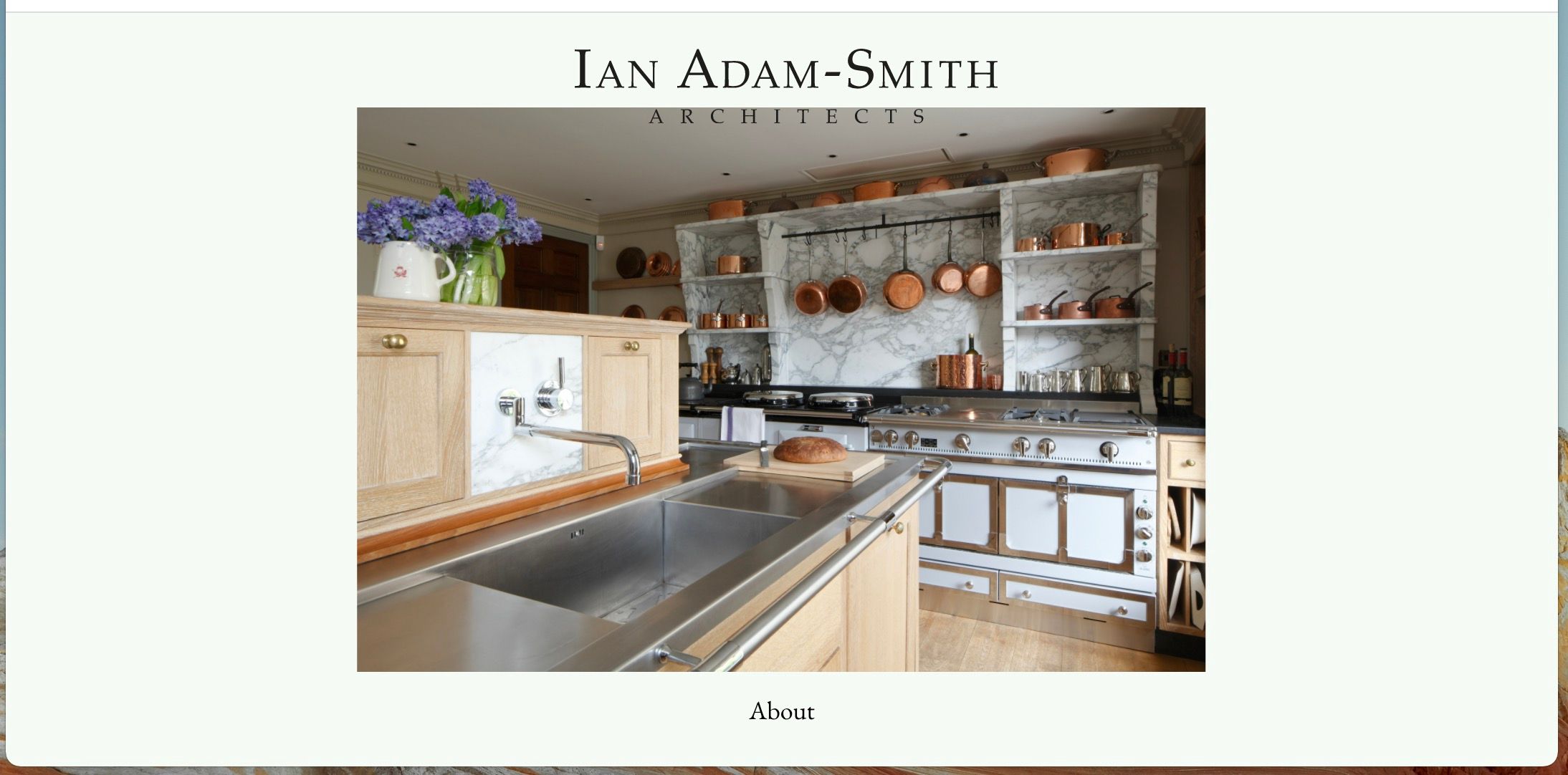
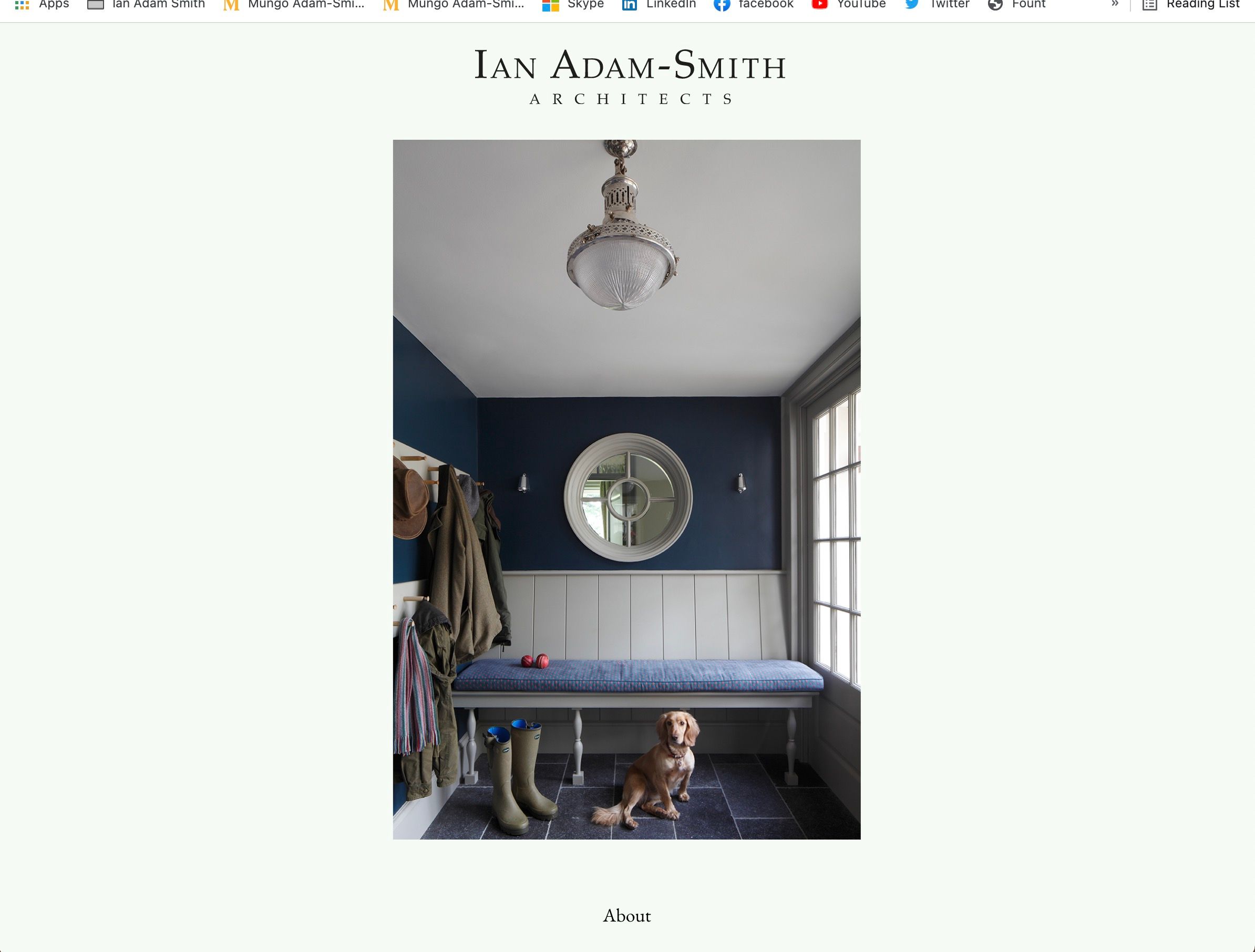
-
Hi,
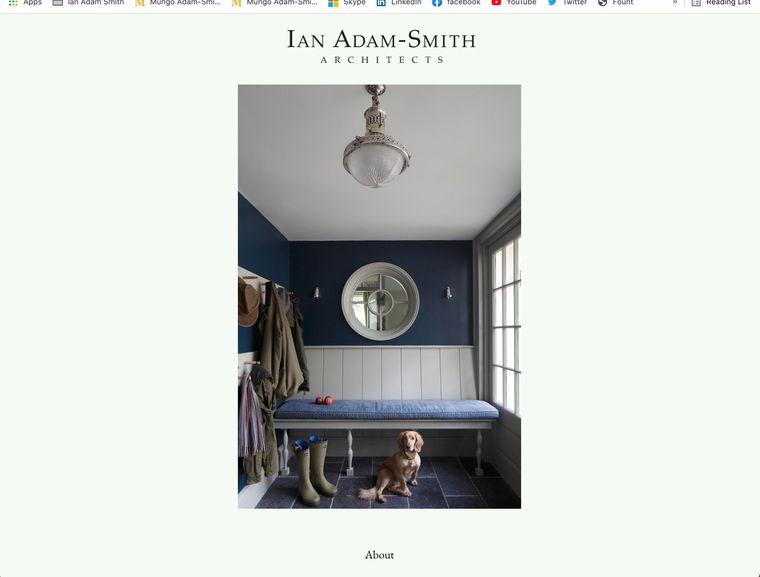
i am building a fairly basic website for a client that consists of a minimal carousel of the clients work as the home page. Apologies if this is a stupid question, but how can i ensure that the site title/logo and the gallery never overlap each other like this? What is the best solution for this?i have attached images of the current settings. many thanks!
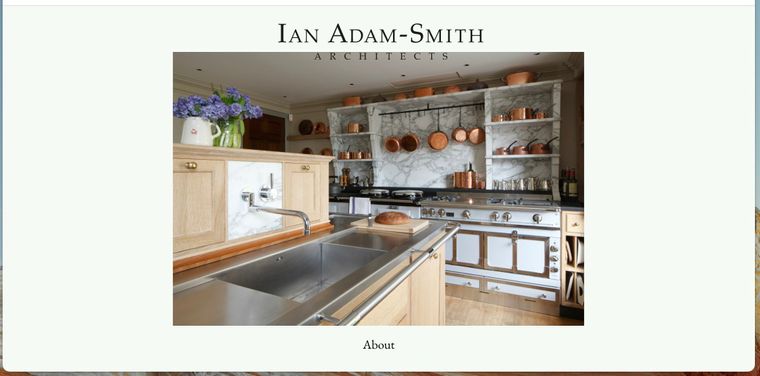

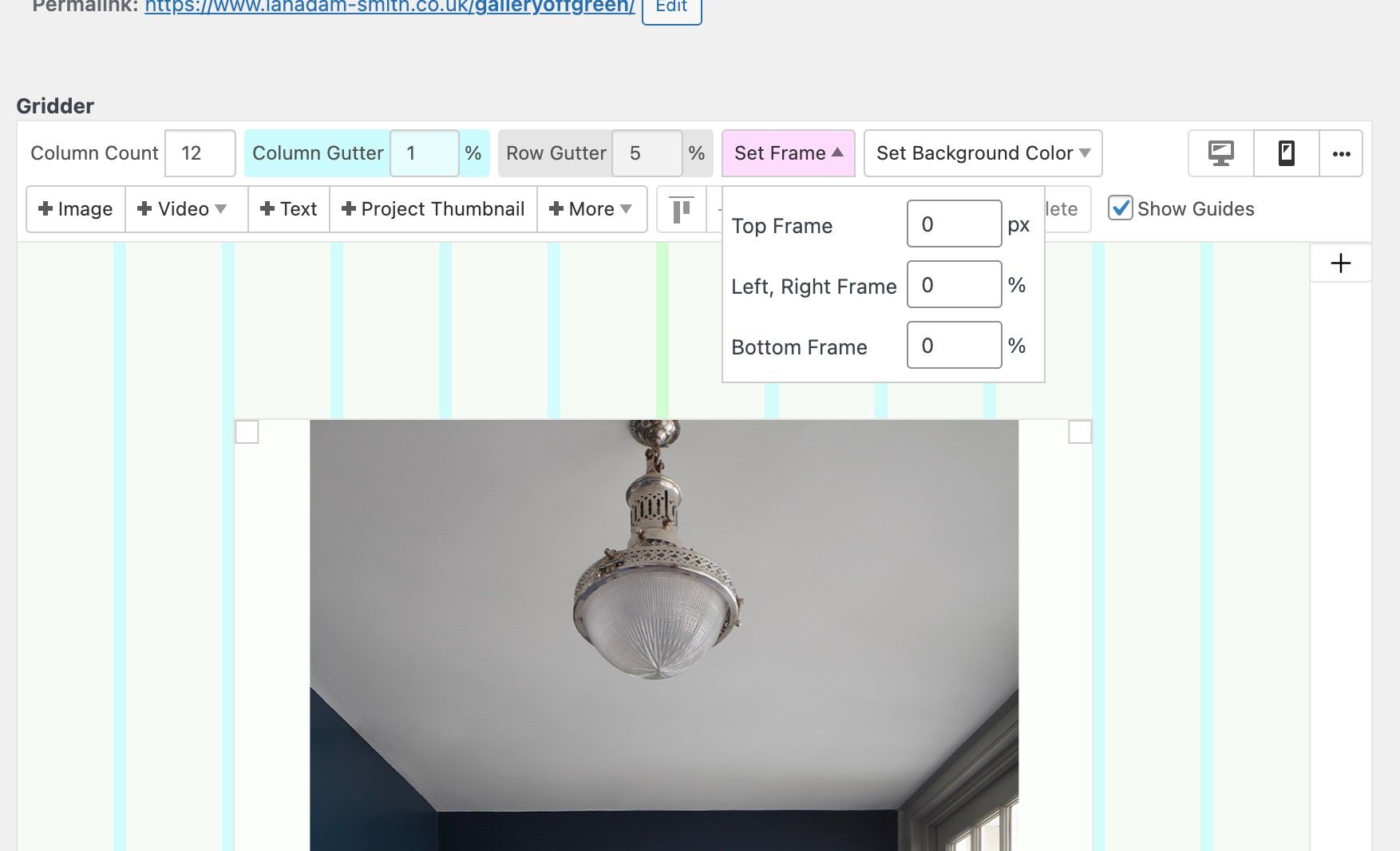
-
Dear @fernandol97
" how can i ensure that the site title/logo and the gallery never overlap each other like this? What is the best solution for this? "
Technically removing its "absolute" positioning would stop it "overlapping" the other element.
.sitetitle {
    /* position: absolute; */
}
Margins can altered and set in the Gridder "Frame" , Y & X Offsets, Customizer and "Gridder Defaults" to achieve enough space between these elements.
https://laytheme.com/documentation.html#gridder-defaultsAlso your Layout may be achieved with Elements in a Gridder without use of the Site Title as a link. A Text element with link could be created in the Gridder. Frames and margins would be fixed this way, also including use of the Stack Element and x & y offests.
https://laytheme.com/documentation.html#stack-element
https://laytheme.com/documentation.html#space-around-elements
Best wishes & talk soon
Richard -
Dear @fernandol97
" how can i ensure that the site title/logo and the gallery never overlap each other like this? What is the best solution for this? "
Technically removing its "absolute" positioning would stop it "overlapping" the other element.
.sitetitle {
    /* position: absolute; */
}
Margins can altered and set in the Gridder "Frame" , Y & X Offsets, Customizer and "Gridder Defaults" to achieve enough space between these elements.
https://laytheme.com/documentation.html#gridder-defaultsAlso your Layout may be achieved with Elements in a Gridder without use of the Site Title as a link. A Text element with link could be created in the Gridder. Frames and margins would be fixed this way, also including use of the Stack Element and x & y offests.
https://laytheme.com/documentation.html#stack-element
https://laytheme.com/documentation.html#space-around-elements
Best wishes & talk soon
Richard@Richard said in Carousel overlapping with site title:
Thank you for your advice!!
Also the client is requesting having a white frame around each image in the carousel. Is this possible to do within laytheme, or would that frame need to be incorporated into the jpegs?thanks

Hello! It looks like you're interested in this conversation, but you don't have an account yet.
Getting fed up of having to scroll through the same posts each visit? When you register for an account, you'll always come back to exactly where you were before, and choose to be notified of new replies (either via email, or push notification). You'll also be able to save bookmarks and upvote posts to show your appreciation to other community members.
With your input, this post could be even better 💗
Register Login