Fixed text, scrollin images in the background
-
Hi there!
I trying to figure out how he did this scrolling images, while the text ist fixed.
https://daviddaub.com/contact/
Any suggestions?
Best regards,
Stefan -
Dear Stefan
@stefanstraeter
The first Row in the Gridder (row with text) has a 'Custom Class'
bx-fixed-textadded: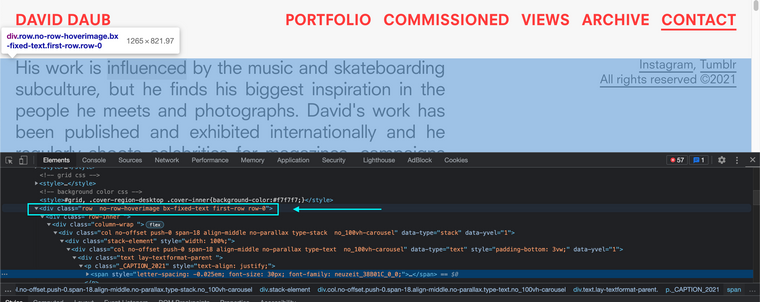
Then some Custom CSS has been applied to that Class:
.bx-fixed-text {
    position: fixed;
    z-index: 999;
    top: 100px;
    left: 0;
}
Best wishes Stefan
Richard
-
Perfect! Works fine for me :) Thank you!
-
Dear @stefanstraeter Looks great! 💥
-
Hi there,
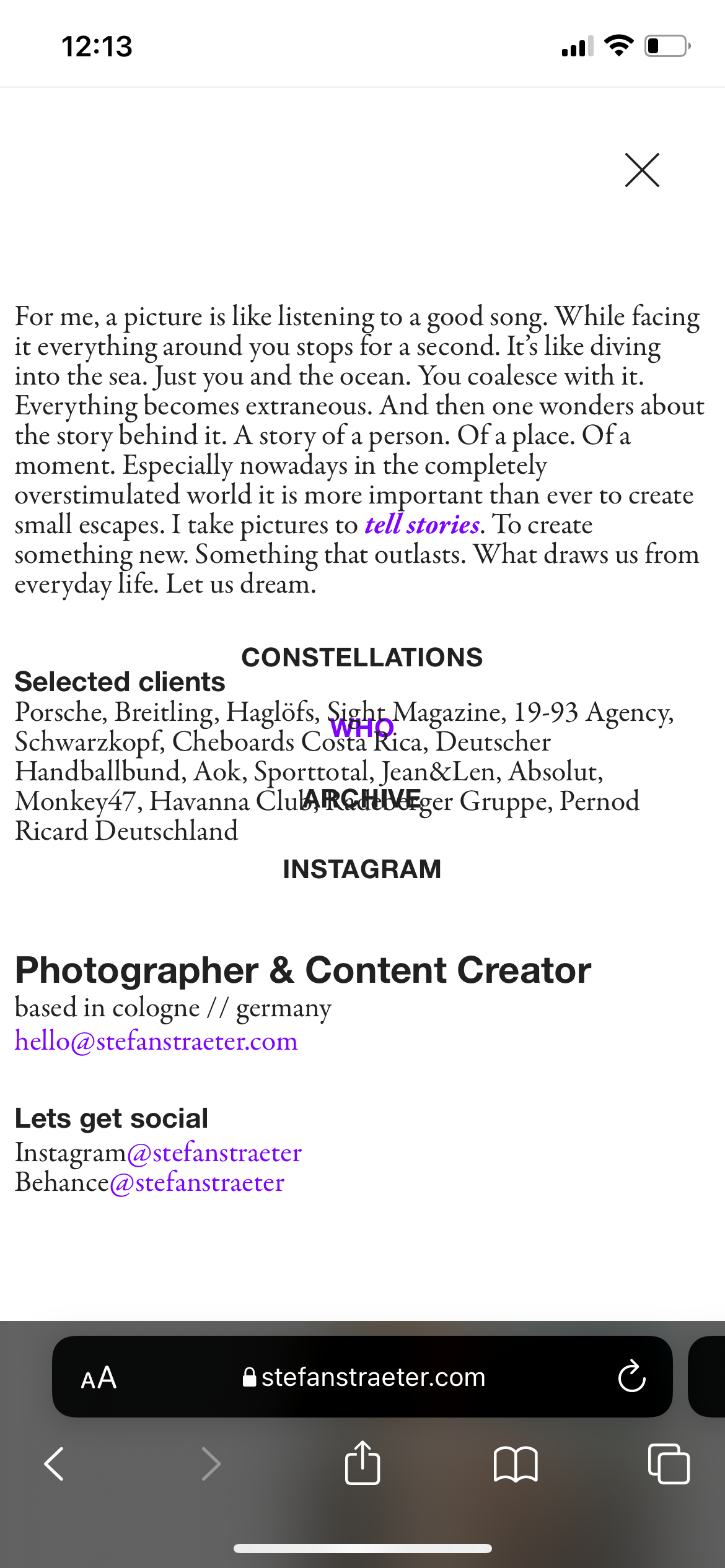
I'm using fixed elements on my "who" website. On mobile the menu is transparent and look like this (screenshot). I attached another one how it should look like. How can I fix this?
Bes regards,
Stefanhttps://stefanstraeter.com/who/

-
Dear @stefanstraeter
Give your custom ID' row a
z-indexof 2, that way it will stay in front of your images but be behind the Menu when it appears:#bx-fixed-text { z-index:2; }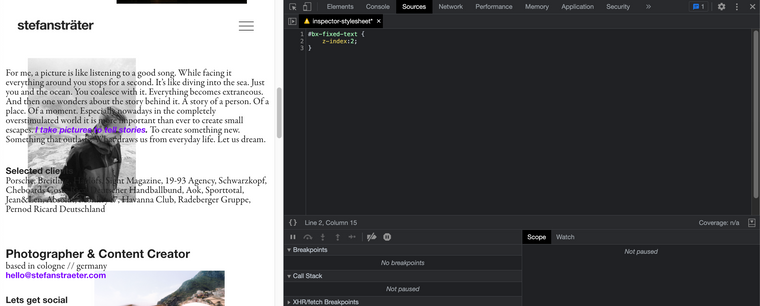
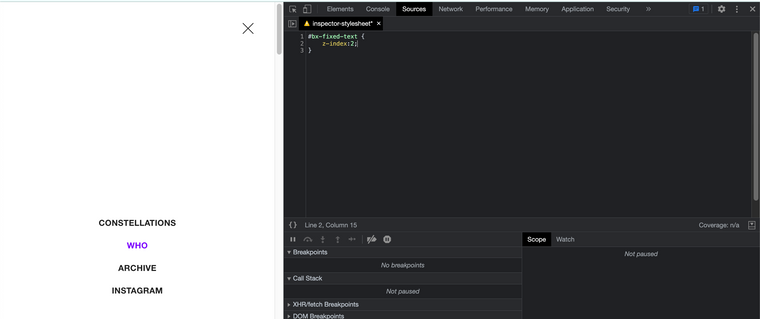
have a great day 🏖
Richard
-
Works perfect! Thanks Richard 🙏🏼
-
Great @stefanstraeter , thank you for supporting Lay Theme! 👍

Hello! It looks like you're interested in this conversation, but you don't have an account yet.
Getting fed up of having to scroll through the same posts each visit? When you register for an account, you'll always come back to exactly where you were before, and choose to be notified of new replies (either via email, or push notification). You'll also be able to save bookmarks and upvote posts to show your appreciation to other community members.
With your input, this post could be even better 💗
Register Login