Phone Layout: White blank under menu
-
Dear Lay Theme Users,
My website https://ensemblesozusingen.de/ is normally shown on the desktop version, but on the phone version there is a big white blank shown directly under the menu on every page, right before my website's content starts.
In Gridder, there is no top frame and I already tried switching on/off some options concerning the menu in the customizer. None of which helped yet. Maybe you have an idea? I would be very, very grateful.
-
Dear @JoKr97
This area relates to the "site-title" i believe you have it set as an image? in > Customize > Site title > Site title >
However i think the file path or file URL is not correct anymore. Did you since delete the svg from your media library? or is this URL path now broken?
https://ensemblesozusingen.de/wp-content/uploads/2020/10/Logo_EnsembleSozusingen_Weiss_01.svg

Also to be sure when proceeding:
Wordpress, Lay Theme & Laytheme's Addons are all up to date ?
Any custom CSS or JS that may interfere is temporarily removed.
Any third-party plugins are de-activated to see if this resolves the issue.
Talk soon & best wishes 🌝
Richard
-
Dear Richard, thanks a lot for your reply! I've only seen it now. I tried some things after I posted here, which is why the image was temporarily removed. The Image that is placed as this white bar apparently was/is our logo (ENSEMBLE SOZUSINGEN - as shown in the menu bar above).
In costumizer, I tried to select
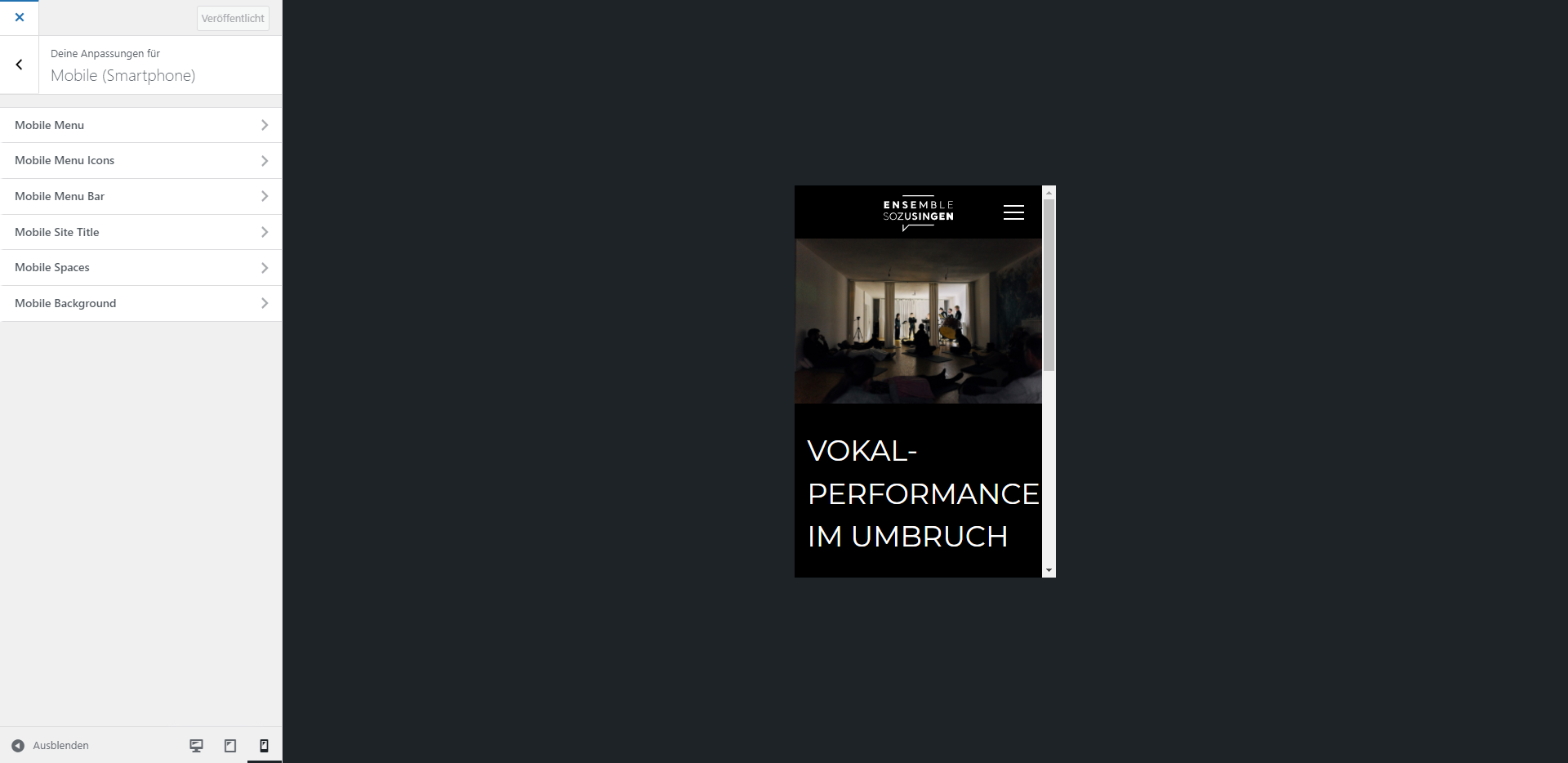
Mobile (Smartphone) > Mobile Site Title > Hide
But when I hid the site title, only the logo above disappears, not the white bar underneath.Activated Site Title:
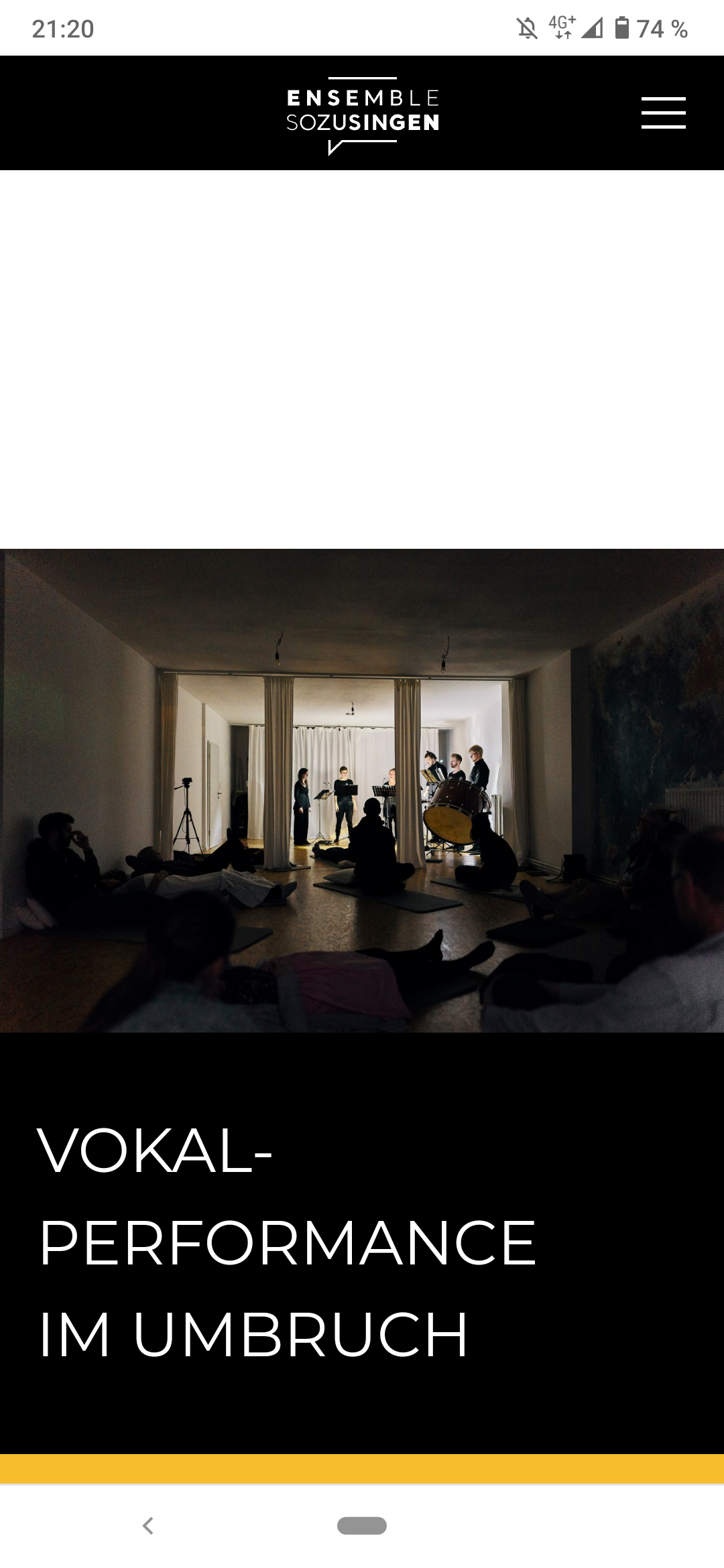
Hid Site Title:
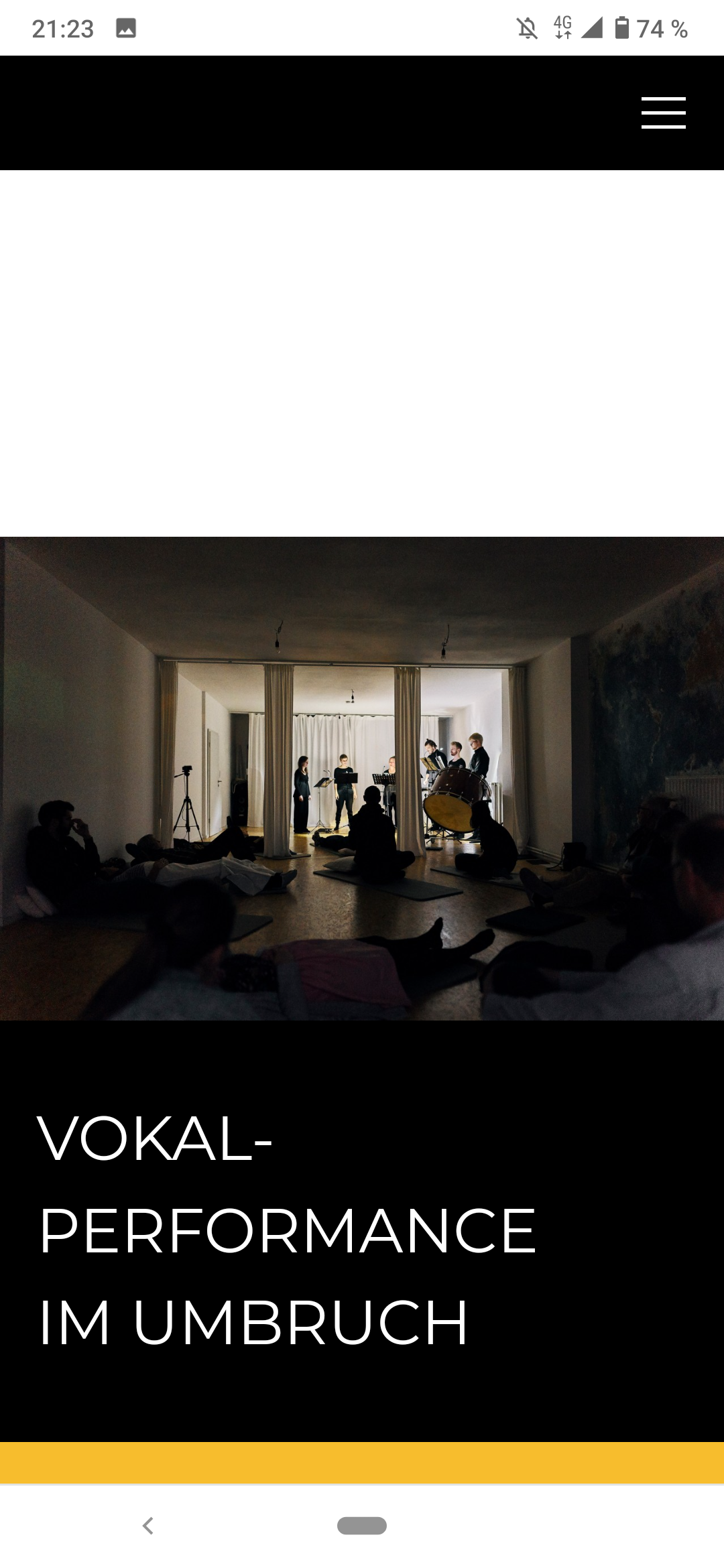
Everything mentioned seems to be up to date.
I never wrote any custom CSS or JS.
I tried deactivating all the plugins.Do you have another idea for resolving this issue? Thank you a lot in advance!!!
-
-
Dear @JoKr97
Thanks for the update, sorry for my delay in writing. 🌝
I see what your mean now with the logo visible (a transparent background png):
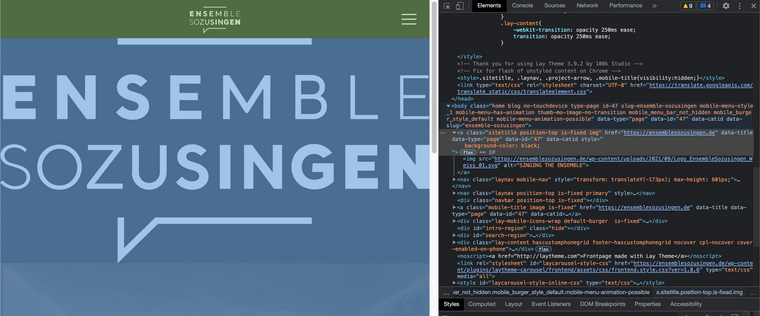
The large white space is indeed your logo, but not visible due to colours. You set the mobile site title to hidden though right?

If you would like me to login and take a closer look, please send me your details via 'chats' (note: do not disclose private info on the thread).
To clarify: The problem we have is:
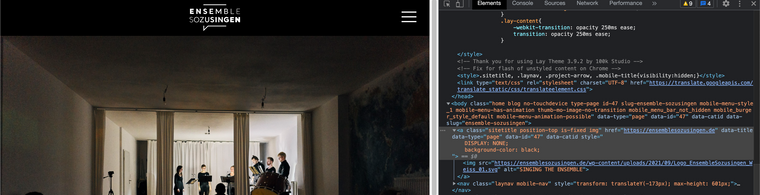
You have set the mobile site-title (logo) to 'hide' but it still appears?If needed you could always add some CSS but better to fix at the source! 🌝
Talk soon & best wishes 🏖
Richard

Hello! It looks like you're interested in this conversation, but you don't have an account yet.
Getting fed up of having to scroll through the same posts each visit? When you register for an account, you'll always come back to exactly where you were before, and choose to be notified of new replies (either via email, or push notification). You'll also be able to save bookmarks and upvote posts to show your appreciation to other community members.
With your input, this post could be even better 💗
Register Login