Project Thumbnail Text Edit / Remove
-
Hello admin!:)
Apologies if this is a very rookie question, but I am trying to edit the text that comes up below the project thumbnail, when I add it into my homepage category. Is it possible to play around with the size and shape of the text easily and or do I have to change this in the code? I potentially would even want to delete the text on some of the thumbnails.. I will attach some screenshots so that hopefully this makes sense, it is where it says TPOD. I asked Dreamhost for some advice but they ended up moving the text above the image but I am looking for how to change the font and size etc.
Thank you, really appreciate your guidance! <3
The site I am talking of is kirstycameron.studio
Scarlett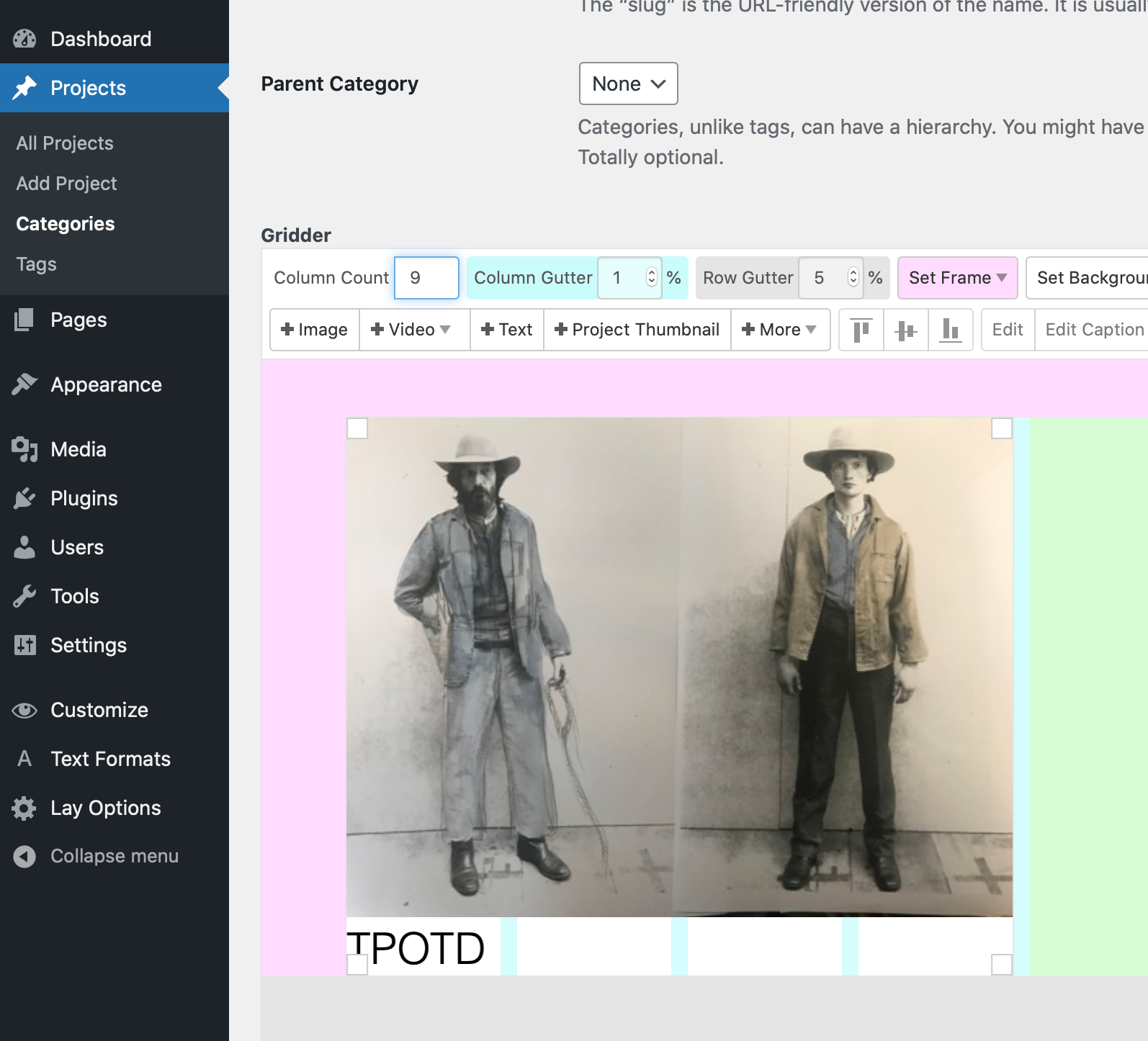
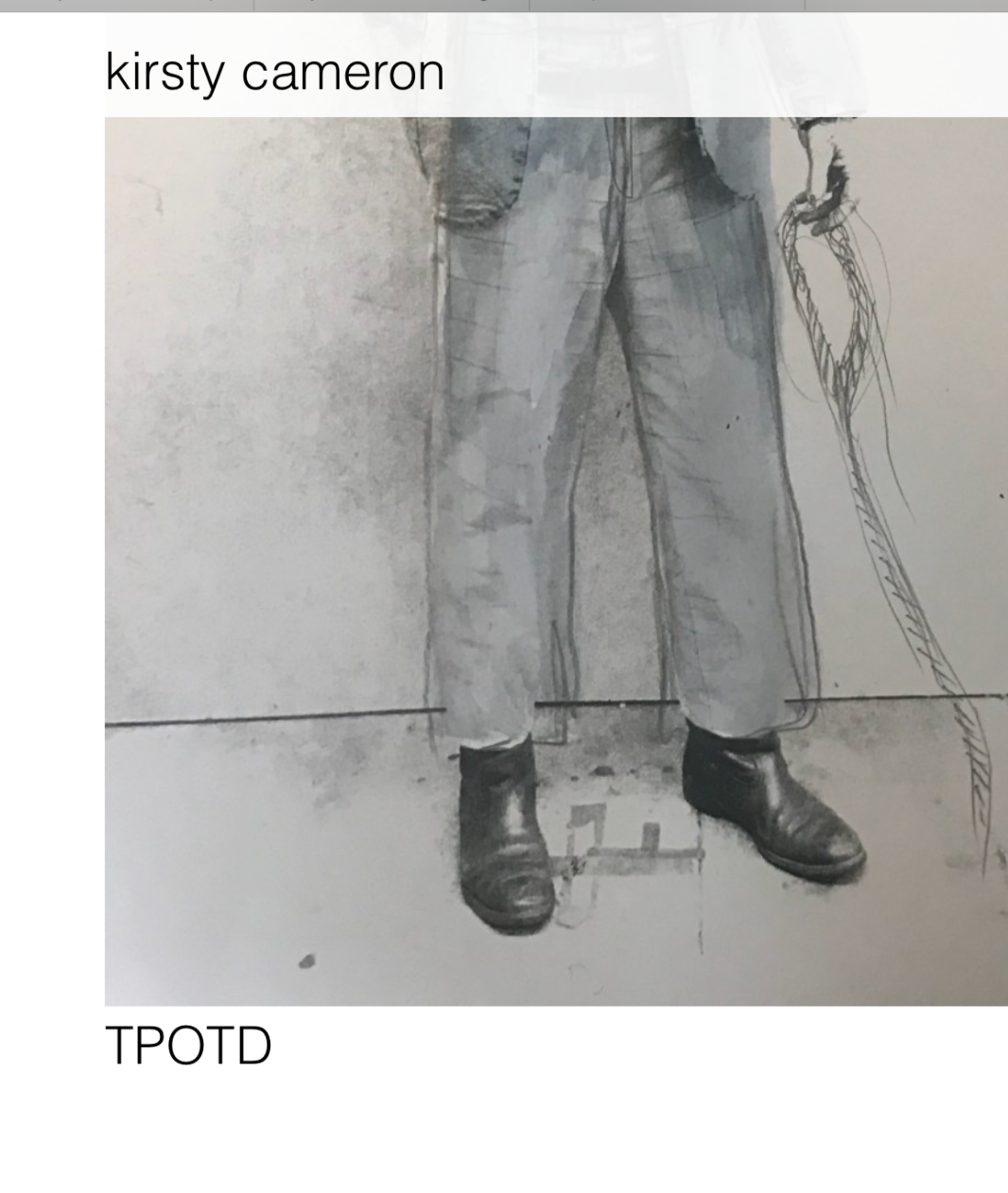
-
Dear Scarlett
@scarlettwyner
No worries! 🌝
Here i have this Project Thumbnail set in a Category the same as your setup:
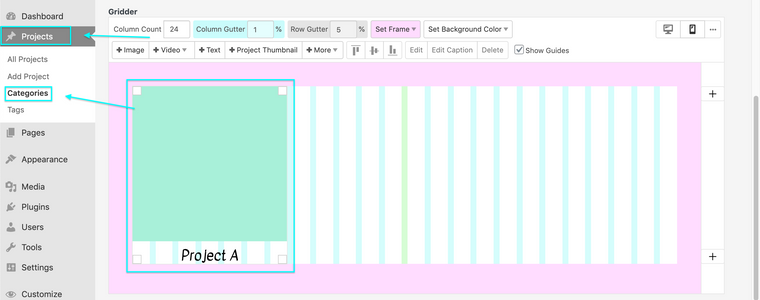
If you would like to change the properties of this Title go to "Customize"

Then choose "Project Thumbnails". Options such as Project Tags, Project Description, Thumbnail Grid. I believe you want to choose "Project Title".
There will be further options to choose:
- Placement of title
- Whether you want it visible or hidden
- Font Sizes and font families
- And more!
Hope this helps Scarlett & have a wonderful day 🌻
Richard
-
Oh my goodness, so easy... I am such a novice!!! Haha, thank you SO much. Have a lovely day:)
-
@scarlettwyner
Absolutely all good Scarlett! have an amazing day! ⭐️

Hello! It looks like you're interested in this conversation, but you don't have an account yet.
Getting fed up of having to scroll through the same posts each visit? When you register for an account, you'll always come back to exactly where you were before, and choose to be notified of new replies (either via email, or push notification). You'll also be able to save bookmarks and upvote posts to show your appreciation to other community members.
With your input, this post could be even better 💗
Register Login