Mobile close svg icon moves
-
Hi,
for the mobile menu icon I've set a custom svg.
https://reneebus.remcovandun.nl/By default this icon was placed in the top right corner so I gave it some padding with:
.active .mobile-menu-icon {
    padding-top: 13px;
    padding-right: 20px;
}
But everytime I close the mobile menu, the icon briefly glitches back into the top right corner without padding. Is there a way to hold the icon position until the menu closes fully?
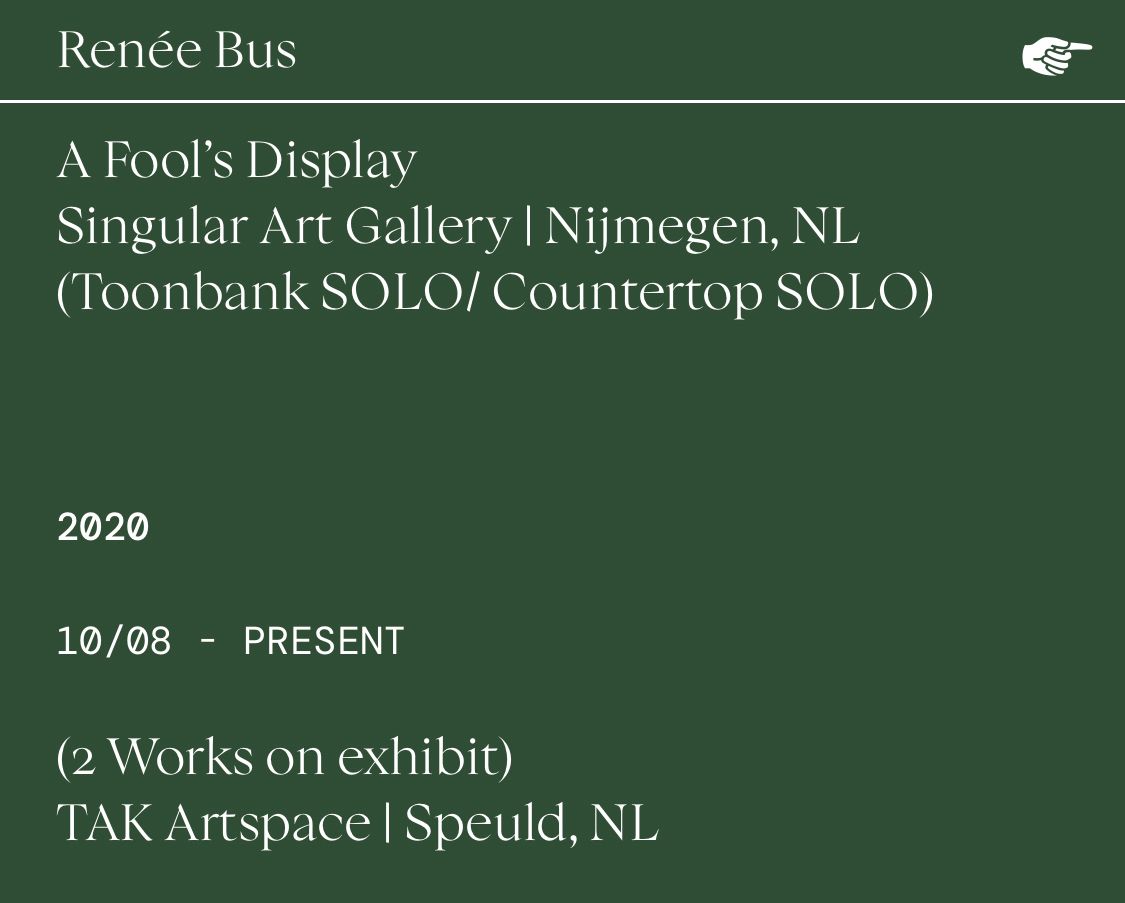
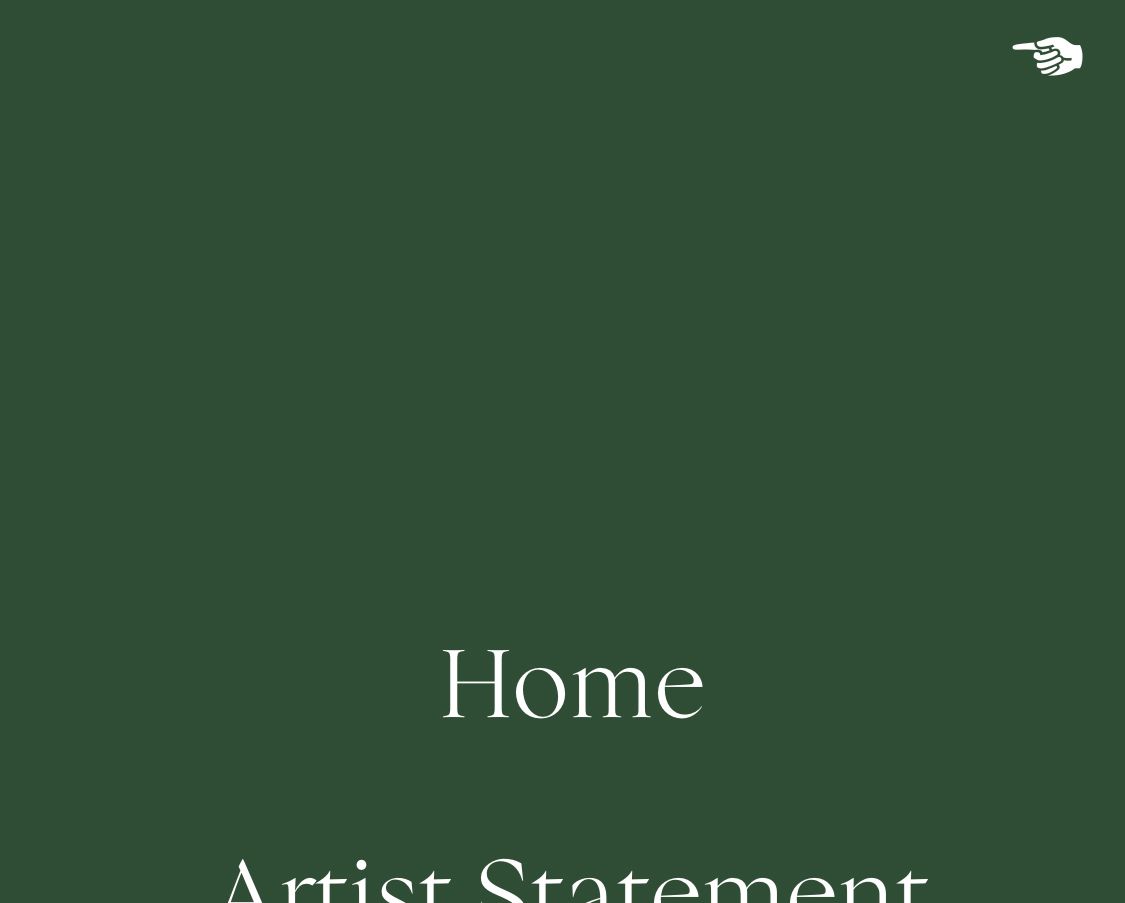
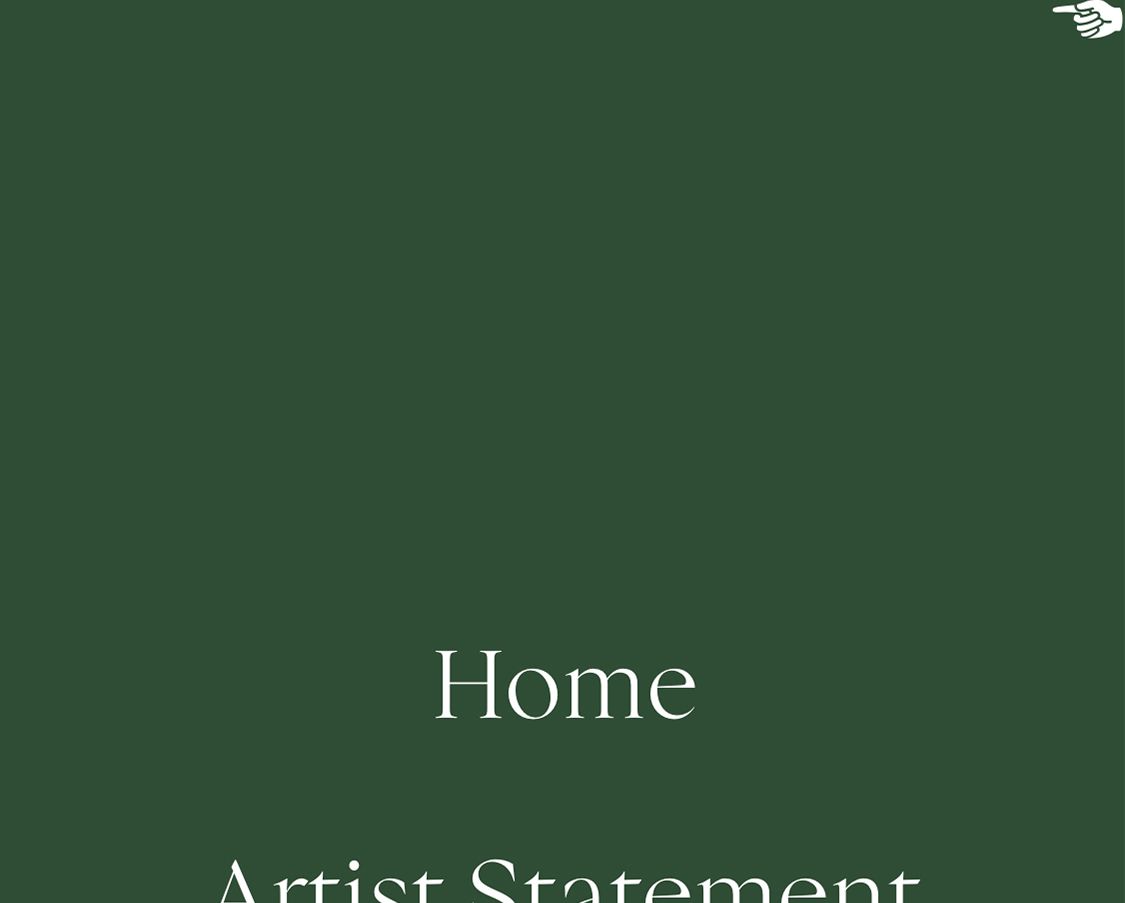
-
Dear Remco
@Remco-van-Dun
Im sure there are a few ways but this is the first that came to mind:
.active .mobile-menu-icon {
transition-delay: 0s;
&
.mobile-menu-icon {
transition-delay: 2s;
That way you don't get a chance to see the bug occurring.
best wishes & have a wonderful 2022 🌻
Richard
-
Hi Richard,
Thanks for the fix, I got it to work with a 1 s transition delay.
Not sure why it happens in the first place :) but this is fine for me! -
Good to hear @Remco-van-Dun have a great day 🏖

Hello! It looks like you're interested in this conversation, but you don't have an account yet.
Getting fed up of having to scroll through the same posts each visit? When you register for an account, you'll always come back to exactly where you were before, and choose to be notified of new replies (either via email, or push notification). You'll also be able to save bookmarks and upvote posts to show your appreciation to other community members.
With your input, this post could be even better 💗
Register Login