How to resize the Cover Row? (How to change the cover height?)
-
Hej People,
Is it possible to change the Cover from 100vh for example to 60vh?
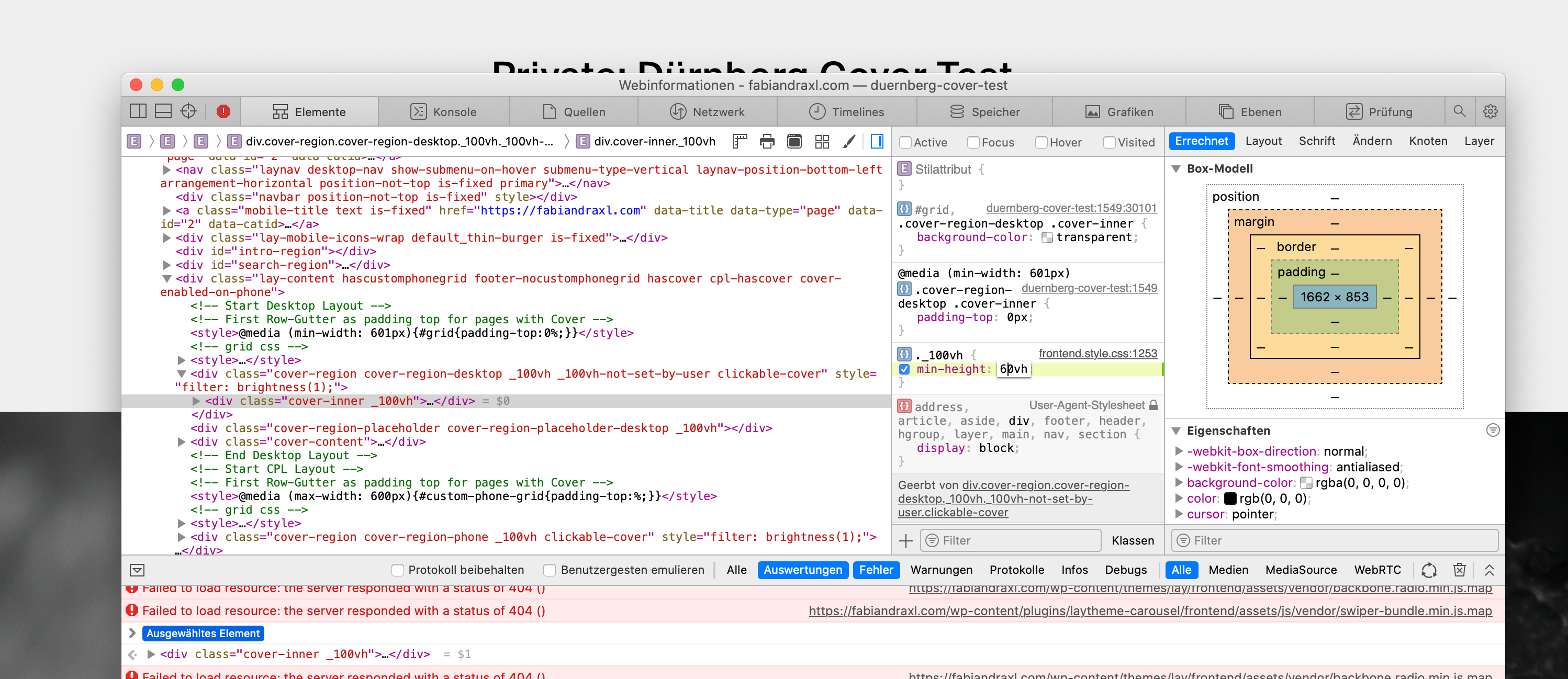
I want to see some part of my second row to guide more users to scroll down ...If I change the following in the Inspector, I achieve what I want, but I am not able to reproduce in custom code ... :/
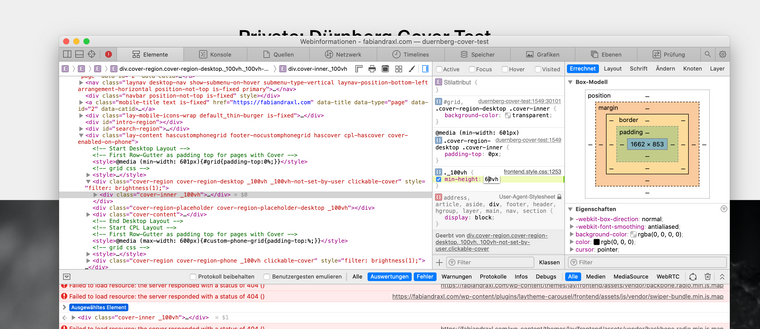
Also tried to play around with:
.cover-regionBut I was not able to change it to my liking, maybe someone could point me into the right direction?
Thank you!
-
Hej People,
Is it possible to change the Cover from 100vh for example to 60vh?
I want to see some part of my second row to guide more users to scroll down ...If I change the following in the Inspector, I achieve what I want, but I am not able to reproduce in custom code ... :/
Also tried to play around with:
.cover-regionBut I was not able to change it to my liking, maybe someone could point me into the right direction?
Thank you!
After hour of trying i found some "solution":
.cover-region, .cover-region-placeholder, .cover-inner {
    min-height: 60vh !important;
    height: 60vh !important;
}
But the automatic scrolling to row two is broken and the content of the cover is still centered as if the cover still was 100vh ...
Could some body help me out pls? 😘
Here my Testwebsite / PW via DM

Hello! It looks like you're interested in this conversation, but you don't have an account yet.
Getting fed up of having to scroll through the same posts each visit? When you register for an account, you'll always come back to exactly where you were before, and choose to be notified of new replies (either via email, or push notification). You'll also be able to save bookmarks and upvote posts to show your appreciation to other community members.
With your input, this post could be even better 💗
Register Login