Two different named menus on the same Position?
-
Hi,
I want to make a very simple website, which contains only two sites. The Startpage and an About page.
The Startpage should only contain the Full Screen Slider + the Menu Point "About"
When you click on "About" you should be directed to the About Page, where will be some text etc. – but: on the same position and in the same look as the "About" menu point on the Startpage there should be a "Start"-named menu point witch brings you back to the start page.
So in the end I'm looking for a simple back and forth button with a different title.
Any Idea what's the cleanest way to achieve this?
Thanks in advance !
Cheers
-
hey!
sure,
in appearance -> menus
make click "screen options" -> "css classes"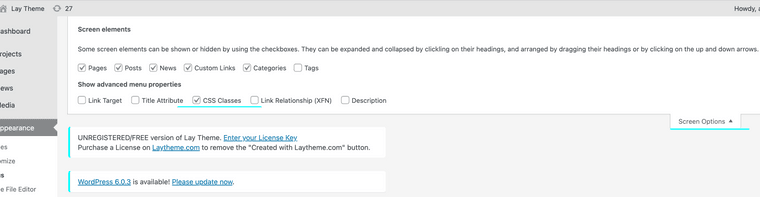
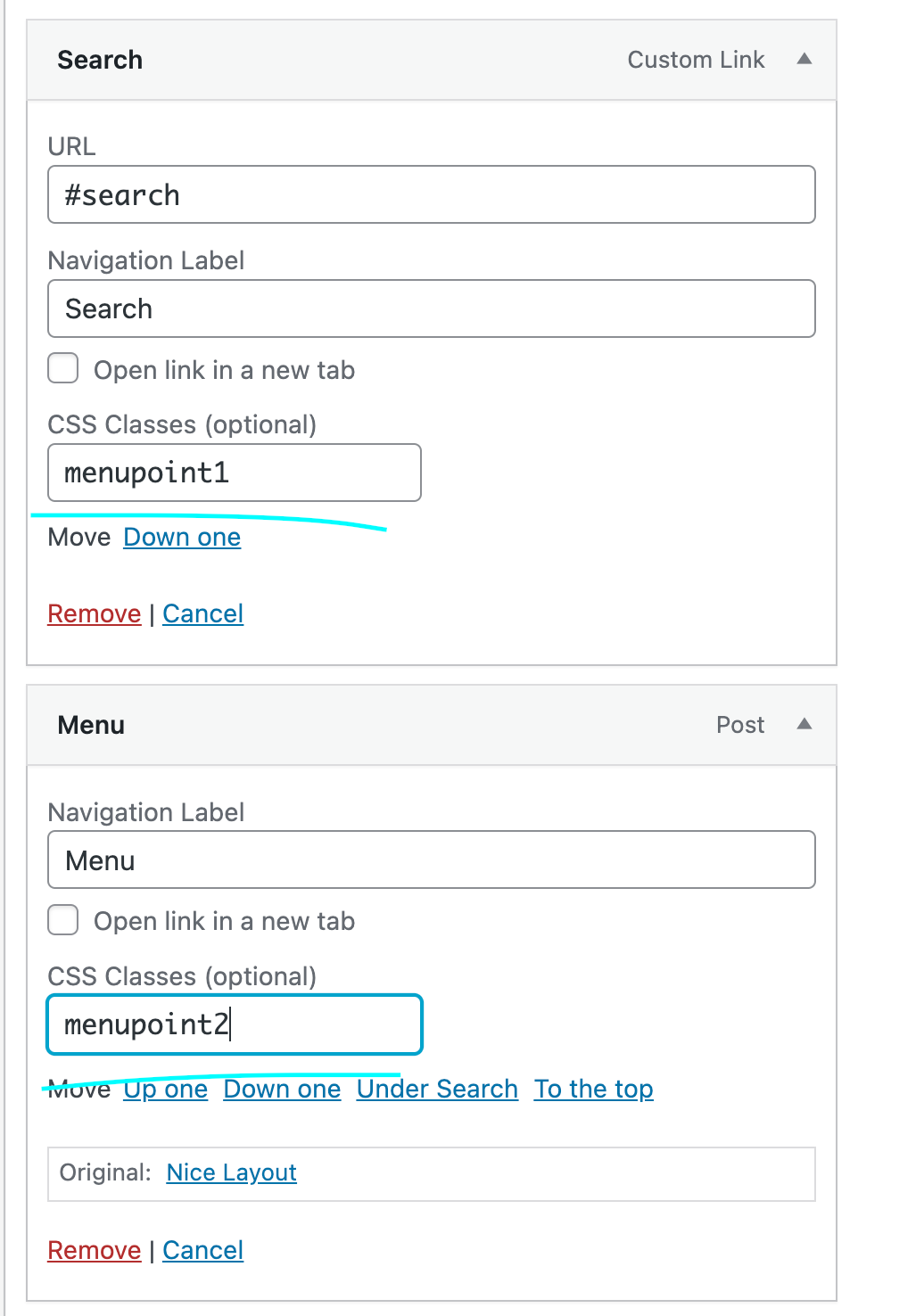
give your menupoints the css classes:
menupoint1
and
menupoint2like here:
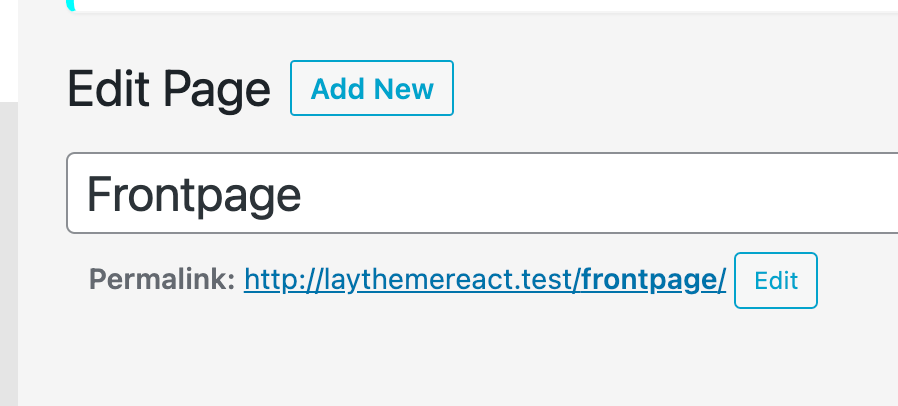
look at the title of your pages
your frontpage's title might be "frontpage"
based on this tutorial
https://laytheme.com/documentation/custom-css-styling.htmlyou can see we can target pages.
your css to hide menupoint 2 when youre on the frontpage would be.slug-frontpage .menupoint2{ display: none; }and to hide menupoint 1 when ure on the about page would be
.slug-about .menupoint1{
display: none;
}
if that doesnt work post the url here so i can take a look
-
hey!
sure,
in appearance -> menus
make click "screen options" -> "css classes"give your menupoints the css classes:
menupoint1
and
menupoint2like here:
look at the title of your pages
your frontpage's title might be "frontpage"
based on this tutorial
https://laytheme.com/documentation/custom-css-styling.htmlyou can see we can target pages.
your css to hide menupoint 2 when youre on the frontpage would be.slug-frontpage .menupoint2{ display: none; }and to hide menupoint 1 when ure on the about page would be
.slug-about .menupoint1{
display: none;
}
if that doesnt work post the url here so i can take a look
Hey Armin, thanks for the speedy answer! I did it (I hope) exactly as you proposed it, but it won't work – both menus are still displayed and I'm not sure where the issue is. Maybe you can have a look:
Front page:
http://finnreimer.de/start/About page:
http://finnreimer.de/about/My CSS File – maybe just a mistake here?:
 image url)
 -
i see ure using two menus
just do
.slug-frontpage .primary{
display: none!important;
}

.slug-about .second_menu{
display: none!important;
}

Hello! It looks like you're interested in this conversation, but you don't have an account yet.
Getting fed up of having to scroll through the same posts each visit? When you register for an account, you'll always come back to exactly where you were before, and choose to be notified of new replies (either via email, or push notification). You'll also be able to save bookmarks and upvote posts to show your appreciation to other community members.
With your input, this post could be even better 💗
Register Login