Size of text on mobile layout in backend
-
Hi,
I am wondering if it's me who's always making a mistake when setting up a page using Lay or if this is just how it is.
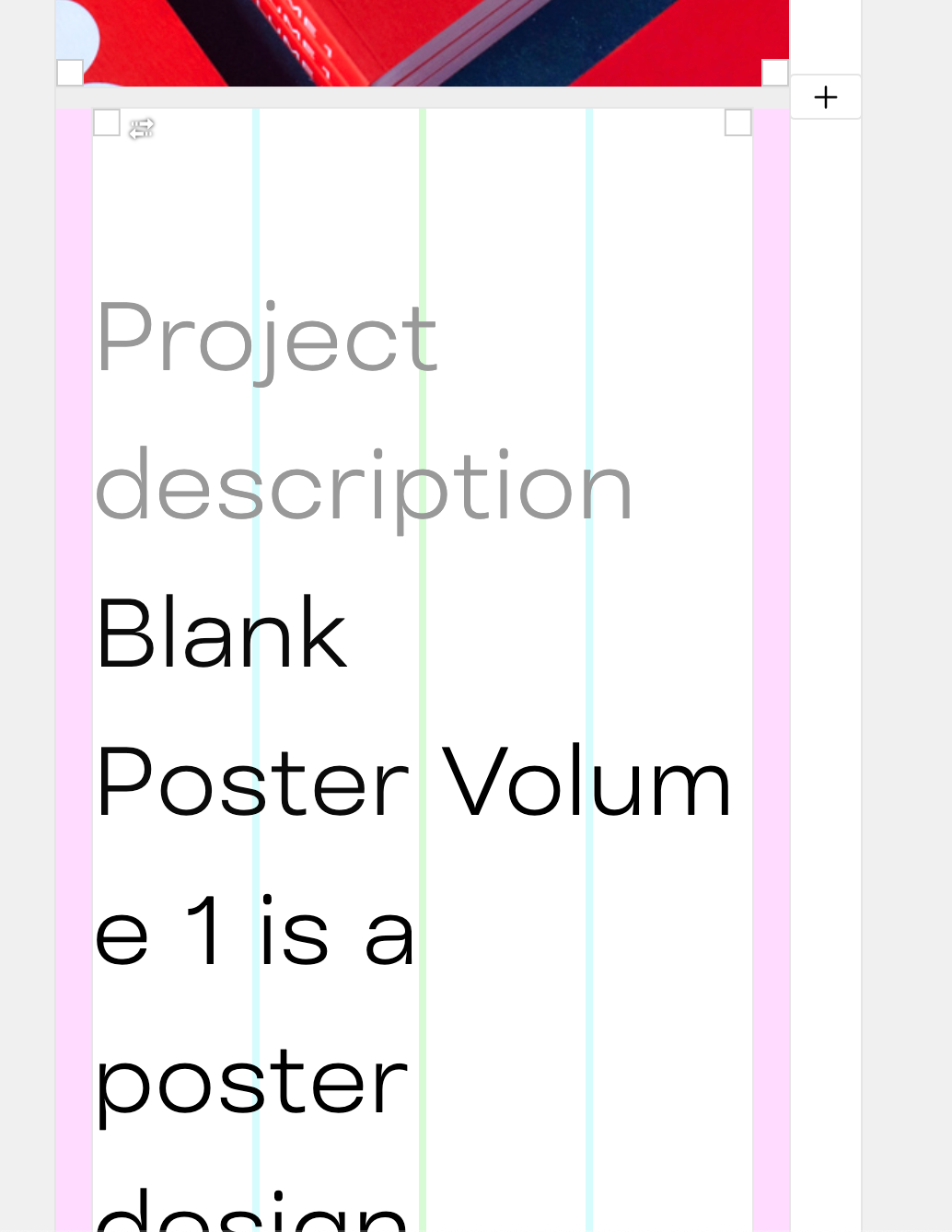
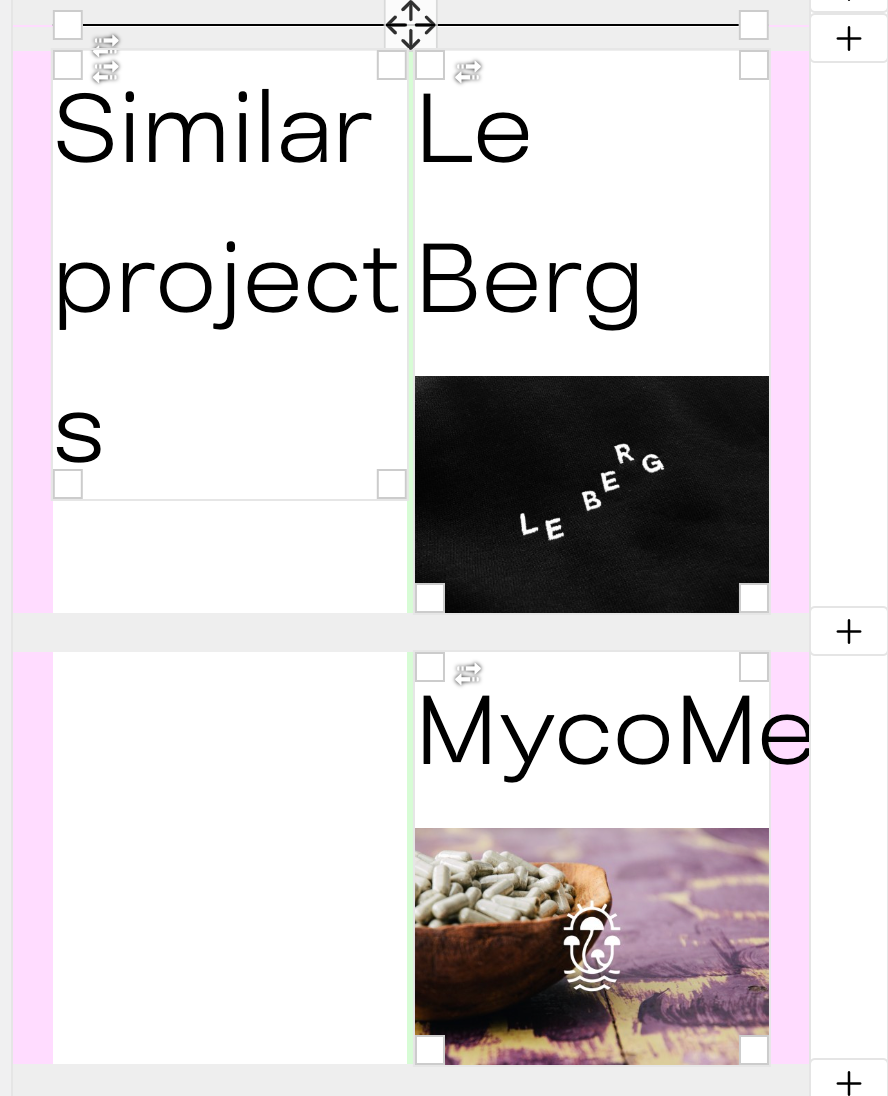
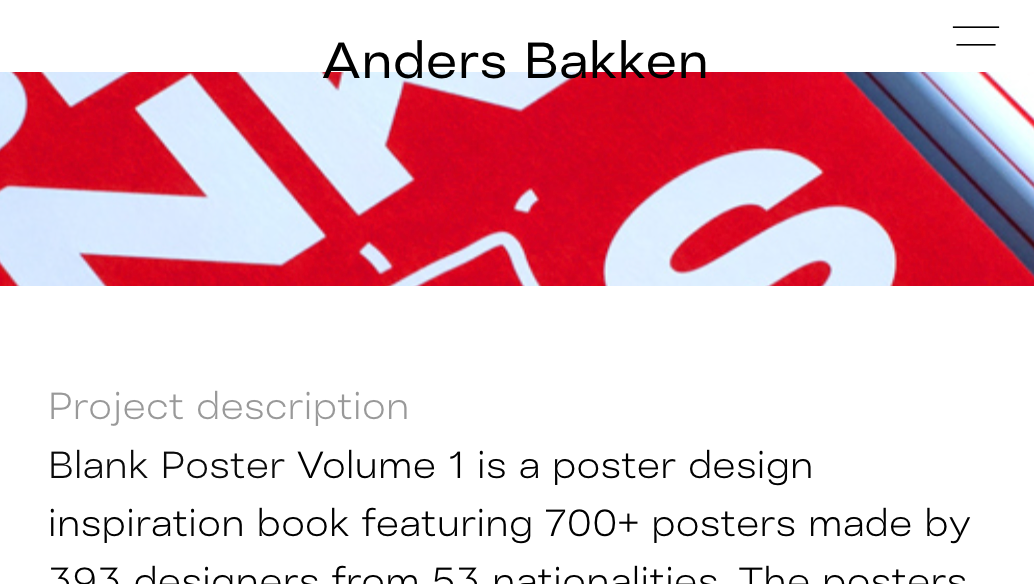
Why is the typography for mobile shown so big when I am setting up the mobile design? It's a bit hard to know how things will look then and I need to guess sometimes. Anybody know how to make this display the actual size of typography?
Hopefully there is an adjustment I don't know of or a work-around.
— Anders
-
hey there can u send a link to where its too big
make sure to always use textformats
dont style the text in the texteditor -
-
maybe you use a percentage based font size for your textformat for mobile! that could be the issue.
try using a bigger value or use a px based fontsize for your format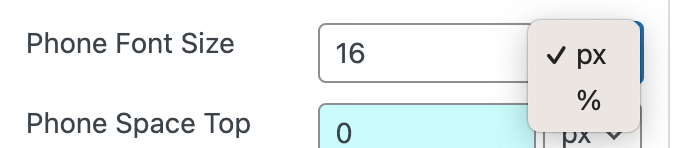

Hello! It looks like you're interested in this conversation, but you don't have an account yet.
Getting fed up of having to scroll through the same posts each visit? When you register for an account, you'll always come back to exactly where you were before, and choose to be notified of new replies (either via email, or push notification). You'll also be able to save bookmarks and upvote posts to show your appreciation to other community members.
With your input, this post could be even better 💗
Register Login