hide menue points when scrolling
-
Hello :–)
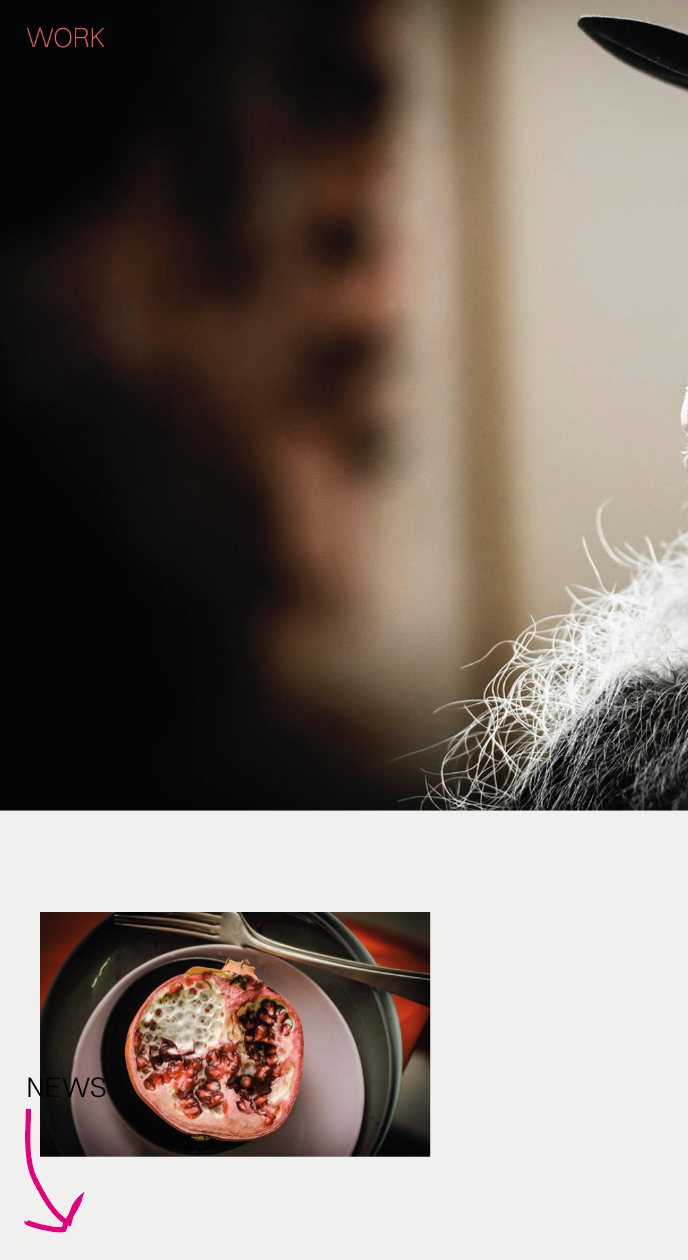
I have a total of four menu items, each of which I wanted to be placed in a corner, so I added 4x custom css to position them:
e.g.:
#menu-item-123 {
position: fixed;
bottom: 20px;
right: 20px;
}Now I have the problem that I would like to have the bottom two menu items always at the bottom of the page, otherwise they interfere with my content on scrollable subpages. Does anyone have an idea what I could do?
Thanks in advance!
-
hey man can you just go to lay options, set the "menu amount" to 4
and then create 4 menus and place them in "customize" → "menu style"does that solve the issue?
im not sure if i understand correctly -
hey man can you just go to lay options, set the "menu amount" to 4
and then create 4 menus and place them in "customize" → "menu style"does that solve the issue?
im not sure if i understand correctly@arminunruh thanks! :–) I tried it but this unfortunately doesn’t solve my problem. in other words: I want the bottom two menu items to appear only after you have rung to the bottom of the page.
-
@arminunruh thanks! :–) I tried it but this unfortunately doesn’t solve my problem. in other words: I want the bottom two menu items to appear only after you have rung to the bottom of the page.
@fiona_oehler hey fiona, you could utilise the footer feature and place your menu links in there.
-
yes the footer feature would be what ure looking for
https://laytheme.com/documentation/footers.html

Hello! It looks like you're interested in this conversation, but you don't have an account yet.
Getting fed up of having to scroll through the same posts each visit? When you register for an account, you'll always come back to exactly where you were before, and choose to be notified of new replies (either via email, or push notification). You'll also be able to save bookmarks and upvote posts to show your appreciation to other community members.
With your input, this post could be even better 💗
Register Login