Thumbnail Grid
-
Hi there,
is there a solution at the thumbnail-grid where I can place the category, headline and maybe the first bit of the content RIGHT next to the thumbnail?
My aim is to create an automated "one-column-grid" where the image is left and the text is right next to the image.
thanks! :) -
hey i think what ure looking for is the news element?
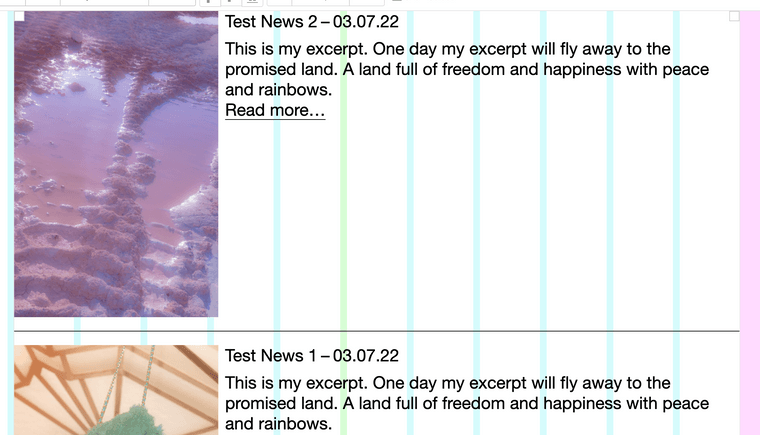
-
other than that there is no such thing
-
-
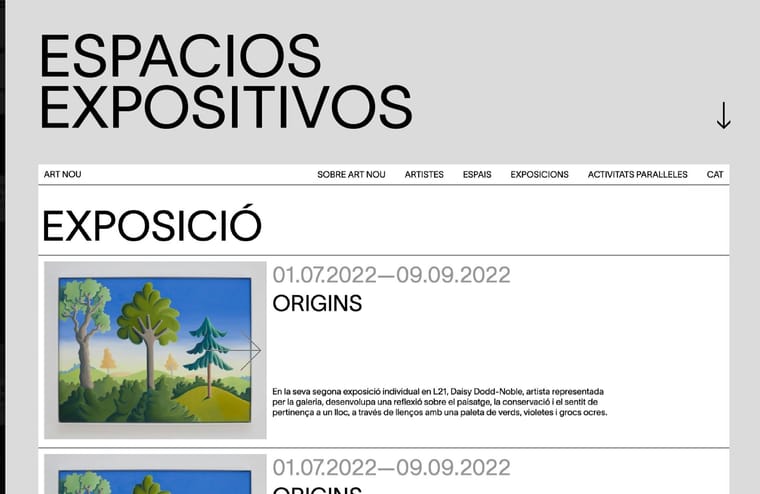
Okay, yes, that was what I thought it should look like — but within the Project-Thumbnails :)
-
i see i see
mmh
for now you can recreate this layout by hand
-
i see i see
mmh
for now you can recreate this layout by hand
@arminunruh
okay, I understand. But then there would not be any sorting, organizing and categories then.Maybe that would be a nice feature for the project-grid? :)
-
@arminunruh
okay, I understand. But then there would not be any sorting, organizing and categories then.Maybe that would be a nice feature for the project-grid? :)
-
hey so atm i need to work on a different project so i dont rlly have time for this
i hope to be back at working on lay theme in april, i rlly miss working on new features for lay theme :Dhowever, i do have some other new features i want to work on in mind, so i dont know if and when i would work on this mmh
you can still reorder all of this when just moving around rows
-
hey so atm i need to work on a different project so i dont rlly have time for this
i hope to be back at working on lay theme in april, i rlly miss working on new features for lay theme :Dhowever, i do have some other new features i want to work on in mind, so i dont know if and when i would work on this mmh
you can still reorder all of this when just moving around rows
@arminunruh okay, I get that :)
Thanks, I really enjoy working with laytheme anyways!

Hello! It looks like you're interested in this conversation, but you don't have an account yet.
Getting fed up of having to scroll through the same posts each visit? When you register for an account, you'll always come back to exactly where you were before, and choose to be notified of new replies (either via email, or push notification). You'll also be able to save bookmarks and upvote posts to show your appreciation to other community members.
With your input, this post could be even better 💗
Register Login