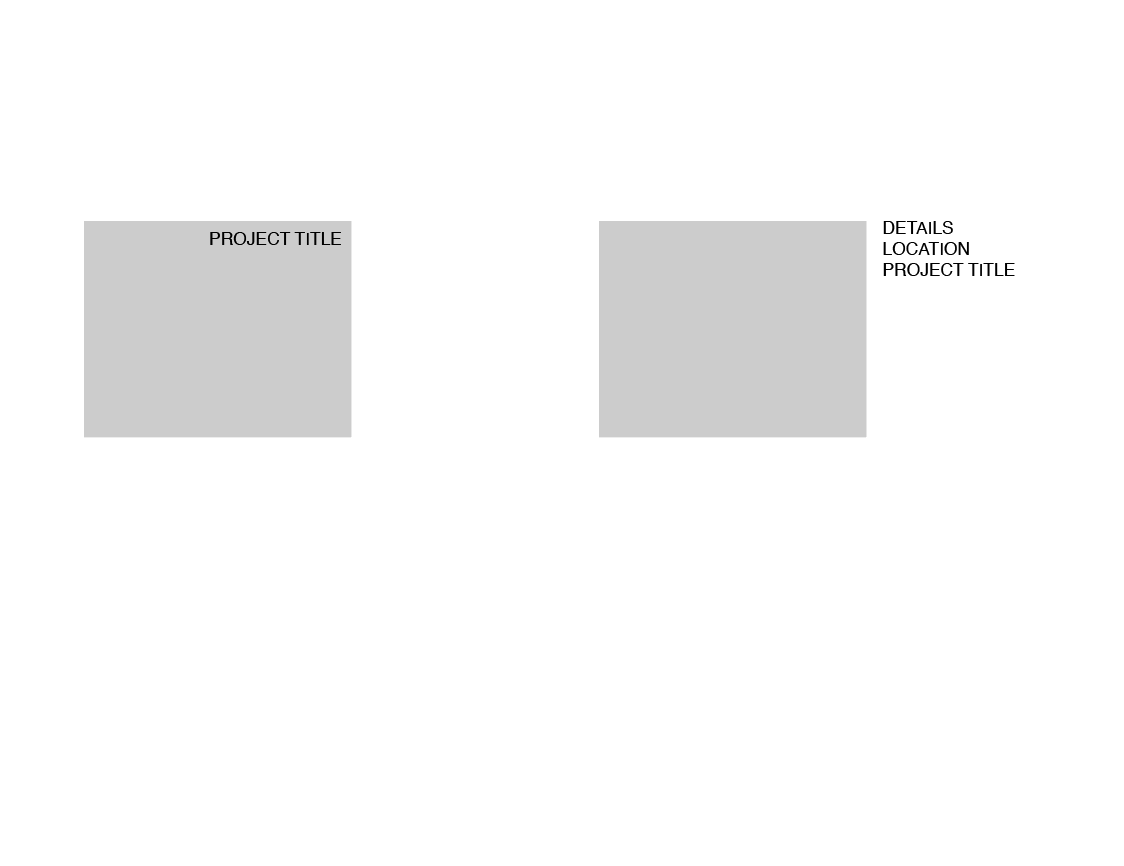
position Project titles outside the images on the side
-
Hi there, is there a way to position project titles outside the images on the side? and also add few lines of text more? or is adding text manually the only way?
from left to right
-
hey there!
you can add more text using the "project description" feature which u can activate in "lay options"mmh
maybe if you use the project thumbnail setting where the text is on top of the image on the top right and then use custom css
like
transform: translateX(100%);
or sth like that

Hello! It looks like you're interested in this conversation, but you don't have an account yet.
Getting fed up of having to scroll through the same posts each visit? When you register for an account, you'll always come back to exactly where you were before, and choose to be notified of new replies (either via email, or push notification). You'll also be able to save bookmarks and upvote posts to show your appreciation to other community members.
With your input, this post could be even better 💗
Register Login