Why is my checkout so ugly?
-
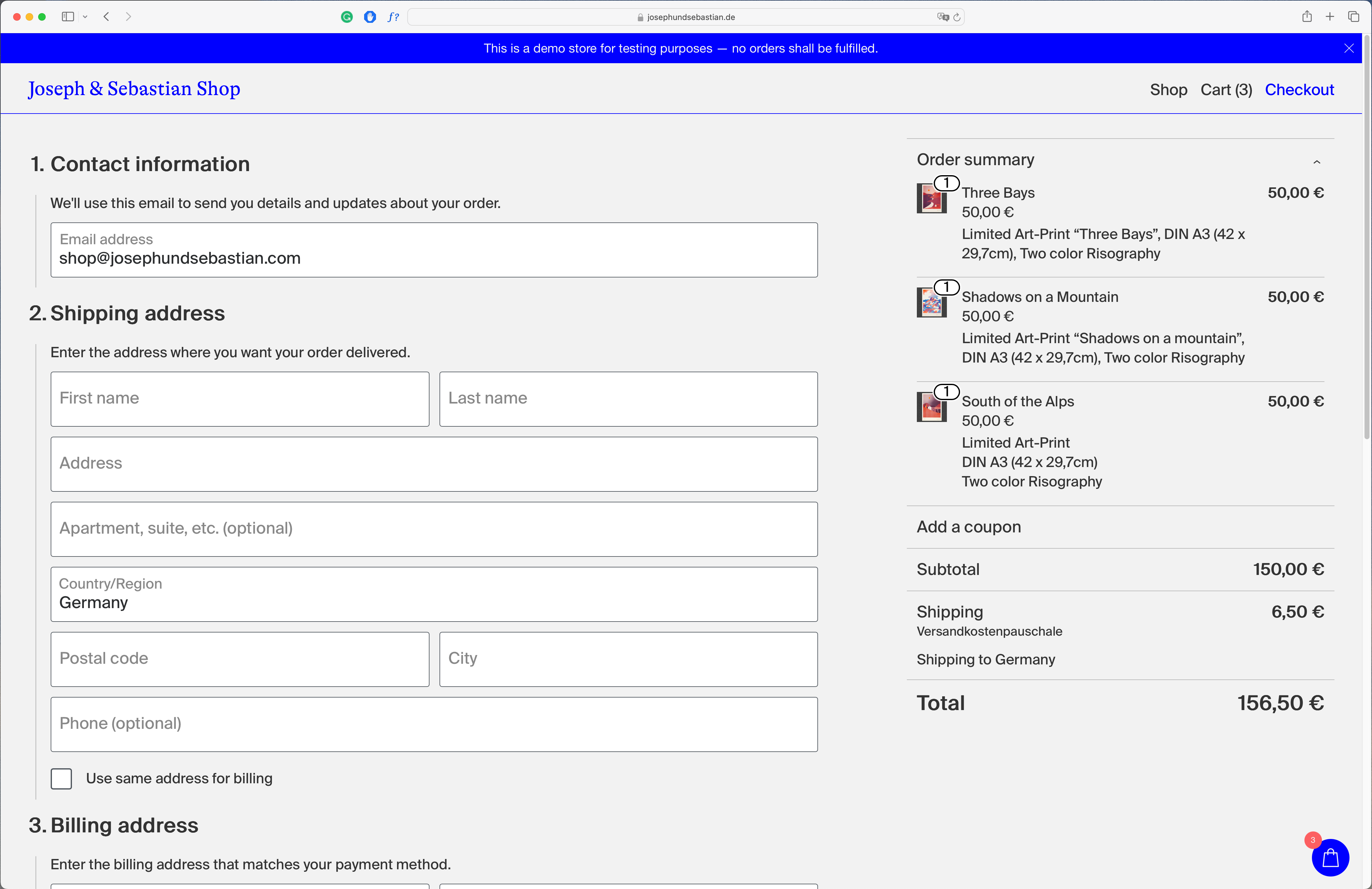
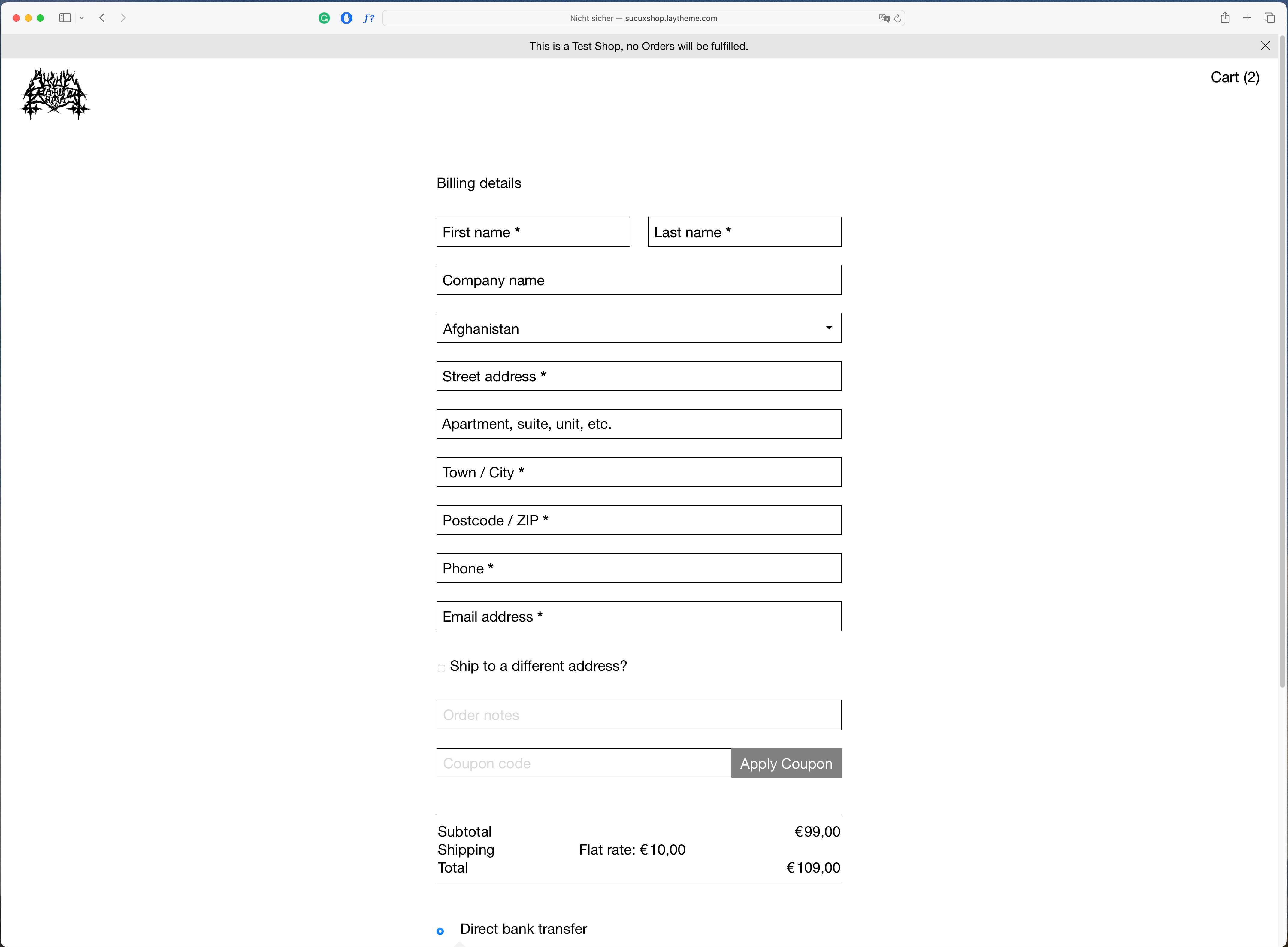
that's probably a pretty ridiculous question. I'm currently thinking about setting up a Woo Commerce shop with laytheme for us and am trying out a few things. It's working so far, but unfortunately, I'm not getting the laytheme styled version of the checkout, just a messed up version of the standard WooCommerce checkout. see images below.
here is a link to our test site -> https://josephundsebastian.de/checkout/
Is there an easy way to change this? I would be grateful for any advice.
All the best,
Joseph
-
mmmh it seems like the latest wordpress version inserts a different kind of checkout.
reading this: https://woo.com/document/woocommerce-shortcodes/
it seems like "woocommerce blocks" might be in use now, instead of the checkout shortcodein /wp-admin/ can you go to the "checkout" page,
in the texteditor, delete everything and add the shortcode:[woocommerce_checkout]
does it work?
-
Hi Armin,
Many thanks, this helped! It still showed the woocommerce checkout under the laytheme checkout, but I simply set the .wc-block-components-sidebar-layout{ to display: none !important; } via css. and this seems to do the job.
Many thanks for the quick reply and have a great day!
Joseph -
Just added this section to the shop setup:
https://laytheme.com/documentation/shop-setup.html#preparationThis will make sure future shop setups will have the checkout and cart look correct

Hello! It looks like you're interested in this conversation, but you don't have an account yet.
Getting fed up of having to scroll through the same posts each visit? When you register for an account, you'll always come back to exactly where you were before, and choose to be notified of new replies (either via email, or push notification). You'll also be able to save bookmarks and upvote posts to show your appreciation to other community members.
With your input, this post could be even better 💗
Register Login