Submenu text goes off page
-
Hello, how can I correct my submenu text that go off the page to the right?
thank you!
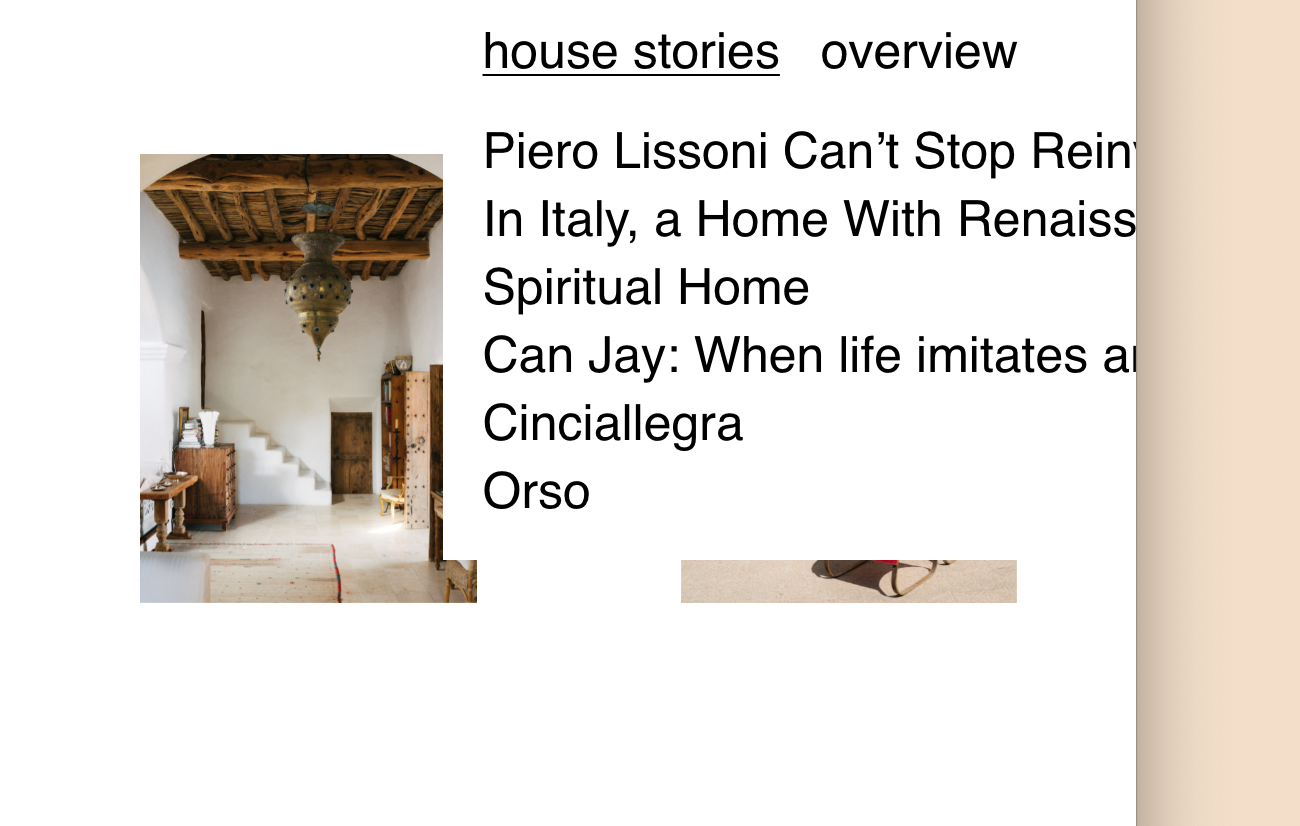
-
sure, do u have a link?
-
sure, do u have a link?
@arminunruh thank you, is this one:
-
you could use this css:
.laynav.desktop-nav.arrangement-horizontal .sub-menu{
left: -600px;
}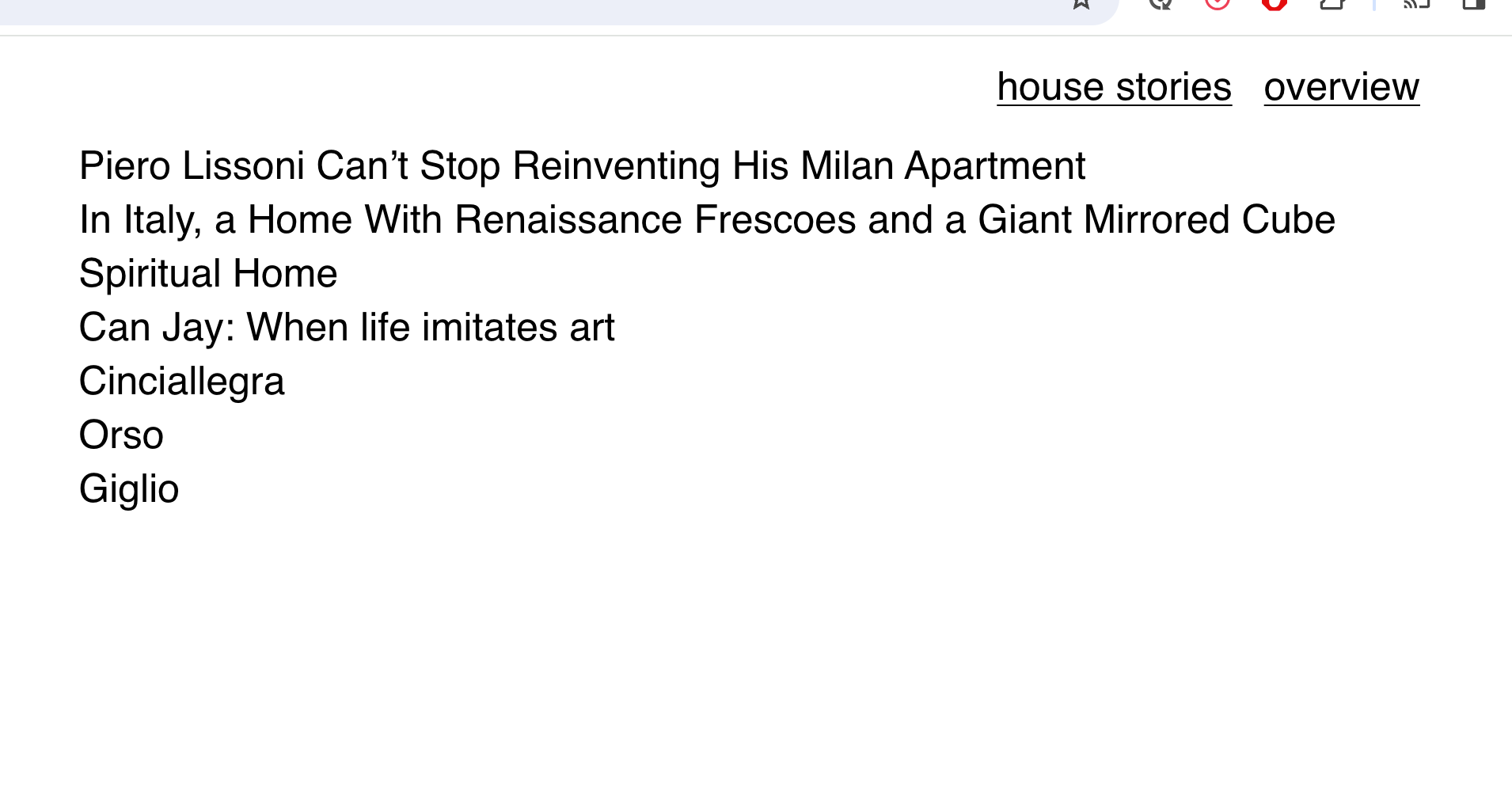
but i think this one word is a little long no?
-
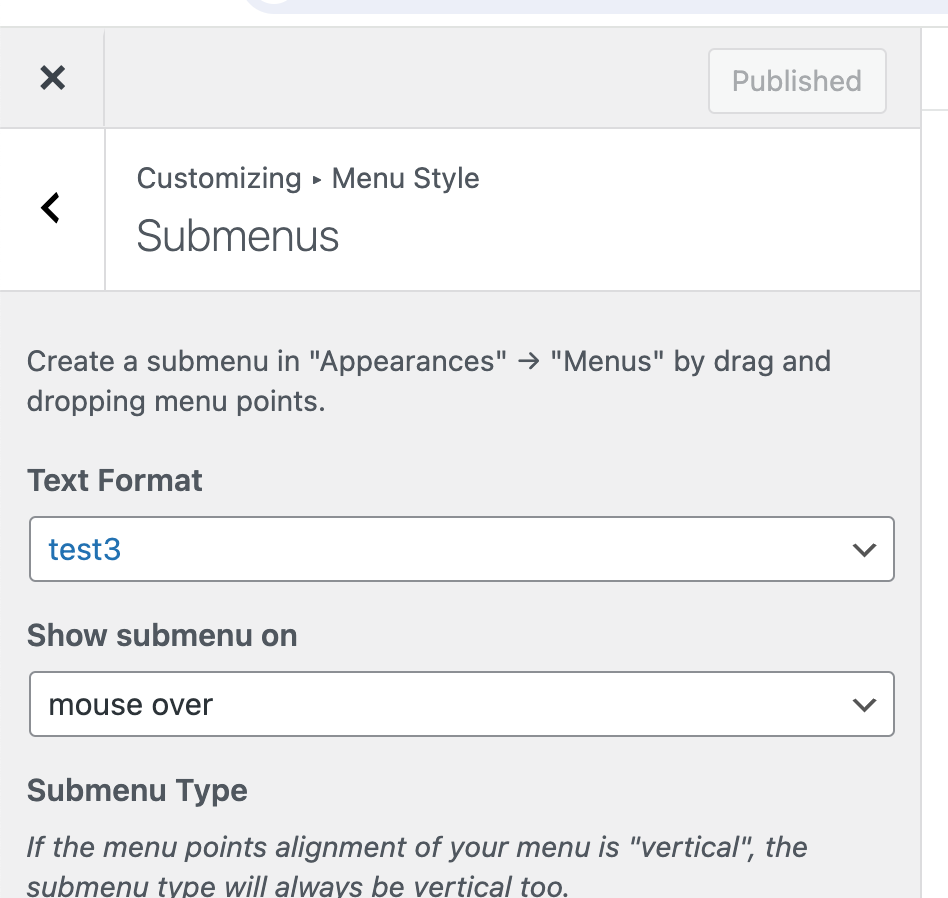
you could use another textformat here in the submenu settings
one where u have a smaller textalso you could change the title to make it shorter
-
you could use another textformat here in the submenu settings
one where u have a smaller textalso you could change the title to make it shorter
@arminunruh thank you, you are right, the titles are really too long!
I will try do both shorter titles and also the smaller font size

Hello! It looks like you're interested in this conversation, but you don't have an account yet.
Getting fed up of having to scroll through the same posts each visit? When you register for an account, you'll always come back to exactly where you were before, and choose to be notified of new replies (either via email, or push notification). You'll also be able to save bookmarks and upvote posts to show your appreciation to other community members.
With your input, this post could be even better 💗
Register Login