I rebuilt it with the text and haven’t had this problem again. (I think there was also a new update in the meantime.) Thank you for your support! 🙂
A
ac-rosebud
@ac-rosebud
Posts
-
SVGs in Stack not loading -
SVGs in Stack not loadingAh, perfect. Thank you! I didn't know that :)
-
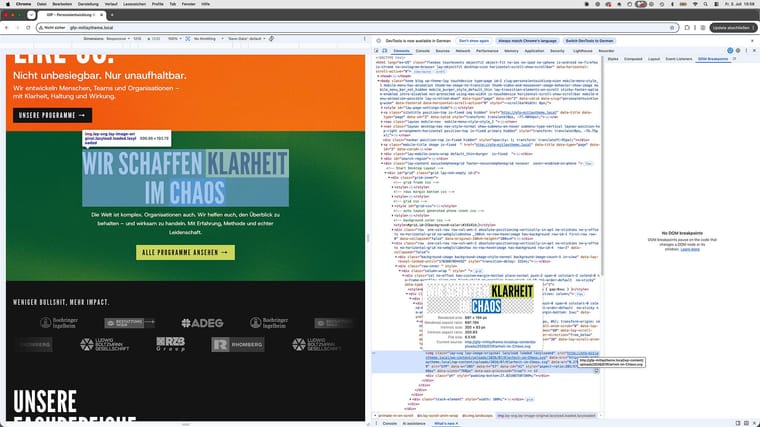
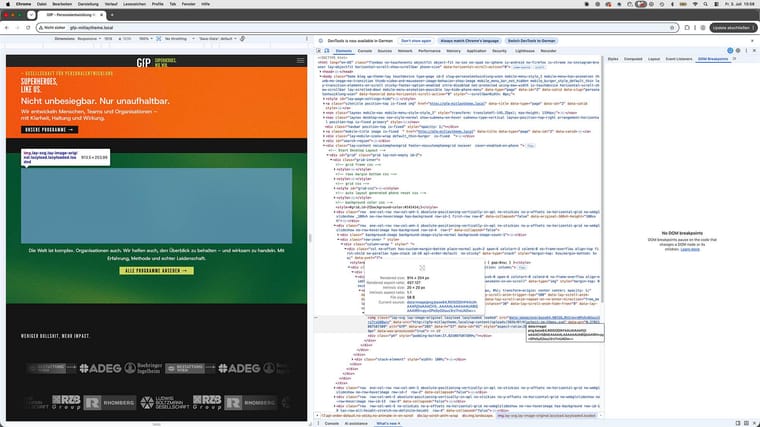
SVGs in Stack not loadingHere are screenshots from the inspector.
I figured out that it has something to do with lazy loading. If I refresh the page on the section where the SVG should appear, it does not load. If I turn lazy loading off, it becomes visible.
I will put it on a staging environment next week and can send you the link if the issue still occurs.
Thank you! :)
-
SVGs in Stack not loadingThe logos are also SVGs, and they are working, even when I place them somewhere else. Very weird.
-
SVGs in Stack not loadingWhen I add the SVG you sent me, I have the same problem, no matter where I place it. SVGs only load when animation is enabled.
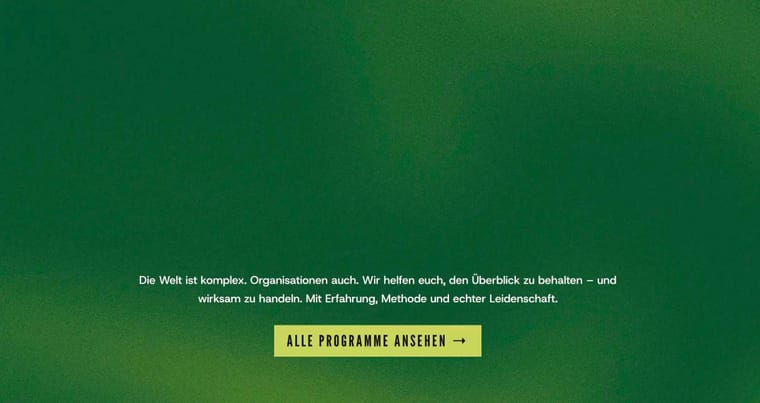
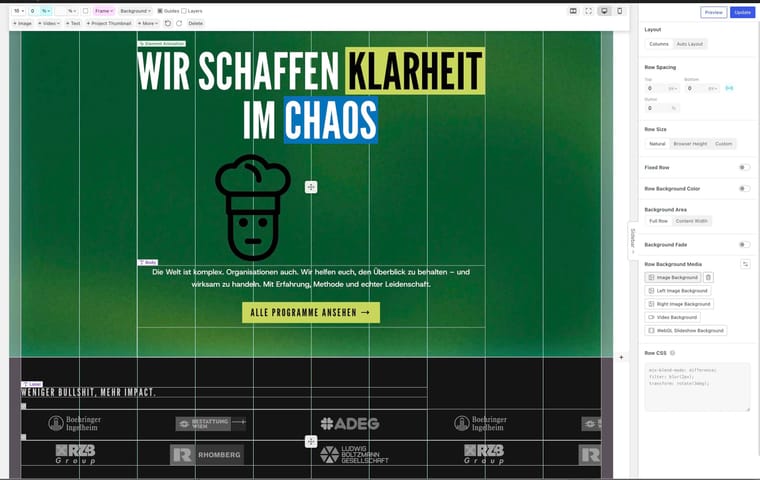
As I mentioned, it was still working yesterday. I’ve attached screenshots.
If no one else is having this issue, we can just ignore it. I have a vibe-coded plugin in my setup, but it only links from the page to another location. Maybe that plugin is causing the issue.
Thank you!

-
SVGs in Stack not loadingHi,
I’m not quite sure whether this is a bug caused by the new update. I think it might be, because I didn’t have this issue yesterday.
The SVGs on my page are not loading today. They only appear when I add an animation to them and scroll to that section.
It also seems to be related to the SVGs being inside a stack. When I try the same SVGs outside of a stack, the issue does not occur.
I’m currently working in a local environment, so unfortunately I can’t send a link.
Best wishes,
Annija
-
Maximum width + burger overlayThank you!
-
Maximum width + burger overlayHi Armin,
thank you so much! That’s amazing. Now there is only the same issue with the X (close) button.
Thank you very much for your help :)
-
Maximum width + burger overlayHello,
I would appreciate some help with a current project. I have two questions:
-
I am working on a website where I use a maximum width for large screen sizes. I would like to use a burger menu (burger overlay), but the burger icon does not respect the maximum width of the website and stays full-width instead. How can I make the burger icon align with the same maximum width as the rest of the content?
-
I would like to use an icon for the search instead of displaying the word “Suche”. Is this possible in Laytheme, and if so, how can it be implemented?
Here is the link to the Work-in-Progress Website: https://neueschule.at/neueschule/home/
Thank you very much for your help.
Best,
Annija
-