Hi, yes everything was updated.
I forward you the details. Thank you.
 A
A
alvarodoze
@alvarodoze
Posts
-
Links on Scroll slider -
Links on Scroll sliderHi Armin,
I’ve noticed that it’s not possible to add a link to an image in the Scroll Slider (i.e. make the image clickable so it takes you to a project).
I tried a workaround by stacking two elements — an image and a text block — and then adding the link to the text. Technically it works because the text is clickable, but the stack starts behaving strangely. The stacked elements jump around and the spacing gets messy.
The images that are supposed to have links aren’t showing.Is it soemthing that can be fixed? Making images clickable?
Just thought I’d report it in case it’s a bug or something that isn’t supported yet.Thank you
-
Grid / list view@lortnok do you think this would work with the "Scroll slider" view? So I can switch from Grid to Scroll slider.
Thank you in advance
-
Sticky not workingOkey.. now I understand. Thank you so much for clarifying. <3
-
Sticky not workingHmm, I only defined it in the ‘Sticky 1’ component and it still not working. Also, are you saying I can’t have multiple sticky components on the page if they’re in different rows?
Thanks!
-
Sticky not workingSorry, here: http://alvarodoze.com/version_trial_3-0/
-
Sticky not workingSticky elements are not working...
"Sticky 1" and "Sticky 2" have the sticky functionality applied, but they are not reacting. Is it a bug, or am I not setting it right?
https://alvarodoze.com/version_trial_3-0/?preview_id=482&preview_nonce=f62920bd17&preview=true
-
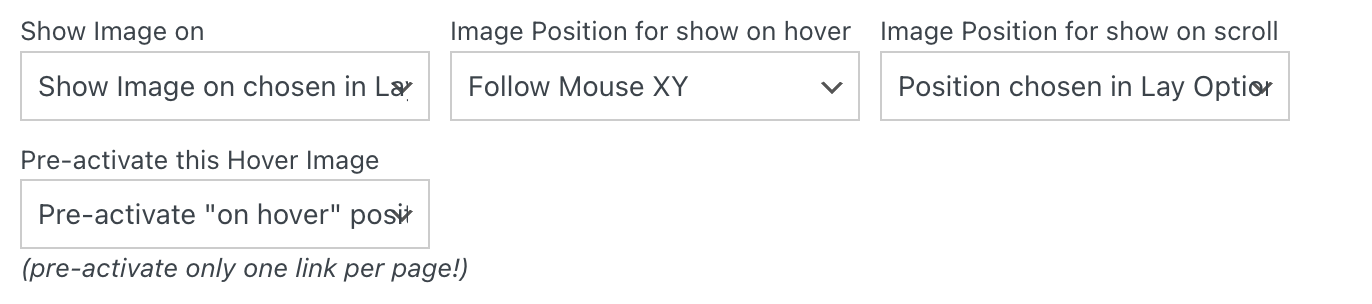
image hover settings on Project IndexAlso I noticed out something it may be interesting and would be nice to have as well. Logically, if you set the Image Hover plugin -> Image Position for show on hover - Follow mouse on XY - with the Pre-activate this Hover Image activated - it won't follow the mouse. For example: https://georginanorris.com/homepage-copy/
-
image hover settings on Project IndexThank you :) :)
-
image hover settings on Project IndexIt would be great if you could add image hover settings on the project index,
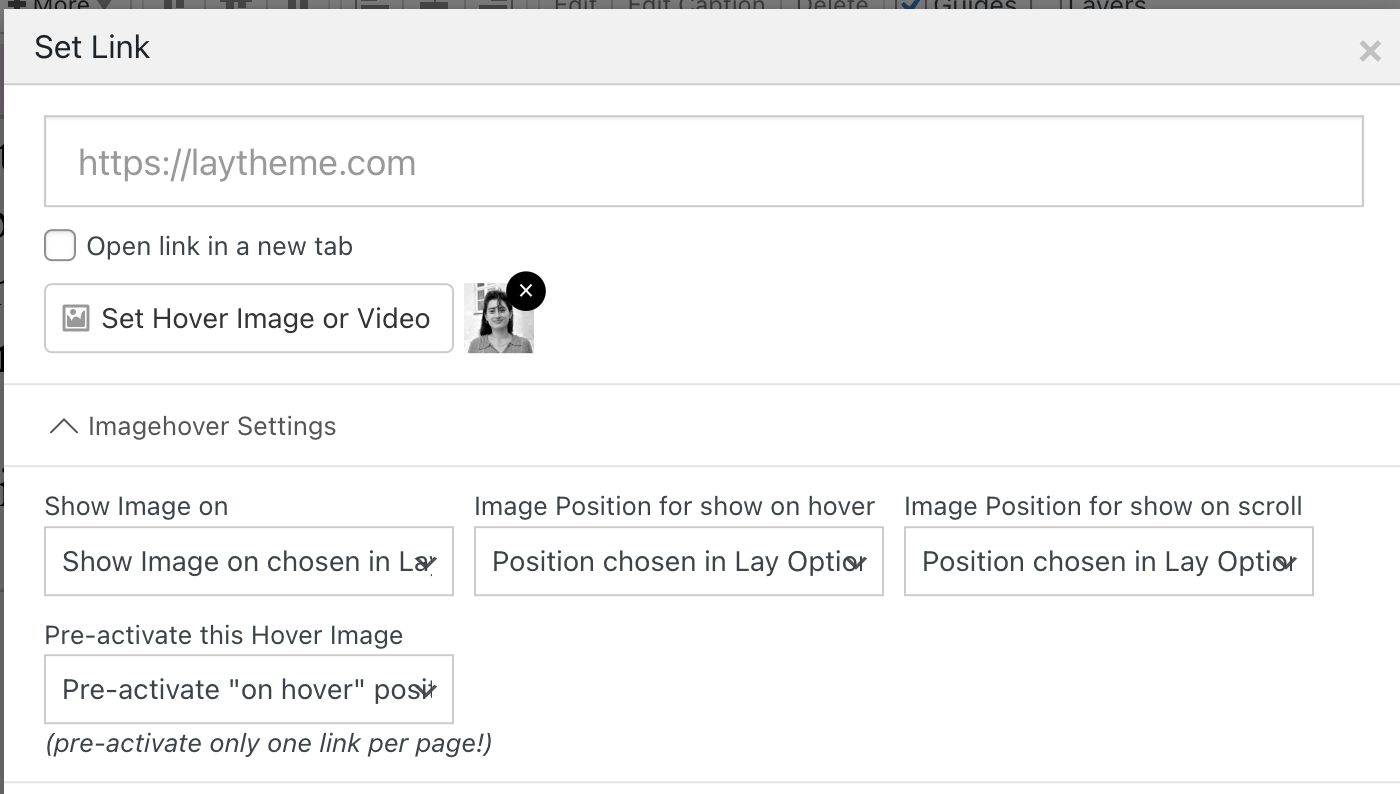 like in the example below-
In my case, I want all links to behave in a specific way, except for the project index. Instead of updating 100 links individually across the website, I’d prefer to adjust just the project index component :)
Thank you!
-
Carousel - Always scrollingWhy wouldn't you make it scroll continuously on the carousel? I feel the marquee option is quite limited in terms of adjusting the image size, etc.
-
meta tag image not workingThanks @felix_rabe for the clarification. How can I change the one for Google and set up a different one with an OG meta tag for when I share the link on LinkedIn or WhatsApp?… Thanks.
-
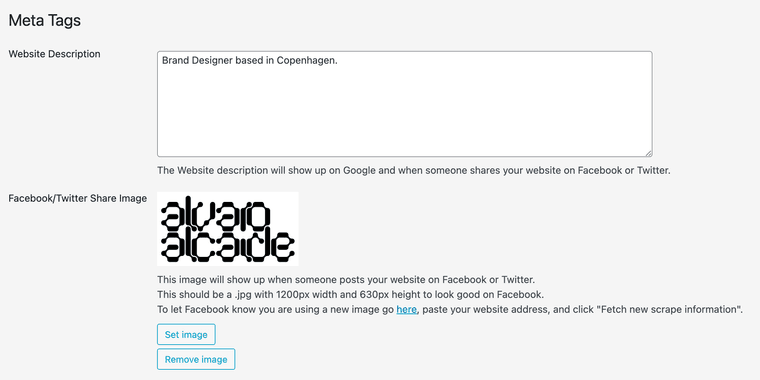
meta tag image not workingThe website not displaying the sharing image I have in the meta tags in Lay options. Do you know why? As well when I google myself it displays a random image.
Thanks.

-
make image caption follow mouse!🙏🙏🙏🙏🙏🙏
-
Lazy load with blurred previewThanks, @arminunruh, you’re a legend! A suggestion: how about adding a feature to control the level of blur? Sometimes it feels more pixelated than blurred, and it doesn’t quite hit the right vibe for me. :) Thank you anyway!
-
Invert effect text on backgroundIf you check the forum properly you will find a better answer.
-
Invert effect text on backgroundExactly what @joshsender said. I did it that way.
To make the nav white:nav.primary a { color: white; }nav.mobile-nav a { color: white; }Check my website: http://alvarodoze.com and you can check my code in more detail.
-
Title of the Project in the project overlay featureHi team!
It would be great if we could enhance this feature by adding an option to display either the project title or an image during the transition. This would provide some extra value and improve the user experience.
What do you think? :)