Hi, I can't really send a link to my backend but here are some images of how the type looks in there:
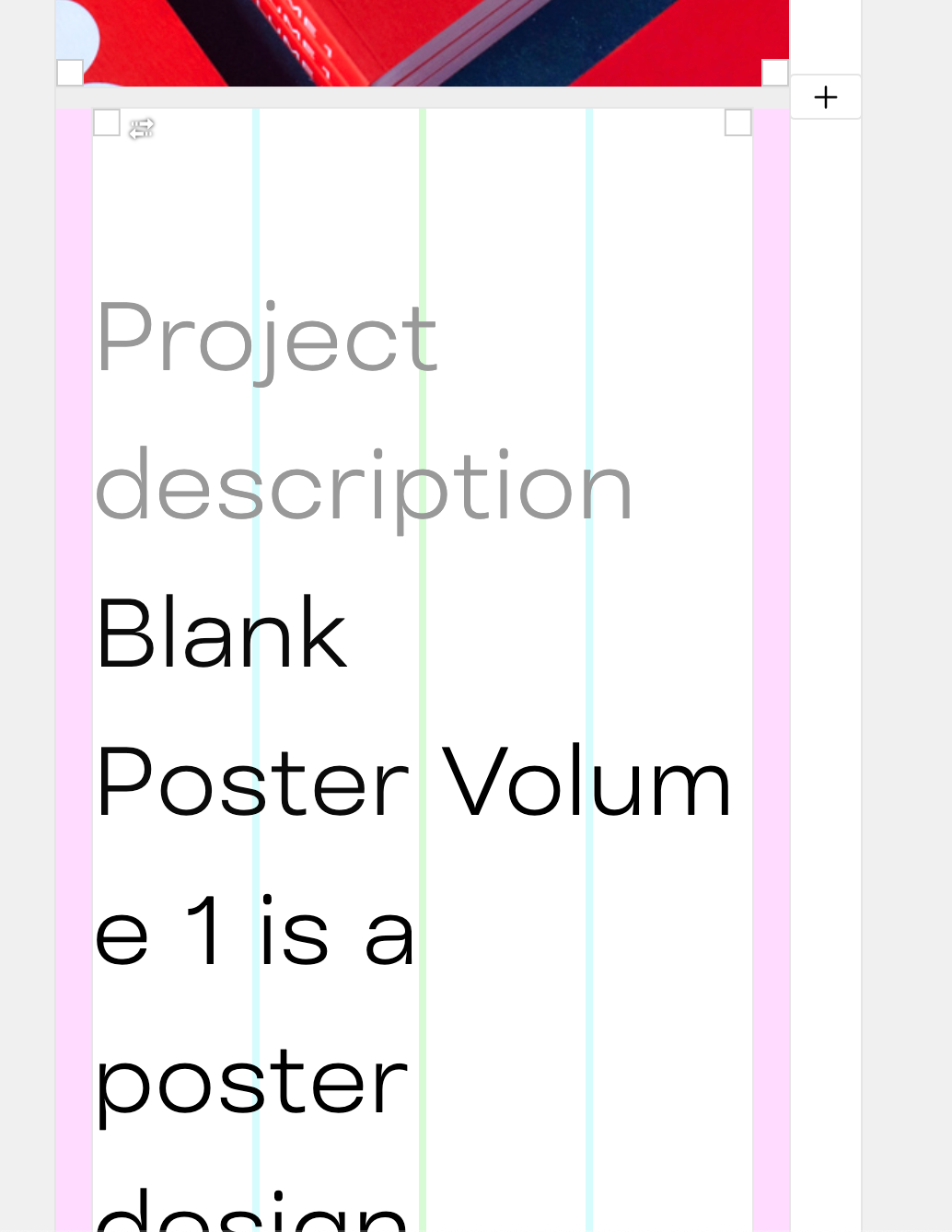
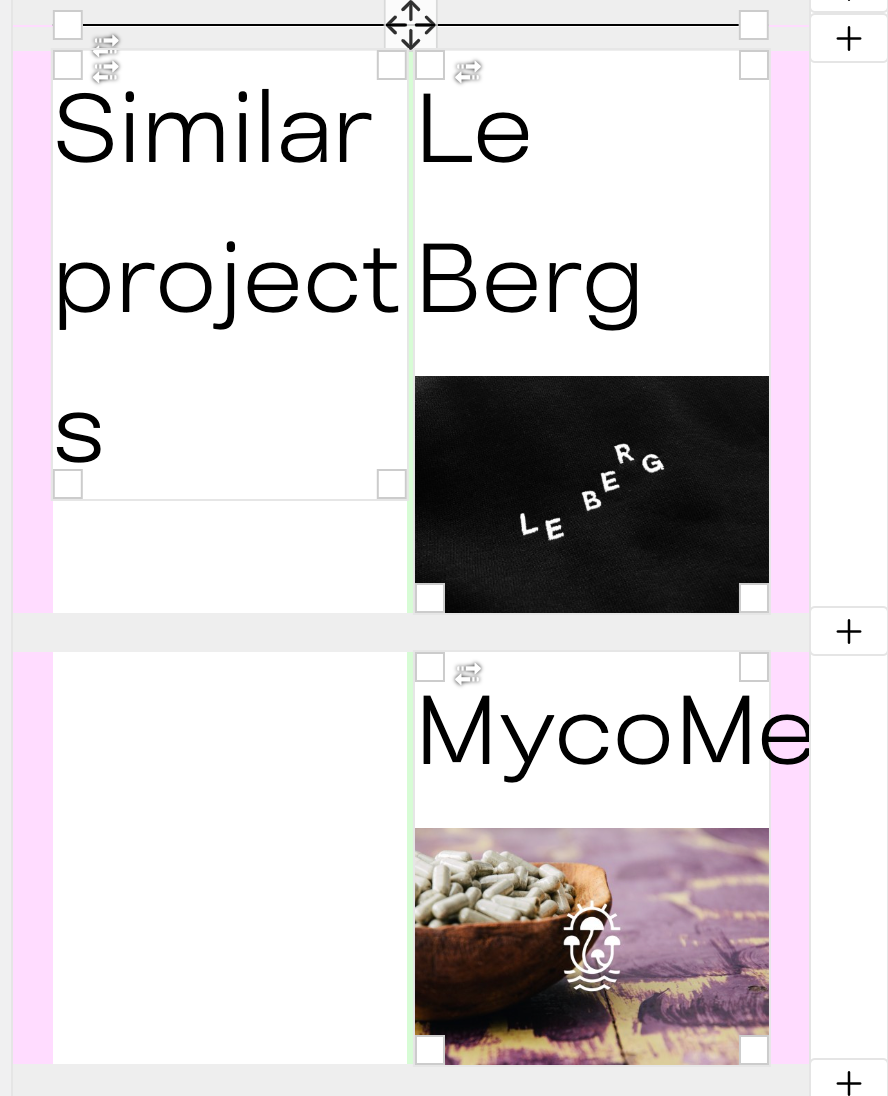
And this is roughly how the font size is on mobile:
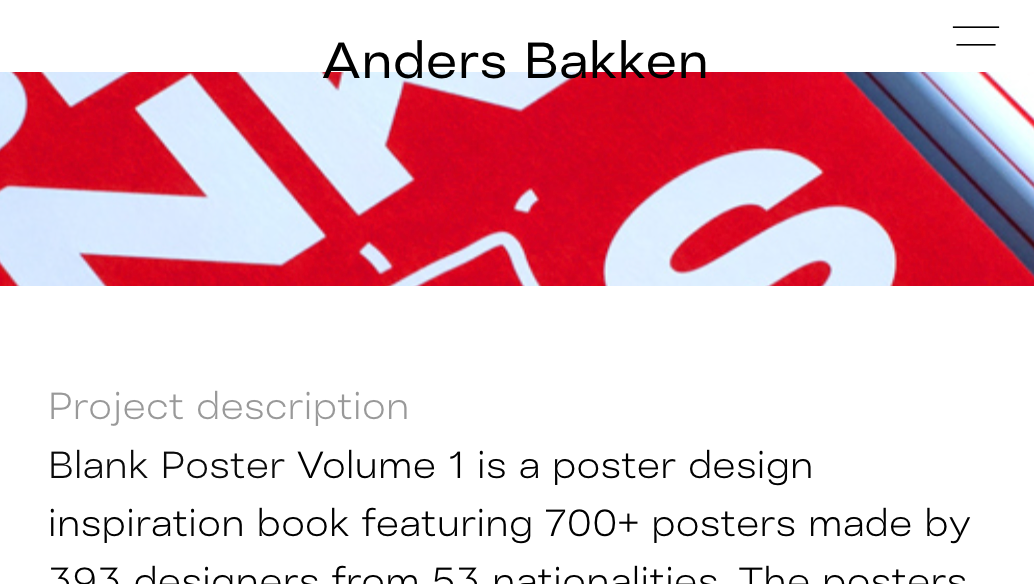
Hi, I can't really send a link to my backend but here are some images of how the type looks in there:
And this is roughly how the font size is on mobile:
Hi,
I am wondering if it's me who's always making a mistake when setting up a page using Lay or if this is just how it is.
Why is the typography for mobile shown so big when I am setting up the mobile design? It's a bit hard to know how things will look then and I need to guess sometimes. Anybody know how to make this display the actual size of typography?
Hopefully there is an adjustment I don't know of or a work-around.
— Anders
Oh and then if you want the cursor also to be the same when you're hovering the video it would look something like this:
.html5video video.playpauseonclick {
    cursor: url(https://favoritanimal.com/wp-content/uploads/2021/03/favorit-animal-cursor-green-01.png) 4 12, auto !important;
}
sorry, like this:
.html5video .html5-video-placeholder-image img {
    cursor: url(https://favoritanimal.com/wp-content/uploads/2021/03/favorit-animal-cursor-green-01.png) 4 12, auto !important;
}
Nevermind, figured it out like this:
.html5video .html5-video-placeholder-image.h100 img {
cursor: url(https://myurl.com/wp-content/uploads/2021/03/image.png) 4 12, auto !important;
}
@Richard said in Custom Cursor on HTML5 Video:
customplayicon
Hi, is there also a way to make the pointer cursor that appears when you hover the video changed into a custom image?
-Anders
Hi,
I have set up this page, leberg.com, with a background video on the front page but it won't show in all browsers. Seemingly Chrome and Firefox loads the video but on Safari it won't show.
Is there a fix to this?
-Anders
Thank you @mariusjopen for the link! I'll check it out and try get a grasp on the basics :)
-Anders
This is great!
@mariusjopen Is it also possible to change the text color of the menu points in this way? And is it possible as well to load a different logo file? So that one page could have a dark logo + dark menu points on a bright background while another page could have the colors inverted.
Best,
Anders
Hey, I just finished this one-pager website for a yoga studio in Germany.
What do you think? :=)
I don't think you can have spaces between the rows because those spaces will be white.
But there's a work-around.
Here's a way:
Bonus: to get the two squares on the first row to align with "PRICES" just select them and click align to middle in the toolbar or give them the same space above and below.
That should work. :)
I want to set up a carousel going from one side of the screen to the other and am wondering if there is a way to adjust the spacing between the images? I don't want them to touch directly.
-Anders
Hello,
is there a way to display the thumbnail image of a project while the thumbnail video is loading?
I have a page that uses video thumbnail for all projects and it takes a moment before the videos play because they all load at once so it'd be neat if the thumbnail images could show while thumbnail videos load.
Is it possible to set the value of the space between menu elements in %?
I have a menu with two buttons (Work and About) and I want to have one stuck to the left side of the screen and another stuck to the right side.
-Anders
Hey, may I ask how you got the menu placed in the corners?
@edgrbnz Thanks :D
How would one go about customising the appearance of the page shown when password protection is enabled? The password input page so to speak.
-Anders
Really!? I must've missed that. Thanks a lot for the help :D
Thanks for the tip with the lightbox addon but is this compatible with the element grid somehow? What the lightbox addon does is exactly what I'd like to do but if I want this effect it doesn't seem to work with element grids so I'd have to place every image one at a time.
Or am I missing something?