
Skip to content
  • Recent
  • Tags
  • Popular
  • Users
  • Search
Skins
  • Light
  • Brite
  • Cerulean
  • Cosmo
  • Flatly
  • Journal
  • Litera
  • Lumen
  • Lux
  • Materia
  • Minty
  • Morph
  • Pulse
  • Sandstone
  • Simplex
  • Sketchy
  • Spacelab
  • United
  • Yeti
  • Zephyr
  • Dark
  • Cyborg
  • Darkly
  • Quartz
  • Slate
  • Solar
  • Superhero
  • Vapor

  • Default (No Skin)
  • No Skin
Collapse

Lay Theme Forum

BaptisteB

Baptiste

@Baptiste
Unfollow Follow
About
Posts
68
Topics
20
Shares
0
Groups
0
Followers
1
Following
2

Posts

Recent Best Controversial

  • Fullscreen slider images flash in Safari
    BaptisteB Baptiste
    General Discussion

    Hey @jwk and @Richard,
    I don't have any answer for that but for your info, I have had the same issue since a long time ago now, with or without CSS and on different websites. It doesn't appear each time and it's only on Safari. A solution would be nice.


  • Project Thumbnails with changing backgrounds...
    BaptisteB Baptiste
    General Discussion

    @Hayo-Gebauer DM


  • Scroll on iFrame (vimeo)
    BaptisteB Baptiste
    General Discussion

    Ok I'll answer to my own question for people who ask or have the same issue haha. If you use the iframe, using the vimeo api is, for the moment, the best way I found to solve that problem for Firefox and Chrome.

    Insert the iframe :

     <div class="iframeVimeo" style="padding:56.25% 0 0 0;position:relative;"><iframe src="yourvideocolor=ffffff&title=0&byline=0&portrait=0" style="position:absolute;top:0;left:0;width:100%;height:100%;" frameborder="0" allow="autoplay; fullscreen; picture-in-picture" allowfullscreen></iframe></div>
    

    Add css to block the pointer event on that iframe :

    .iframeVimeo iframe { pointer-events: none; }
    

    And then add the JS for the api and the click on the play button :

     <script src="https://player.vimeo.com/api/player.js"></script>
    
    <script type="text/javascript">
    var player = new Vimeo.Player(document.querySelector('.iframeVimeo iframe'));
    var iframe = document.querySelector('.iframeVimeo').addEventListener('click', function() {
        player.getPaused().then(function(paused) {
            if (paused) {
                player.play();
            } else {
                player.pause();
            }
        }).catch(function(error) {
        });
    });</script>
    

    It should works ✌️


  • POST THUMBNAIL
    BaptisteB Baptiste
    General Discussion

    @pintomike
    You can add a thumbnail here :
    Lay options > Misc options
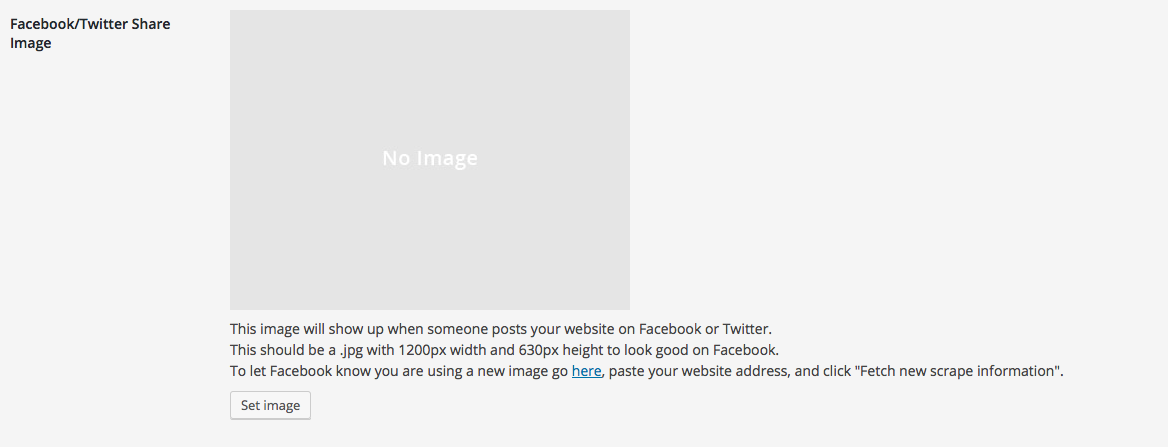
    Capture d’écran 2016-02-10 à 12.23.32.png
    B.


  • Use of oEmbed for video/media implementation
    BaptisteB Baptiste
    Feedback every youtube vimeo video embed

    Soundcloud and instagram will be cool.


  • (lightbox) Close button
    BaptisteB Baptiste
    Addons button close change lightbox

    Hi Armin, do we have any options to change the close button for the lightbox addon?
    To change the cross by an other or maybe an image for exemple.
    Thanks.


  • Image Hover Add-on / Using without active link
    BaptisteB Baptiste
    Addons

    @Richard, no no, no problems, I'm just curious about new features.
    I'll do it with custom code for the moment.

    Thanks anyway,

    Best.

  • Login

  • Don't have an account? Register

  • Login or register to search.
  • First post
    Last post
0
  • Recent
  • Tags
  • Popular
  • Users
  • Search