insane! Thanks!!!
C
cchris
@cchris
Posts
-
image hover addon in carousel addon -
image hover addon in carousel addonHey,
I'm trying to have a horizontal scroll of titles, connected to the image hover addon. So that the centered image changes on hover to the titles trigger point (horizontal scroll).
I published the status quo real quick so you can get an idea of what I mean.
-> https://neueformation.cc/On Desktop the Project Teaser appear on hover. On mobile I'm wondering if I could do the title list as a horizontal scroll and trigger the image hover on scroll.
I hope you can understand what I have in mind and wanted to ask if there is a way to use the image hover within the carousel addon or if this might be planed soon? Any other idea how the do this with a reasonable amount of effort.
Thanks very much!
Chris -
scroll slider updateWoaaa, wie doof, sorry!
Thaaaaaaaanks!!!! <3 -
scroll slider updateIs there any chance to make the Bloom Zoom (scroll slider) work in just a section? So e.g. as the header/entry of the page and on scroll you move on to the next sections(/rows) of the page?
-
Elements not loaded/rendered on high resolutionNo errors to see at opened console.
Nothing changed when not having any web GL things on the site...What do you mean by "do we have the website?" :-)
ALSO cray – when I resize the browser window on my internal m3 screen elements are appearing again. On scroll they flicker again. And it’s not the images/videos or web GL things that are not showing, it’s the type and background of paragraphs. Navigation and sitetitle only appear once I hover them :-D
Feels like some weird re-rendering issues of chrome. Because on safari everything works just fine -
Elements not loaded/rendered on high resolutionI'm not having enough privileges to upload a video?! :-)))
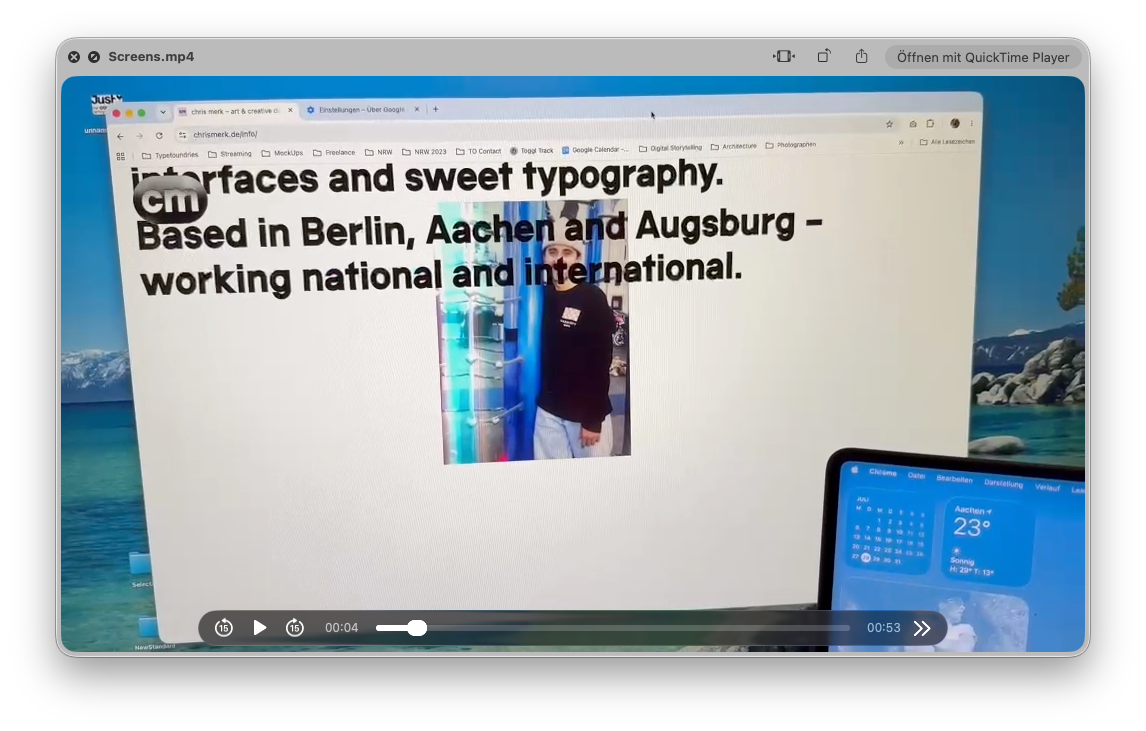
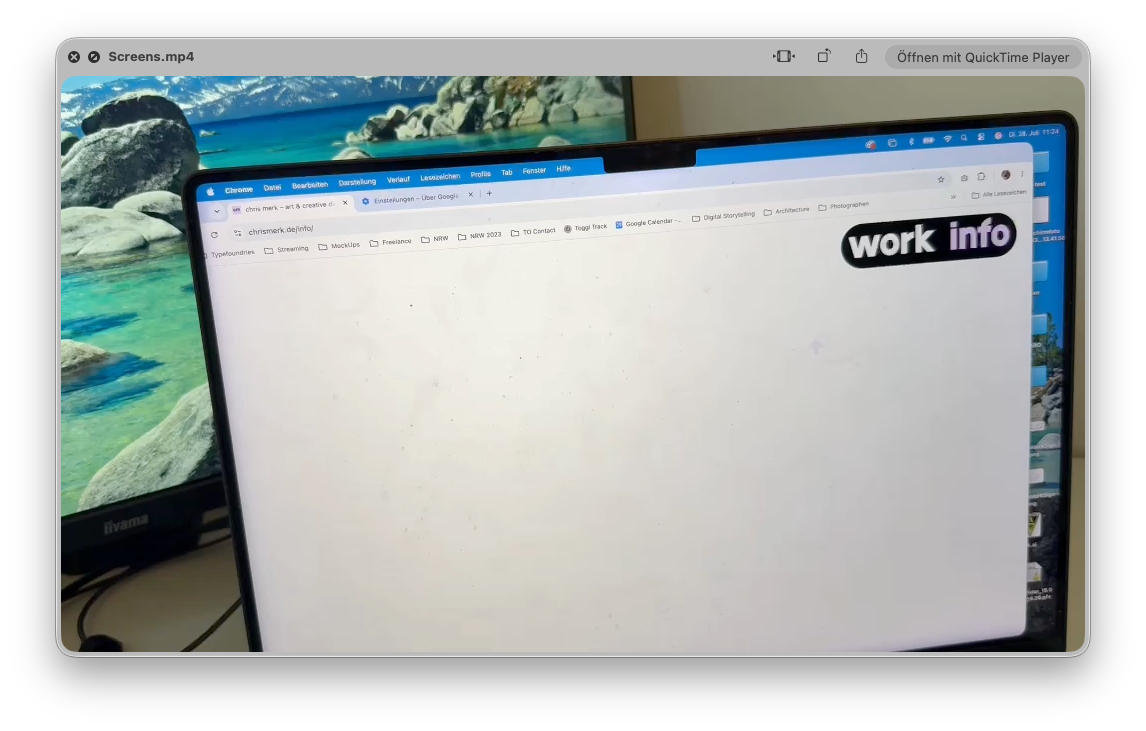
-
Elements not loaded/rendered on high resolutionHi Armin,
thanks very much for your quick reply.I just realised that it works fine in safari for me.
But when using current version of chrome I still have the no show. I dropped everythin as screenshots + one recording.
I just deactivated (after recording the video) the animation on scroll for elements, but that does not fix anything...
If you have any idea what I could try I'm happy :-)
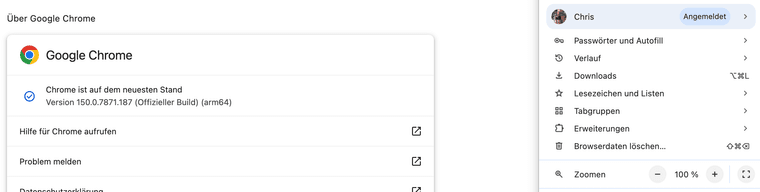
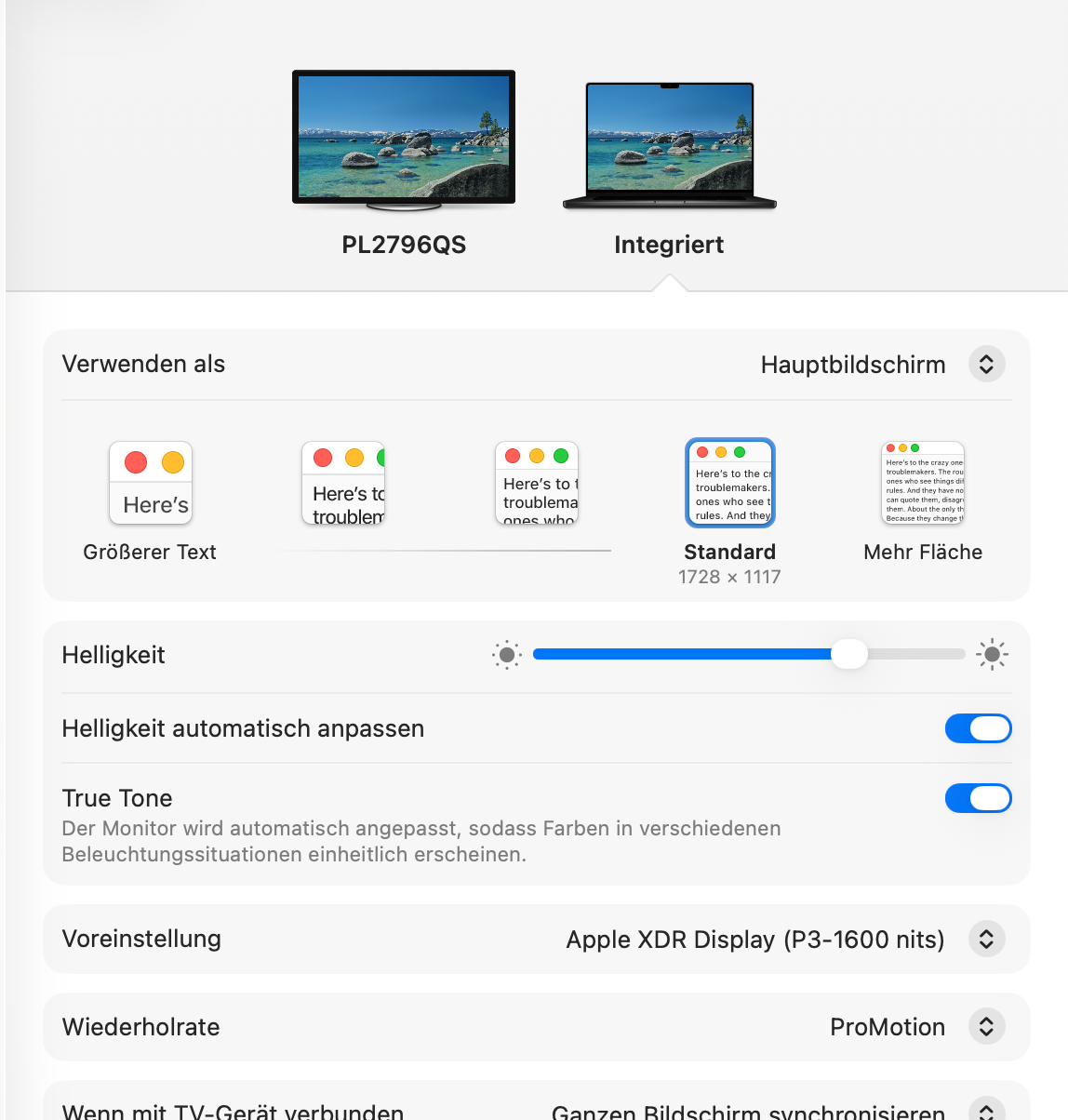
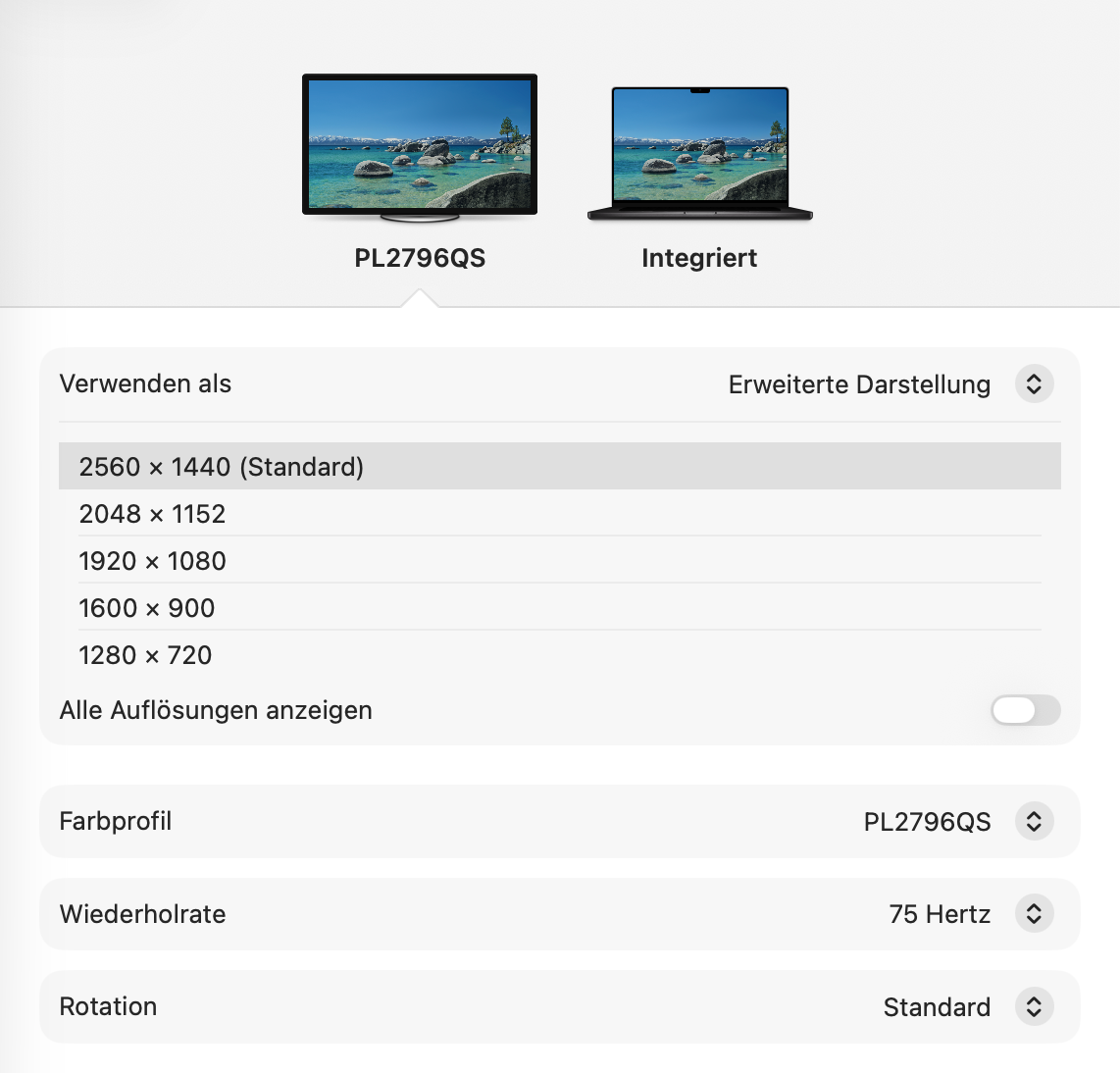
-
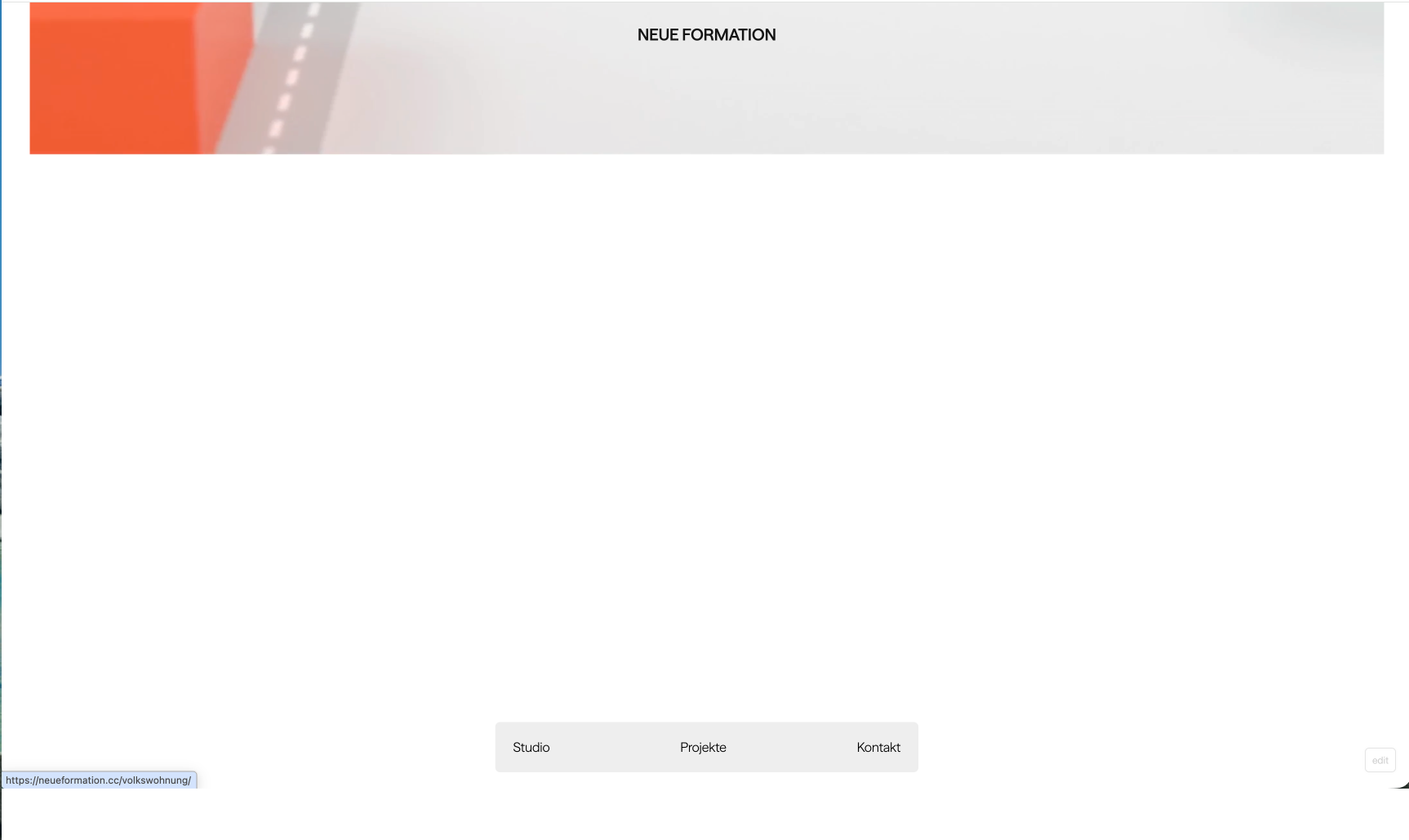
Elements not loaded/rendered on high resolutionI'm not quite sure how to describe the issue :-D
My Site www.chrismerk.de is loading just fine on my second screen. Once a drag window to my M3 Pro 16" elements are disappearing and might show just for a couple of seconds as I start scrolling...
No reload or anything… just by draging the window from one to another screen it’s working or not working.I’ve created another site with laytheme from scratch (same hosting different account) works just fine on both screens.
I duplicated chrismerk.de and reworked on the site (www.neueformation.cc - password: laytest) and I have the same issues as with chrismerk.de. (Both are using the same space and hosting)
Did anyone experienced something similar? Any ideas?
Thanks very muchBest Chris!
Same window, no reload, no show on internal M3 Pro 16".
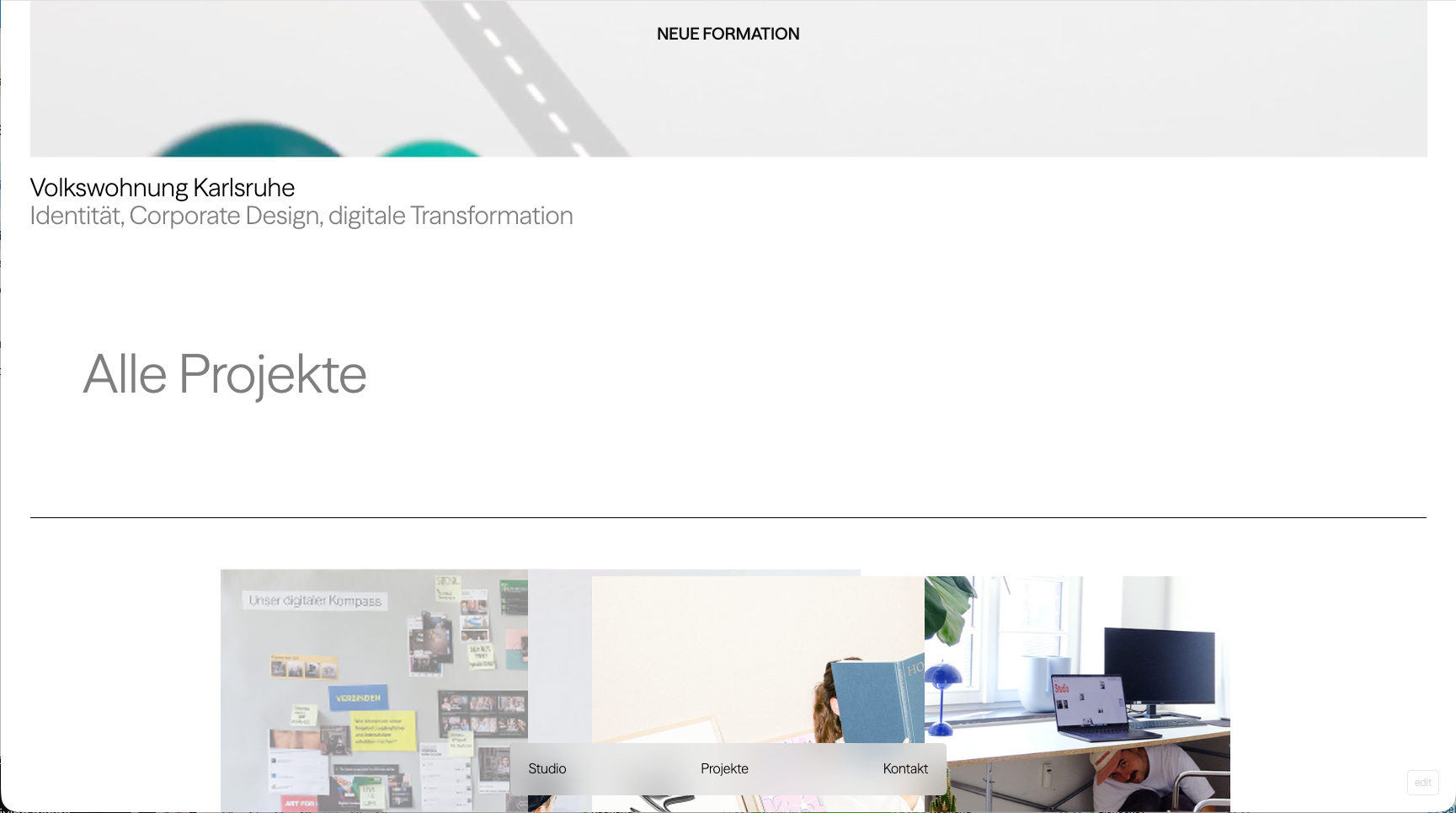
-
Background color section (wrapper - not full width)Hot!!
Thanks! -
Background color section (wrapper - not full width)Just per row would be fine in my case. Thanks!
-
Background color section (wrapper - not full width)Yes exactly. A background color that only is showing from column 1 to column 12 (wihtin the content wrapper) – is there an easy way?
-
Elements do not load in chrome anymoreHi Armin! You’re right, after the last update now everything seems to work fine again. Sorry and thanks!
-
Elements do not load in chrome anymoreSince the last updates (I skipped some I guess) my website is super laggy/not loading elements in chrome. Can you see an obvious reason for that?
(even the navigation only loads the background when scrolling to top)The websites URL is www.chrismerk.de
Would be amazing if you can have a quick look at it.
Thanks very much!
Chris -
Background color section (wrapper - not full width)Thanks Armin! And sure was thinking about that, but I have to stacked elements next to each other (so the background would have the gap between)
Anyways I’ll find a workaround ;-) -
Background color section (wrapper - not full width)Is there an easy way to apply a background color to a row so that it doesn't span the full width, but instead aligns with the content wrapper? (eg 2% left/right frame)
Thanks!!
-
Project grid separatorthanksssssss!!
-
Project grid separatorIs there an easy way that I just didn't see to separate thumbnails within the project grid with lines?!
Like this: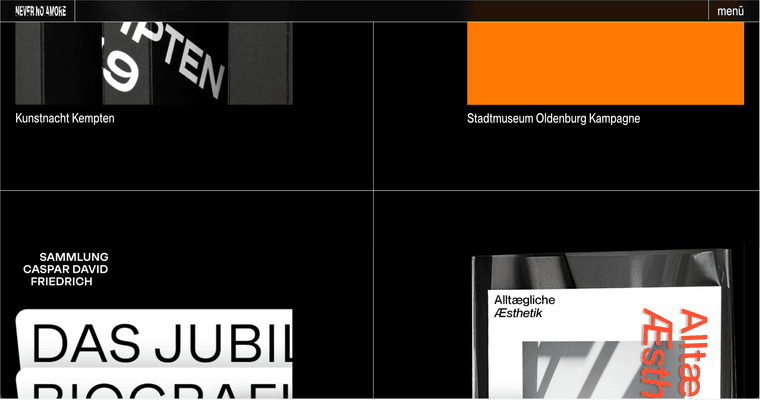
(thumbs then can be centered within the box of course.)
I'm just thinking of reusing the grid again in a "smaller" version like 4 Columns too ... (short sketch to give you an idea)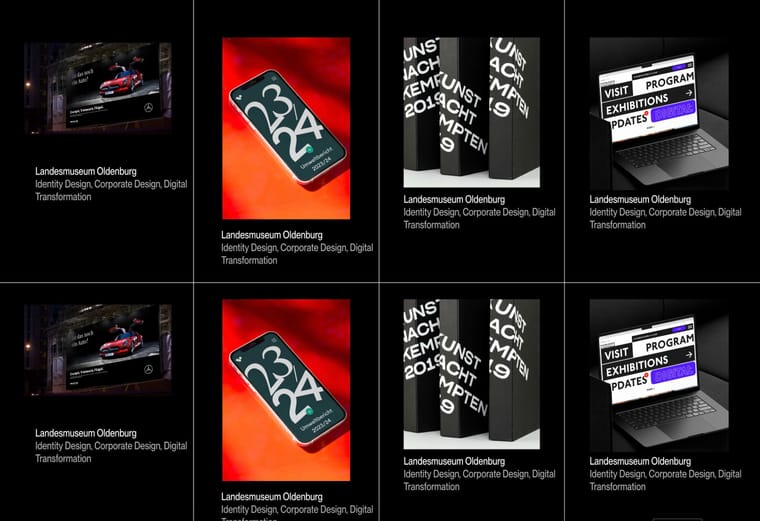
Cheers
Chris -
anchor link on Background with WEBGL-slideshow doesn't workStark! Danke dir!
-
anchor link on Background with WEBGL-slideshow doesn't worksweeeet! thanks!
-
anchor link on Background with WEBGL-slideshow doesn't workYo!
thanks very much for the super fast reply! And thanks – feel free to feature it on your "made with laytheme"-section ;- ))))Yeah it works like that for linking to another page. But I wanted to use it as an anchor link to a lower section. And putting in #projectgrid nor https://chrismerk.de/#projectgrid doesn't work. Any idea?