@arminunruh PLEASE!
 C
C
CK
@CK
Posts
-
Adding an infinite scroll loop to a page -
comment function@arminunruh why?
-
comment functionHello
Does anyone know if the comment feature will appear with the lay theme?
Thanks!
-
2 lANGUAGES on a website easy?@arminunruh said in 2 lANGUAGES on a website easy?:
qtranslate
qTranslate is no longer being developed. However, there are already four successors available that aim to continue its legacy.
In alphabetical order:
mqTranslate
qTranslate-Plus
qTranslate-X
zTranslate" -
The mobile menu no longer works@arminunruh I have sent you an email.
-
The mobile menu no longer works@arminunruh Hello armin, I have sent you an email.
-
The mobile menu no longer works@arminunruh said in The mobile menu no longer works:
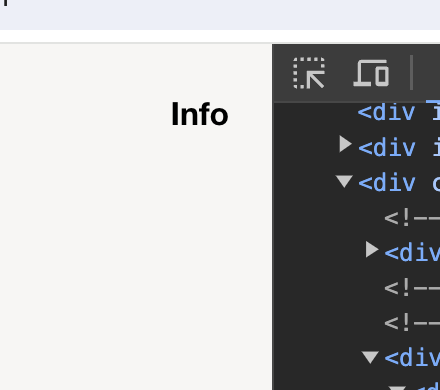
hey there so your info button is not a mobile menu but its a linked text inside of your layout that was created inside the gridder
its not a mobile menu in the sense that you didn't create it in appearance -> menus
and didn't style it using customizer -> mobile -> mobile menuyou cannot click that link because the
mobile title image overlaps that link:
thats because i think i didn't have this use case in mind when i coded this
use this css in lay options -> custom css -> custom css for mobile
.mobile-title{
    width: auto!important;
    left: 50%!important;
    transform: translateX(-50%)!important;
}
does that fix the issue?
No. No success. Furthermore, the link disappears after refreshing the page
this i cant reproduce.
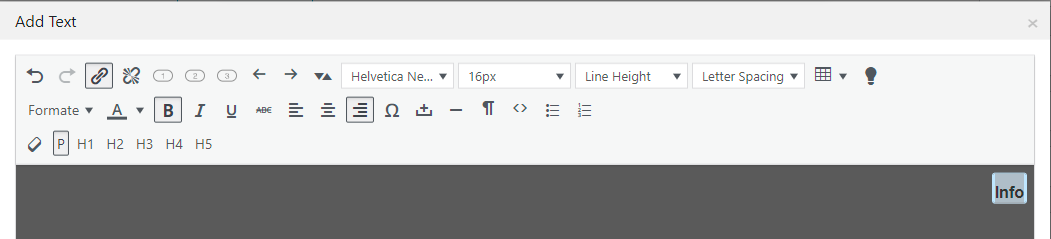
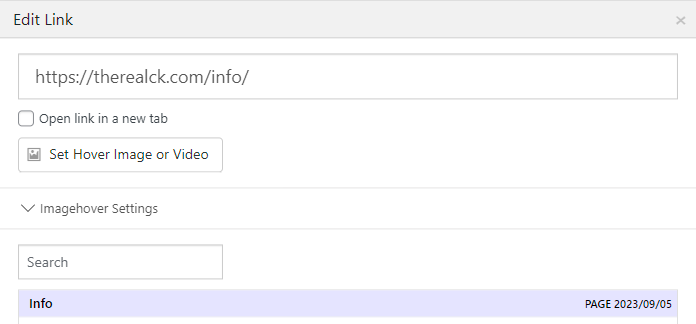
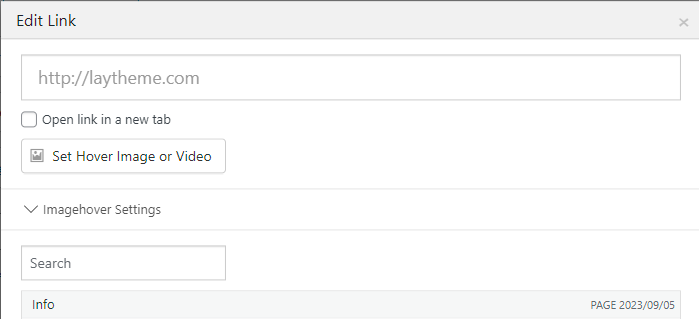
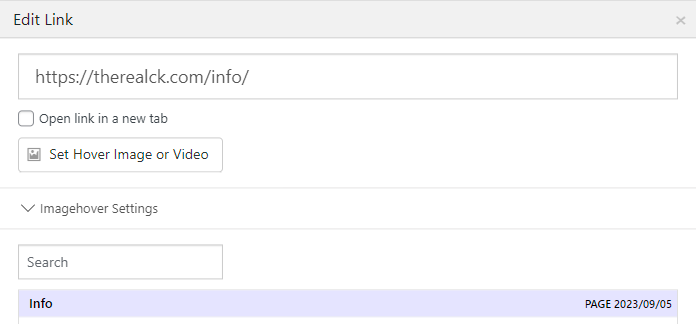
you mean when i refresh the homepage? https://therealck.com/So sorry I expressed myself incorrectly. I mean exactly as you said, the link distribution within the layout created in the Gridder. I'm highlighting the text, linking it on the page. After refreshing the page, the link disappears completely again.

-
The mobile menu no longer works@arminunruh said in The mobile menu no longer works:
sorry should be fixed now if you update
No. No success. Furthermore, the link disappears after refreshing the page
-
The mobile menu no longer worksThe mobile menu no longer works after the penultimate update. Links insert disappear after the update
-
Customized menu (Info/Close)Hello Armin,
I have updated to 6.5.1 .
Unfortunately, the overlay still does not cover the entire screen (browser height).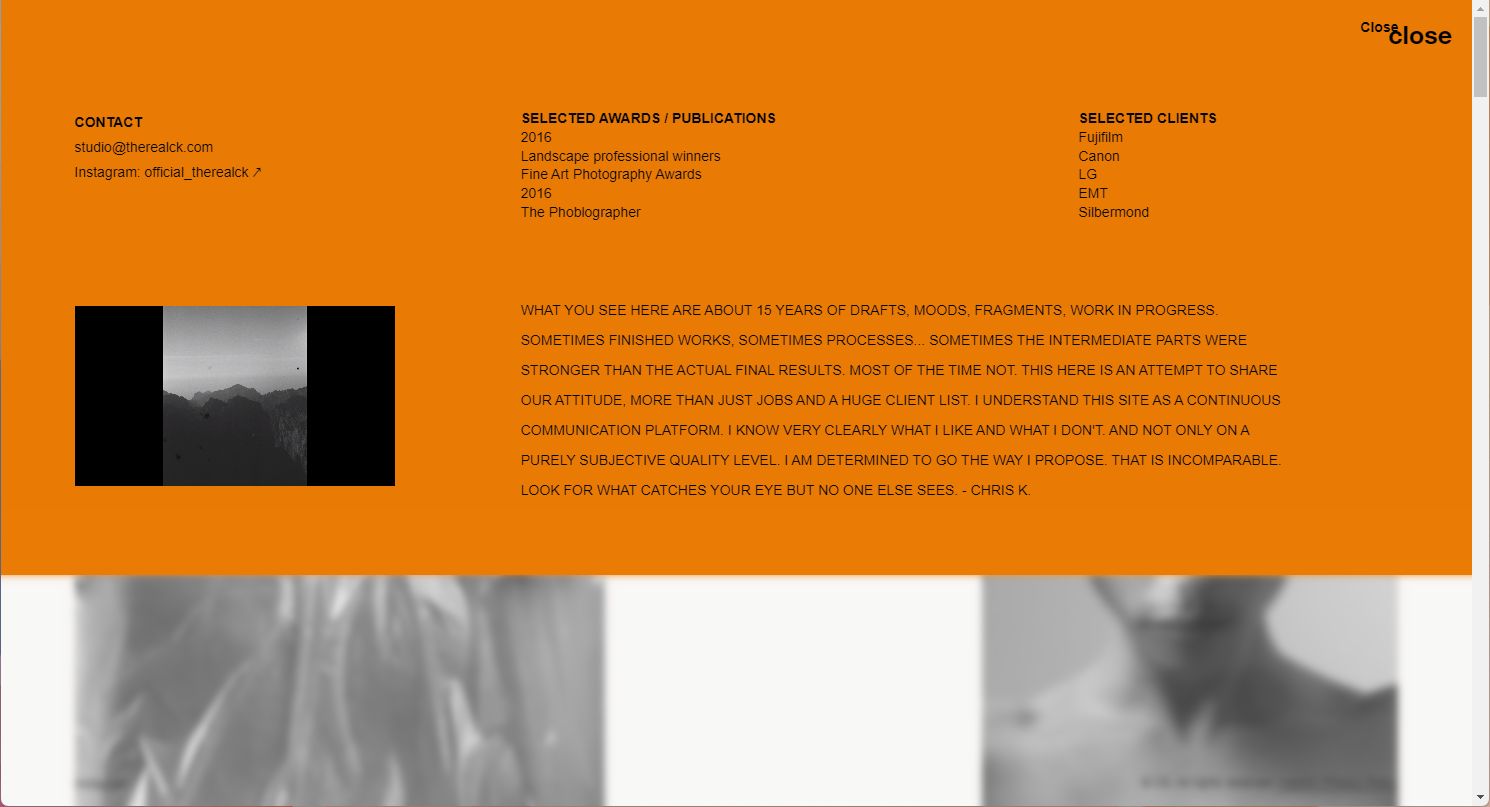
-
Customized menu (Info/Close)@arminunruh The overlay does not cover the entire screen (browser height). Finally, the option "Do not scroll while overlay is activated" does not seem to work on mobile devices.
-
Customized menu (Info/Close)@arminunruh Thanks Armin for the tip with the overlays!
Thanks for the links. I will work my way in -
Customized menu (Info/Close)The "Info" link should be on the main page.
On the "Info" page the "Close" link back to the main page.
I have created this simply as a text file.
The problem. The different heights. Especially in the mobile version.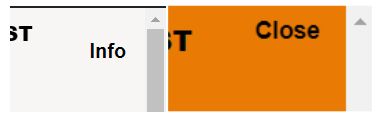
Can I also realize this with the menu setting?
Or if not. What does the CSS look like for this?
Thank you very much -
Google Chrome@arminunruh Yes, it was like that :)
-
Google Chrome@ffinger Thank you for your help and tips. It was indeed due to the Google translation plugin.
Thanks again
-
Google Chromethank you very much for your answer,
have disabled all extensions.
The problem remained.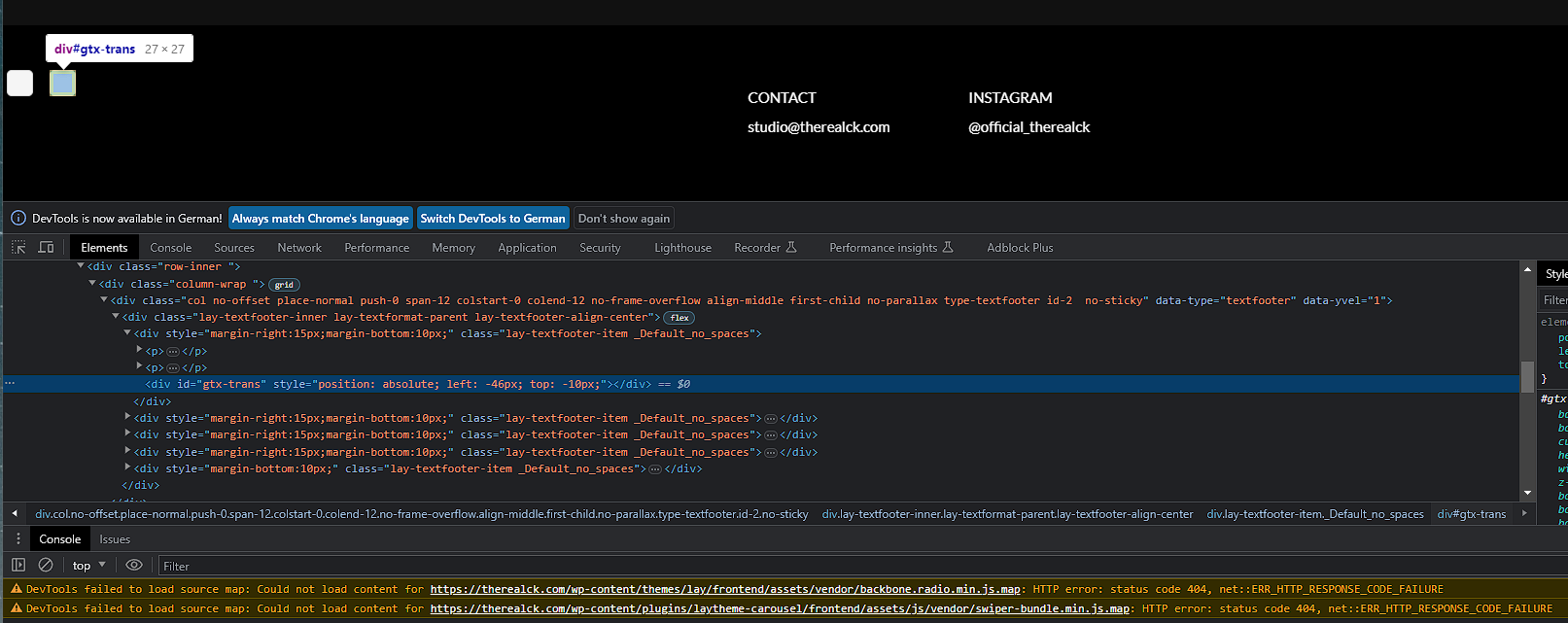
-
Google Chrome -
Google ChromeHello all,
in the last few days I noticed spots in the Chrome browser. These are not seen in other browsers. Problem on the part of Google? Or a theme bug?
Many greetings

-
Photo-portfolio@arminunruh 🙏thank you, have to thank you :)
-
Photo-portfolioThanks to Laytheme I was able to publish my work of the last 15 years.
Thanks to the whole Lay team. You guys are doing a great job!