Hi, it’s in the Sidebar now

Hi, it’s in the Sidebar now

Perfect!
Nice to see you added the Marquee-Scroll animation with the last update!
The behavior speeding up to the right when scrolling down and to the left when scrolling up is perfect for still elements because it feels synchronized. However, it becomes a bit jarring when applied to moving elements, since the opposite directions create a sense of friction.
Could be an idea adding a checkbox to apply the speed factor only in one direction, the same direction where the marquee is moving? Like the sample page above: https://vucko.co/approach

Yes, I’ve updated this morning and now it works!
The spacing on the gridder is the same because I intentionally decrease all the values.
Thanks

Hi Armin, after the update all the spacing was lost

Hi Armin,
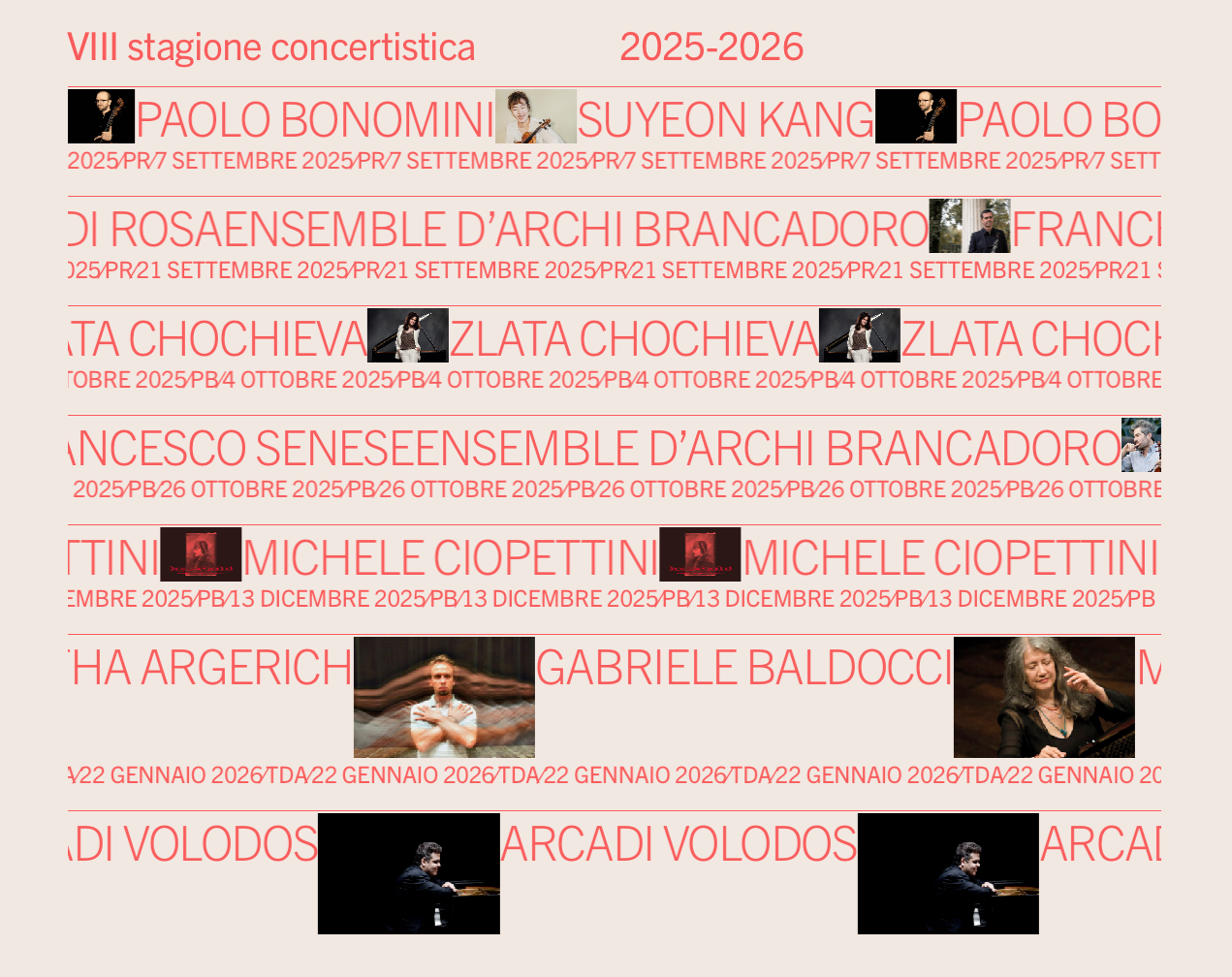
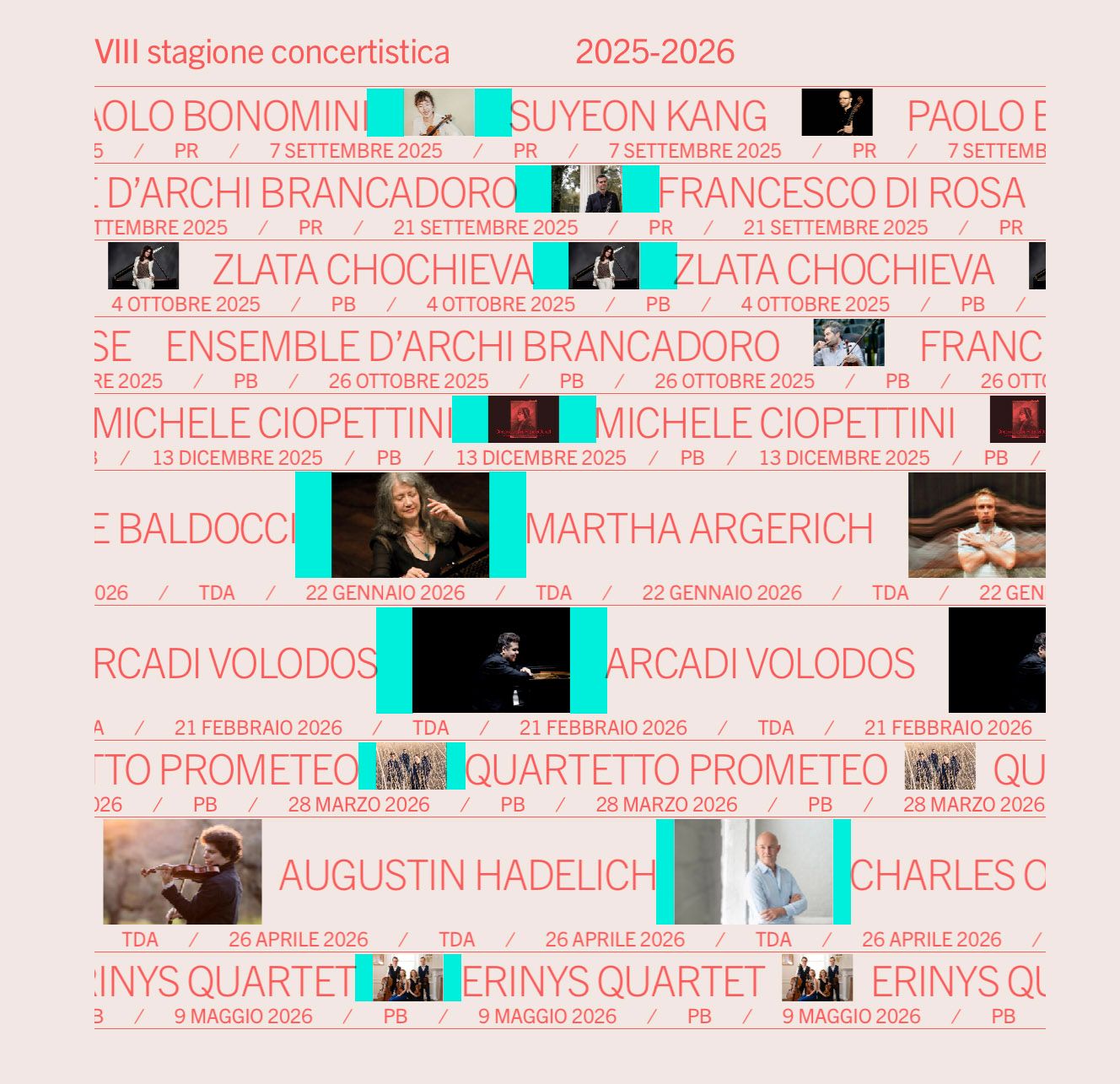
it seems that I cant't adjust the space between elements in a marquee row anymore.
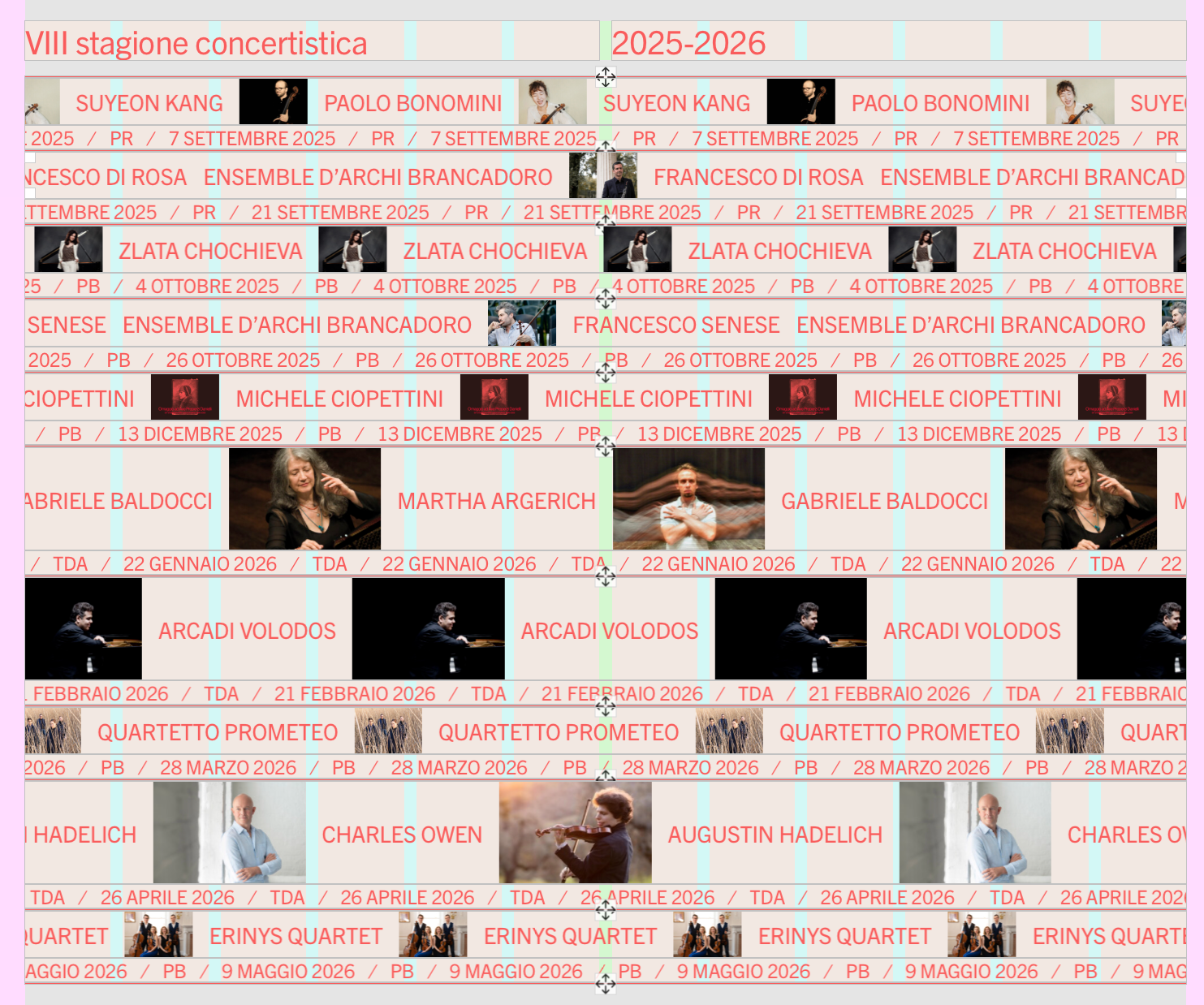
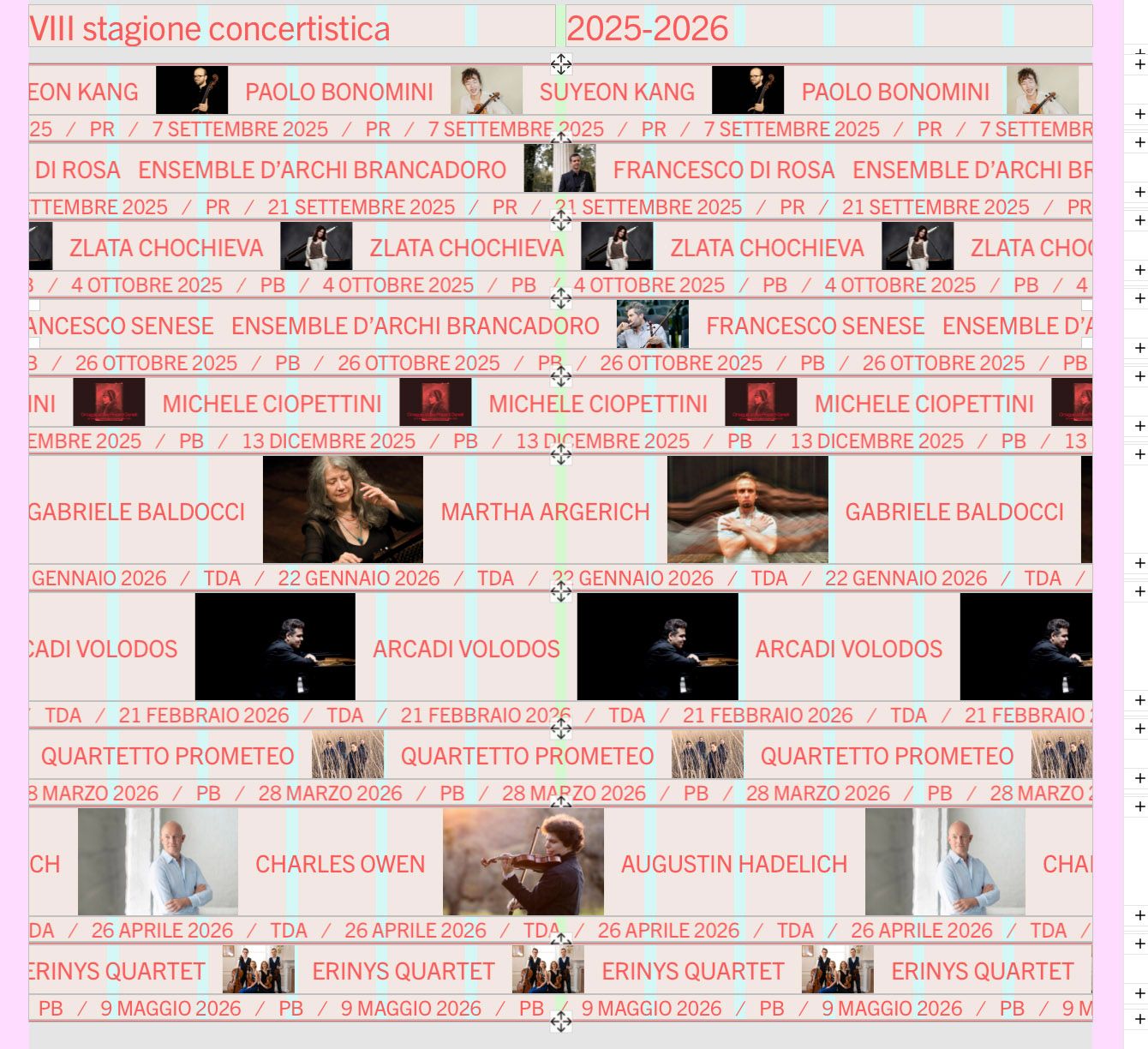
While in the backend the spacing is accurate, in frontend changes are not visible.
https://ilcircolodiave.it/le-stagioni-concertistiche/
In the rows containing pictures I set the spacing by 10px, but it appears much larger, except on the three rows at the bottom.
Tested also with custom code turned off.
Thanks in advance
frontend

backend

I updated to 10.8.0 and disabled Smooth Scroll, but it still freezes :(
Hi Armin,
the Masked Words animation I used on this page freezes when the page is scrolled during the animation on mobile devices (tested on iOS and Android)
https://wecarestudio.it/percorsi-terapeutici/
The same happens with other animation types, except for Typewriter that is the only one that seems to work properly.
Thanks in advance
Portfolio website for an Italian documentary photographer:
Ok, good to know
This is something that happens to me often: when I convert a page to a Custom Phone Layout using “Stack elements on top of each other”, rows with a background color lose it in the mobile version. The same happens with a background image. This does not occur when using “Copy same layout”.
Here is a screen recording:
https://drive.google.com/file/d/1ZQIAj58BAbmJAomJCUwsBkP7MkN_eoR-/view
Can this be solved?
Thanks in advance
Since the website hasn’t been released yet, here’s a screen recording
https://drive.google.com/file/d/17Tt0psXyUsWpHSUJJeEwqcTcmf1oHdwv
Hi Armin,
after updating to 10.2.6, the background color of an overlay became transparent. I managed to make it visible again by lowering the opacity to 99%.
Hi Armin,
a small enhancement could be to make the marquee speed react to vertical scrolling — so it moves faster when scrolling up or down, similar to the video row on this page:
Hi,
the latest project I worked on using Lay is a small website for an Italian farm that produces wine:
https://www.aziendavallerosa.it/
On the second page, I used the Scroll Slider Addon for the first time:
Hi Armin,
I still see tablet settings on Text Formats even though the option is disabled.
Tested on 10.1.0 and 10.1.3
Here’s another website I smoothly built with Lay:
Hi Armin,
after the update to v8.3.8 it seems that the Clone button doesn't function anymore.
I think a workaround was used on the page https://www.charlotteabramow.com/angele/
All the images are the same size (1500x1000 pixels), including the vertical ones, which have blank spaces on the sides.