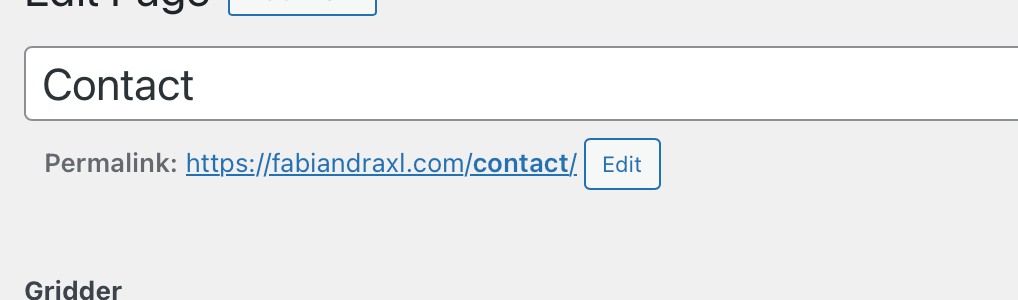
For now, it would also be enough and super helpful, if only the search and replace already integrated in the browser would work ... :P
 F
F
fabiandraxl
@fabiandraxl
Posts
-
Any options for using an external CSS-editor? -
Lay Buttons: labels off-centered depending on used browser ...I added the following to my custom <head> content:
<script>
  if (navigator.userAgent.includes("Firefox") || navigator.userAgent.includes("Android")) { document.documentElement.classList.add('offcenter') }
</script>
And Custom CSS:
.offcenter .laybutton1, .offcenter .laybutton2 {
        padding-bottom: calc(10px - .5ex) !important;
}
It works, but what is about Chrome Mobile, Samsung Browser etc ... any Ideas?
What about the "no-chrome-no-safari" u are using in lay? -
Any options for using an external CSS-editor?Because your Interface does not include search and replace. What would be soooo helpful ... I always copy it to my editor, to search for something ...
Also an Option for different Versions would be nice ... would be a lot easier for debugging ... etc.
✌️✌️✌️
-
Cover + Sticky + 100VH + carousel = broken MarginsI solved it in the meantime with custom code, so no hurry. Would be nice if you could solve it sometime though. Have a nice vacation in the meantime and let me know if I can assist you in any way.
Best regards,
Fabi -
Lay Buttons: labels off-centered depending on used browser ...Hej @arminunruh
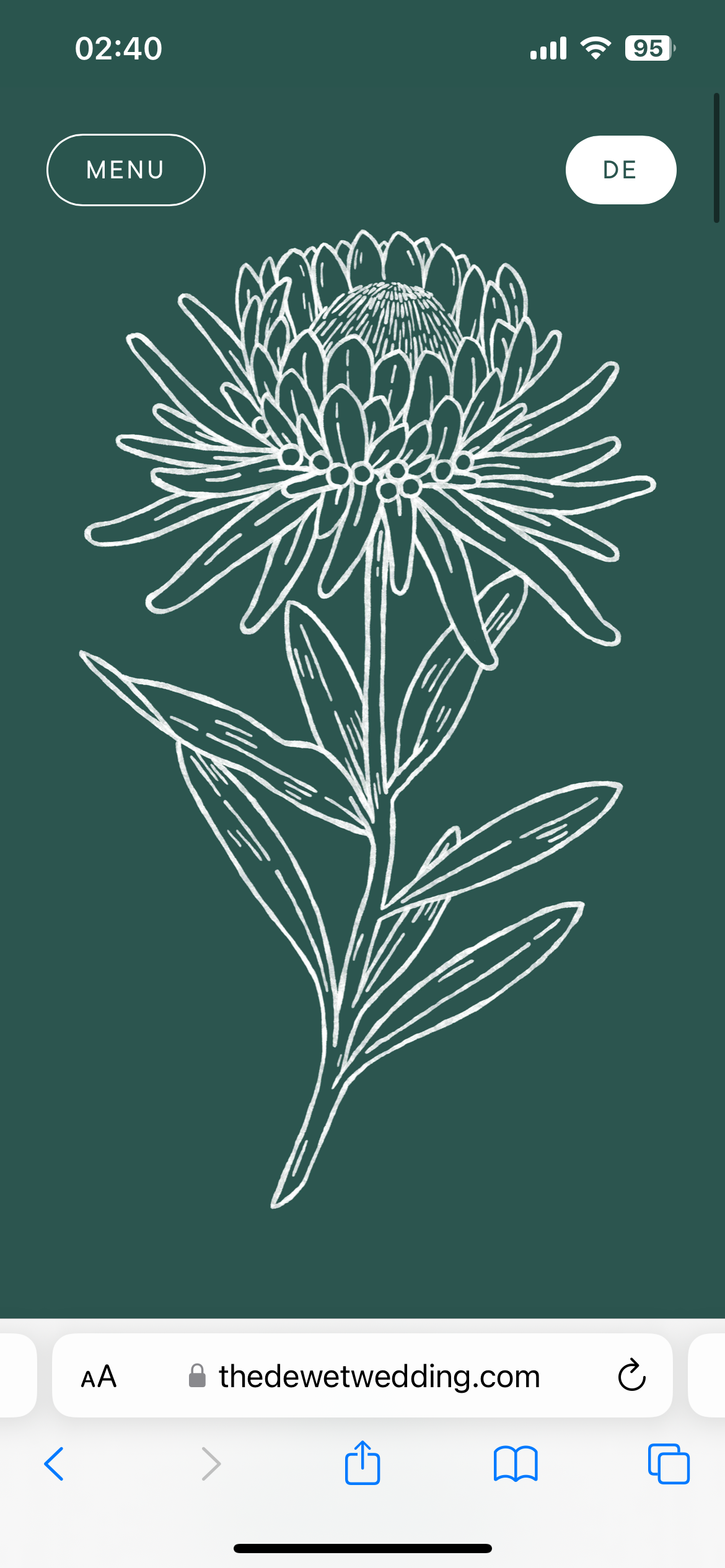
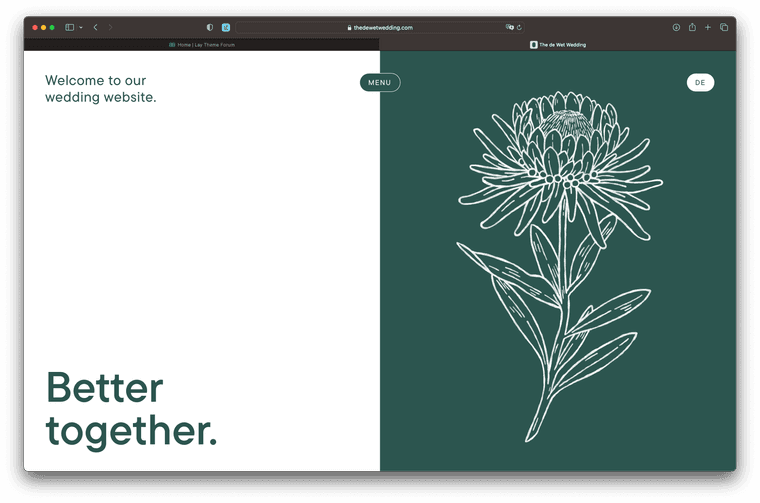
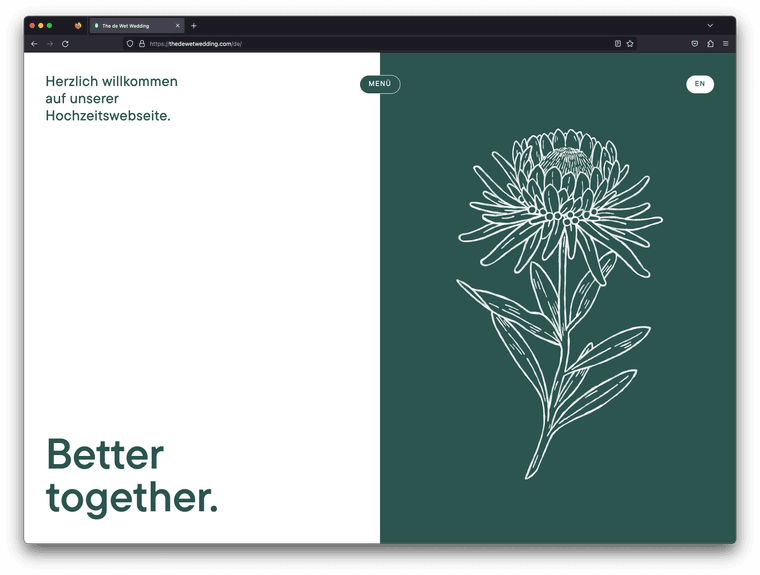
Created this new site and I noticed, that the button labels are vertically misaligned i.e. off-centered ... i believe it has something to do with the integration of Adobe Fonts ... could it be that the browsers use different font files or something like that? I know that browser interpret and render fonts differently but something like that never happened before with any of my other lay-sites.
Safari Looks fine, Mobile and Desktop:
Firefox Desktop and Mobile is broken:
Chrome Desktop is fine, Mobile is broken too.
Could you please help me soon? :) Thank you, Fabi
-
Cover + Sticky + 100VH + carousel = broken MarginsSeems to be more a Problem with Sticky ... added sticky to another text further down below of this page and its off-center as well.
-
HTML element not editable anymoreFantastic, had that issue several times.
Unfortunately, I haven't had the chance to write this down yet. Thanks for fixing it.❤️
-
Cover + Sticky + 100VH + carousel = broken MarginsHej @arminunruh
I created this new site, where I use all the above mentioned lay features ... but my Intro-Text (second row, after cover) is somehow miss aligned and looks strange in the backend too.
- Margins somehow don't apply on my Intro-text?! (its off center, especially compared with the element below)
- Additionally my backend is broken too, the Carousel (set to 100vh, fixed height) overlaps my 1 row which is also a cover row. Why?
- The Issue seems to appear on Desktop only
We fixed the frontend for now, with the following code on this site (#intro = second row after cover, containing intro-text):
#intro .col {
    margin-left: 50px !important;
}
Would be nice if you could tackle that soon.
Thank you, Fabi
-
Overlay, am I too stupid? -
Overlay, am I too stupid?Hej Armin,
Thanks for getting into this.
I have recreated the button and looked at the code ... when creating a new one, the Data-IDs etc. mentioned were generated ... but I have created several others in the past and the IDs etc. where not generated there either?
Does it mean i have to redo all my buttons?
The new one works now:
https://fabiandraxl.com/frontpage-new/Thanks,
Fabi -
Overlay, am I too stupid?@alasdair17
Hej,thank you for your response. Tested it on an other lay-page (same Digital Ocean Droplet and Setup) of mine ... there it works like a charm.
Really Strange ... @arminunruh any ideas? :P
-
Overlay, am I too stupid? -
Overlay, am I too stupid?@edgrbnz Thank you, both set!
-
Overlay, am I too stupid?hej @arminunruh,
I am experimenting on a new frontpage and also want to use the relatively new overlay feature.
I have activated the feature and created a test overlay page (https://fabiandraxl.com/contact/) and created a button on my new frontpage [WIP] (https://fabiandraxl.com/frontpage-new/) that should open the overlay.
Unfortunately this does not work. It just opens normally the page that I created as overlay …
What am I doing wrong? I tried to disable custom code and plugins, but that didn't help either?
Thank you.
-
Lay 5.7.4 Kills my sitesHej Armin,
Thanks, updated everything and removed the Debug in WP-Config everything seams to work again! :P
THANK YOU!
-
Lay 5.7.4 Kills my sitesHej @arminunruh,
Here is the screenshot, my current version on rsc-inzing.com is 5.7.0:
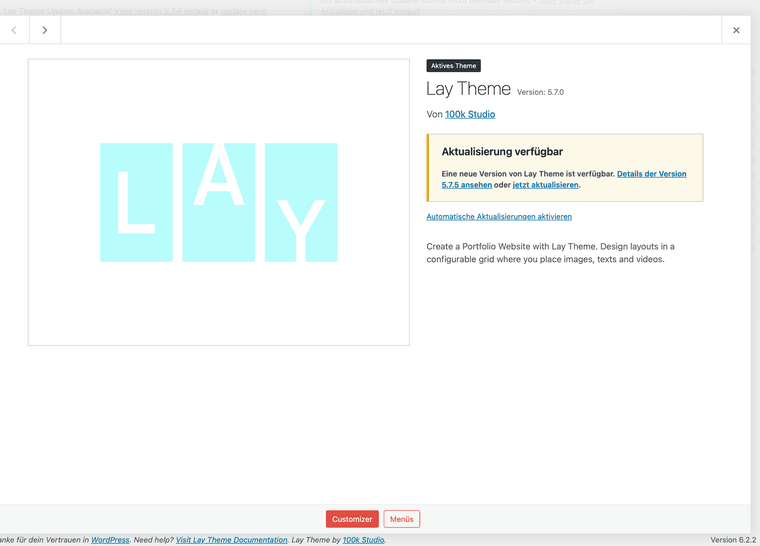
I also tried to deactivate all custom code, did not change anything. :P
On both sites you were and are already admin with an account on: info@laytheme.com ... will send you the rest via chat.
Thanks for the quick response ... Fabi
-
Lay 5.7.4 Kills my sitesHej Armin,
The first page (fabiandaxl.com) I updated showed me this screen after the update:
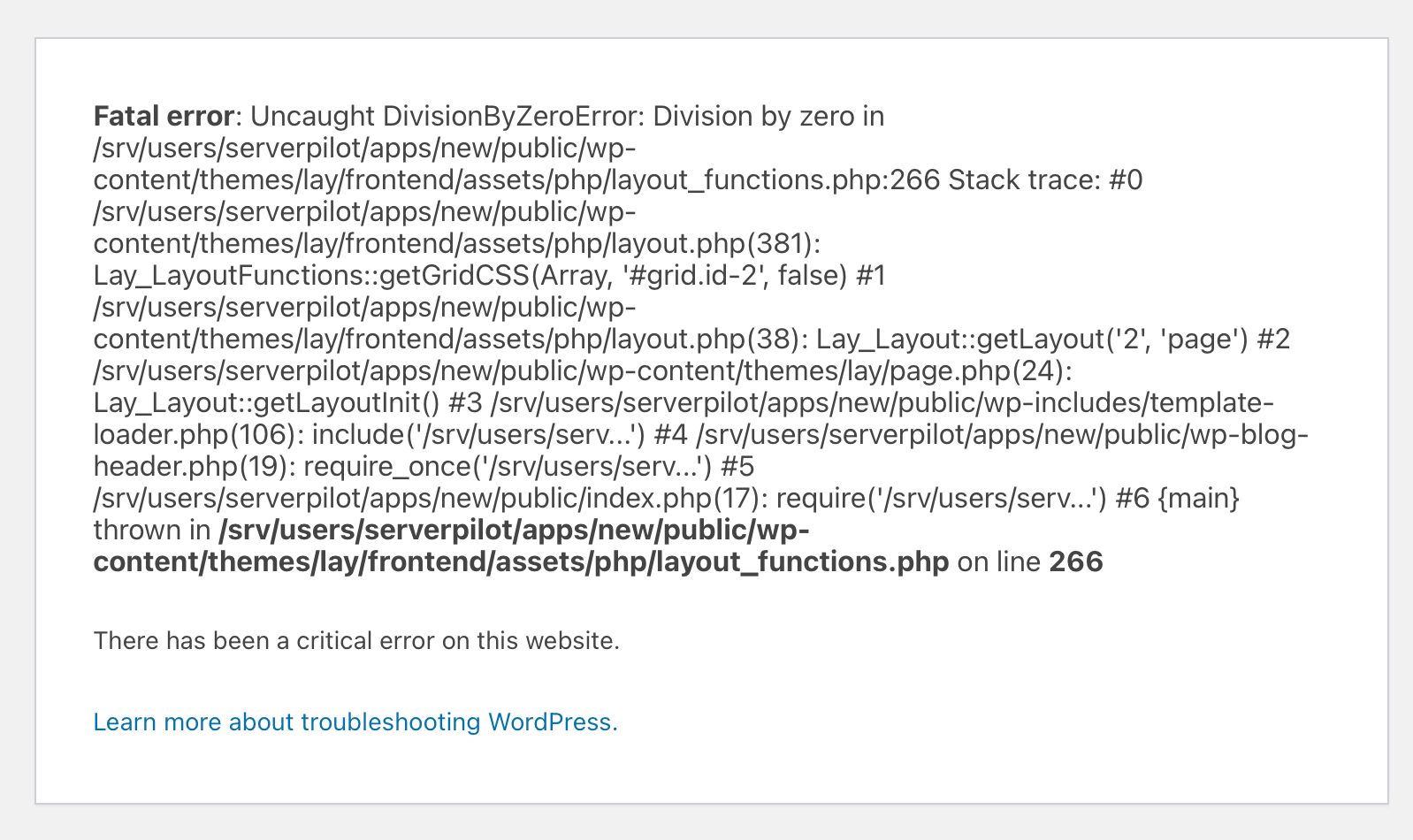
But I was still able to access the WP-Backend and downloaded the 5.4. from Laykeymanager ... and flashed it back. So it's still up and running ... can you please add 5.7.0 in the Manager too?The second site (rsc-inzing.com) was showing that is on maintenance and the WP-Backend was not accessible anymore ... some time later it automatically got back to 5.7.0 ...
Could you please have a closer look?
Thanks,
Fabi -
https://rsc-inzing.com/team/Changed it to Top aligned, no difference.
Take a look for your self ... :PIt seams like the cubic bezier is somehow faulty ...
Best, Fabi
-
https://rsc-inzing.com/team/Hey Armin,
I used a textbox instead of the element-grid for the second row, but this causes the same problem as above with the images, i.e. the hidden row is expanded immediately when you click on one of the two "+" on the right side of the page ... as I said for the text link, I chose the other animation which seems to work ...
Best regards, Fabian
-
SET ROW BACKGROUND NOW NOT WORKINGUnfortunately this is still not fixed, if you use images or SVG Logos on a Video Row Background they don't show up until u increase the z-index manually via custom css class ... please fix it ...