hey!
[image: image.png]
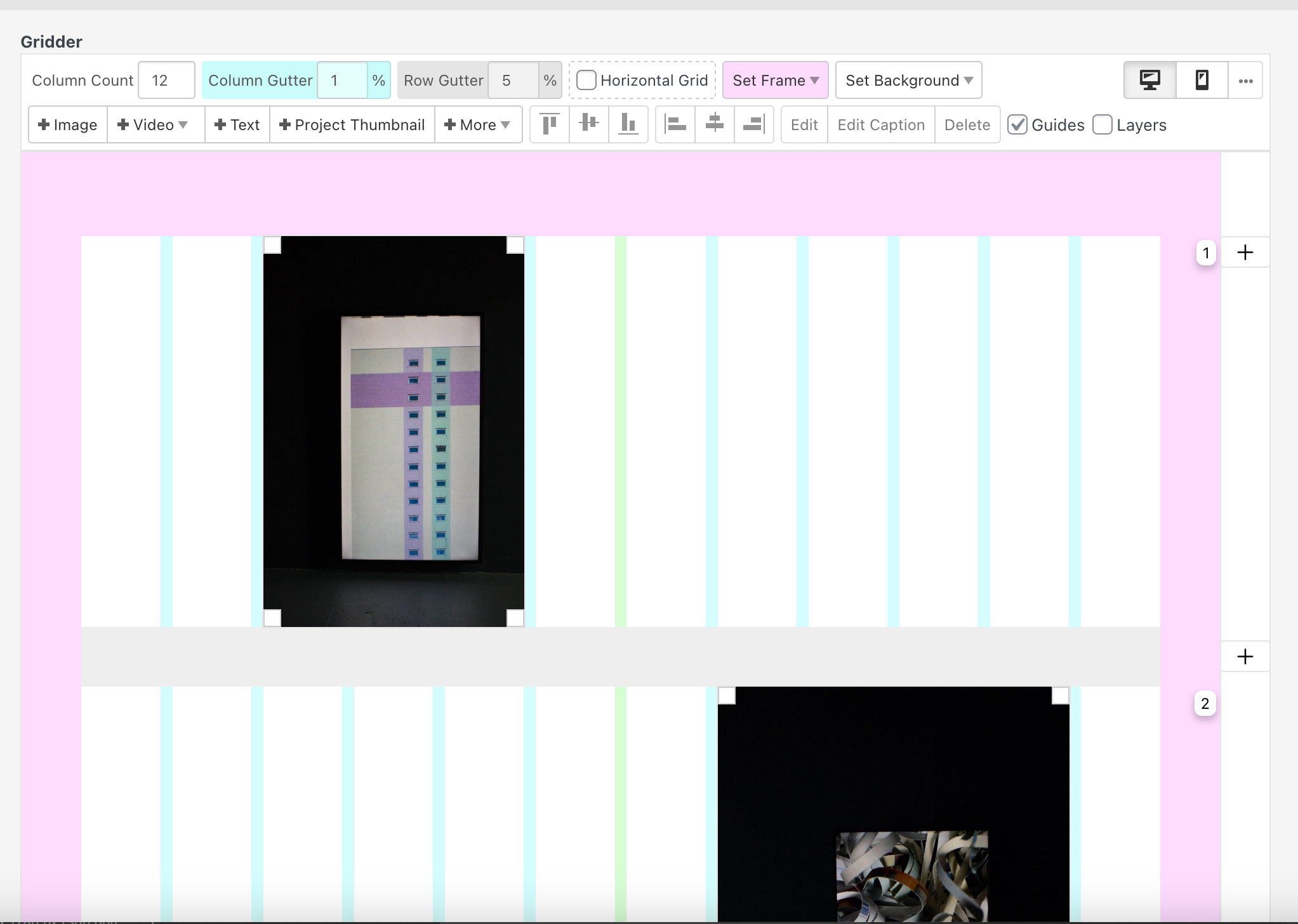
it seems that you have a empty column between each of your images.
you could move your images around to only have the column gutter between them, not a whole empty column.
you can change the column count if you want here:
[image: 70de2b2b-77d1-42d8-a594-de8ea38434e1-image.png]
you mean where the image gets a little lighter
customize -> project thumbnails -> project thumbnails mouseover ->
and then use one of those settings:
[image: image.png]
i think in the example they used this maybe:
[image: image.png]
Oh, I understand now...! It's because I activated the slider addon without noticing, and because there were no arrows, I didn't think of clicking !
thank you!