@arminunruh
Oh yes, that was the problem. Thank you for your help.”
L
leandrodisler
@leandrodisler
Posts
-
Centered Text-Block -
Centered Text-BlockHey,
I have a centered text block on my homepage that doesn’t appear horizontally centered.
It’s always slightly to the left of the center, and I can’t find the issue.I also added this CSS class, but it doesn’t work:
.centered {
    position: absolute;
    left: 50%;
    transform: translateX(-50%);
}
The element is placed centered in the gridder and text is aligned centered.
-
fixed element on top (z-index issue)worked. thank you so much!
-
fixed element on top (z-index issue)Hey
I have a text that i placed centered and fixed on my page. Everything worked placement-wise but somehow i cant put it on top of everything else with blend-mode difference. No matter what i put in the z-index.Can someone help?
the page: http://leandrodisler.com/archive/
password: lean.fixedarchive { position: fixed; top: 50%; left: 50%; transform: translate(-50%, -50%); z-index: 5; text-align: center; white-space: nowrap; mix-blend-mode: difference; pointer-events: none; } -
container project-titleworked with this:
.lay-textformat-parent{ width: 90%; } -
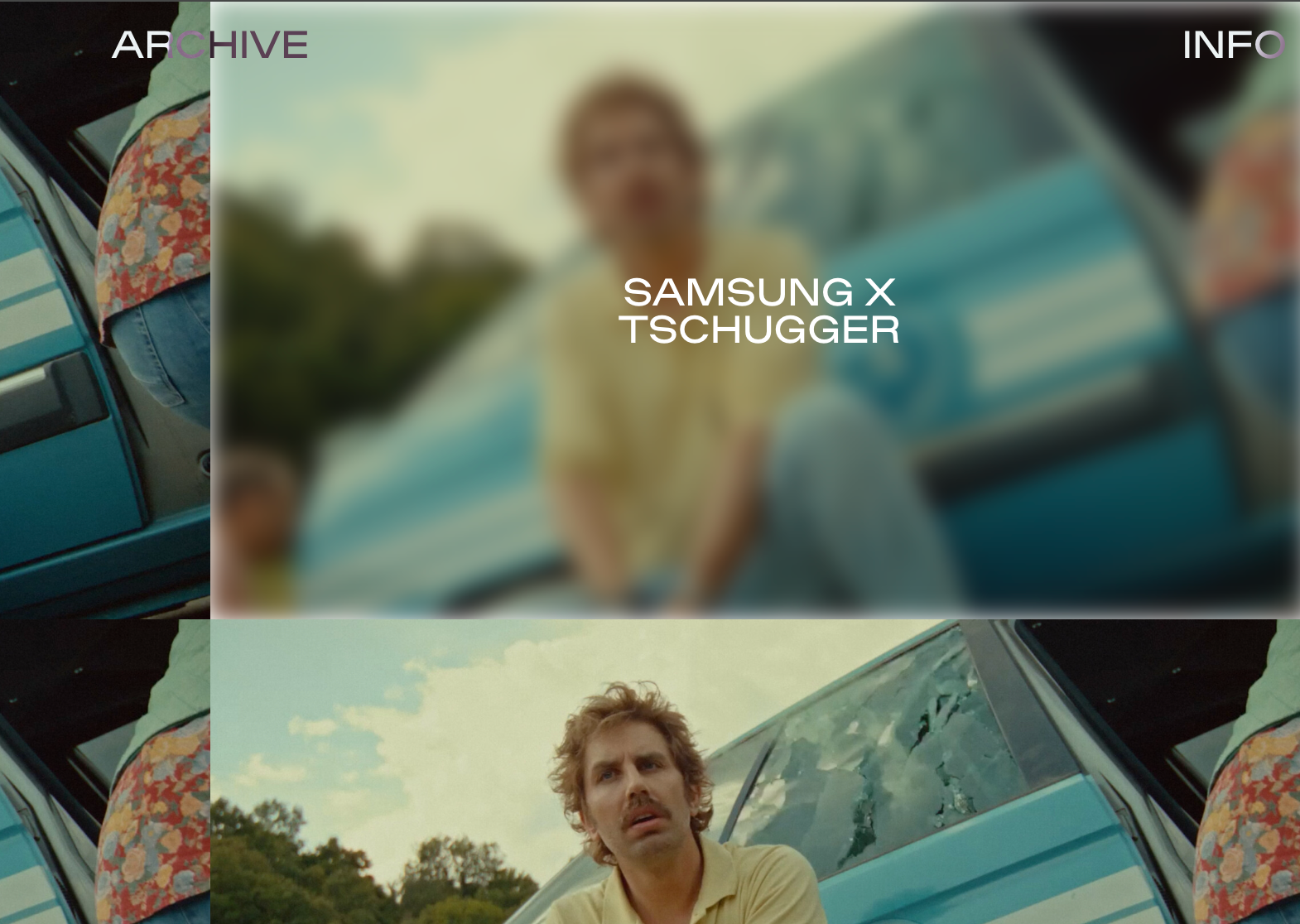
container project-titleIs there a way to make the project-title container bigger? I want to achieve that its like 80% of the width of the thumbnail so it dont puts titles on two lines on smaller devices?
-
avoid rounded corners for thumbnailsworked! thank you so much for your help :)
-
avoid rounded corners for thumbnailshmm dont works :/
-
avoid rounded corners for thumbnailshey
i have rounded corners for all my images on vides on my page
how can i have my project thumbnails not rounded while the rest stays rounded?[.ph{ border-radius: 10px; overflow: hidden; } .img{ border-radius: 10px; overflow: hidden; } -
mix-blend-mode: difference -> problemfixed it whit:
html, body { overscroll-behavior: none; } -
mix-blend-mode: difference -> problemthat was easy, checked everything else. sorry.
i have one more issue. when i scroll to the top quick a white layer seems to appear over the menu and site title.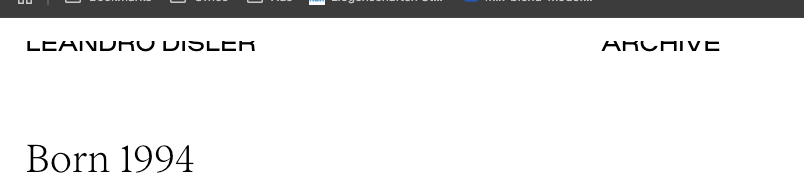
-
mix-blend-mode: difference -> problemHey
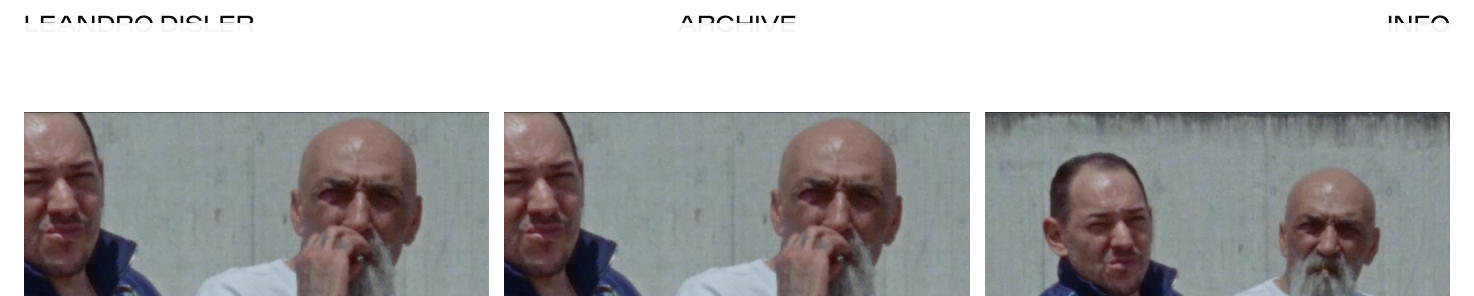
I have problems with blend-modes. I checked multiple topics but could not fix the issue. I added this code to my custom css.nav.primary{ mix-blend-mode: difference; } .sitetitle { mix-blend-mode: difference; }I want to achieve that the site title and navigation is always difference color to no matter what is behind it. My sitetitle and nav is set to black in customize and the the background to white. Menu-bar is hidden. It seems like something lays over my menu bar now an the effect dont works.
My Site: www.leandrodisler.com (password: lean)
Thank you so much.
-
Fixed Textbox in GridderLike this?
.archive{
font-size:40vh;
position: fixed;
top: 32%;
} -
Fixed Textbox in GridderI now changed it to:
.archive{
position: fixed;
top: 35%;
}Now the textbox dont jumps. But i dont have the exact reult as i wanted with the position...
-
Fixed Textbox in GridderHey
I've created a centered/fixed text-element on this Page:
http://leandrodisler.com/archiv
Password is: helloI've made a regular textbox in the gridder and gave it a HTML class.
This is in my Custom CSS:.archive{
position: fixed;
left: 50%;
top: 50%;
transform: translate(-50%, -50%);
}Now the Problem: as you see the element is fixed and centered first but when i scroll the element jumps and takes a new position.
What could be the reason for this?
ps. Also i would love to have this text in front of the whole content of the site, is this possible?
Thanks
-
Mouseover cursor (just for thumbnails)Got it. thank you.
-
Mouseover cursor (just for thumbnails)Hey
It worked, thank you. !
Theres just one more problem now. On the other mouseovers i dont have the "mouseover-hand" no more. Is there a solution to have them back? -
Mouseover cursor (just for thumbnails)Hey
I have a question about custom cursors on mouseover.
I used the code below to get a custom cursor on mouseover. Now i want to achieve that this mouseover cursor only appears on thumbnail mouseovers. And not everwhere else like links in text etc.Is this possible?
—
a {
cursor: url(http://leandrodisler.com/wp-content/uploads/2018/11/plus.png) 15 15, auto !important;
} -
Display different name for menu-point on mobile?Hey everyone
I have a problem with my mobile menu. Is it possible to display different name for a certain menu-point on mobile than desktop?
Bests Leandro
-
Problem with intro imageit worked. thank you