call to action In the top bar
-
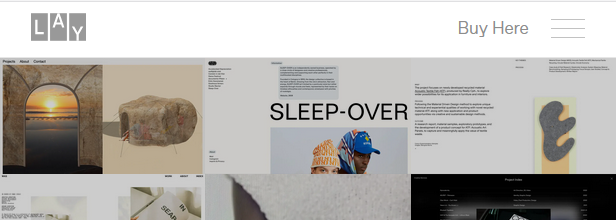
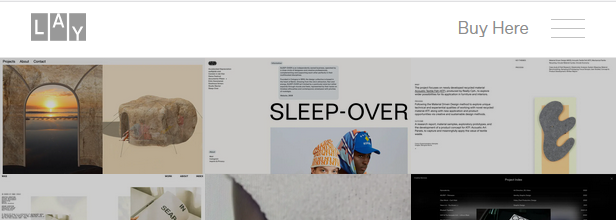
On LayTheme website, there is a Call To Action "Buy Now" on the right-end side of the menu bar. On the mobile version it stays as "Buy Here" while the menu disappears behind three bars. How to make this ? I cannot find anything on the documentation or in the support.
I am very interested in having all the time a CTA button in the top bar.
-
how about u create a link in lay options → custom html at bottom:
<a href="https://google.com" class="call-to-action">Buy Here</a>then in custom css for desktop:
.call-to-action{
display: none;
}
in custom css for mobile:
.call-to-action{
position: absolute;
top: 20px;
right: 100px;
z-index: 50;
}
or try
position: fixed;
instead ofposition: absolute;so yea theres no setting for this, but u can create a custom button like that yourself with css and html
-
-
yes its css and html!
if you learn it a little you can do many nice things!and then afterwards if you learn css transitions / animations
and learn javascript a little, you can do much more!
-
 A arminunruh referenced this topic on
-
A arminunruh referenced this topic on
Hello! It looks like you're interested in this conversation, but you don't have an account yet.
Getting fed up of having to scroll through the same posts each visit? When you register for an account, you'll always come back to exactly where you were before, and choose to be notified of new replies (either via email, or push notification). You'll also be able to save bookmarks and upvote posts to show your appreciation to other community members.
With your input, this post could be even better 💗
Register Login