Sorry, I just found that the option is still there... it has move inside the dropdown! Soooooooorrry!
M
marcos
@marcos
Posts
-
Desktop menu (instead of mobile menu) in mobile – Feature gone? -
Desktop menu (instead of mobile menu) in mobile – Feature gone?The site is: https://observatorio.xyz/ I simply want the word 'estudio' in the corner, as in the desktop
-
Desktop menu (instead of mobile menu) in mobile – Feature gone?NOW:
-
Desktop menu (instead of mobile menu) in mobile – Feature gone? -
Desktop menu (instead of mobile menu) in mobile – Feature gone?Re: Desktop menu instead of mobile menu in mobile version
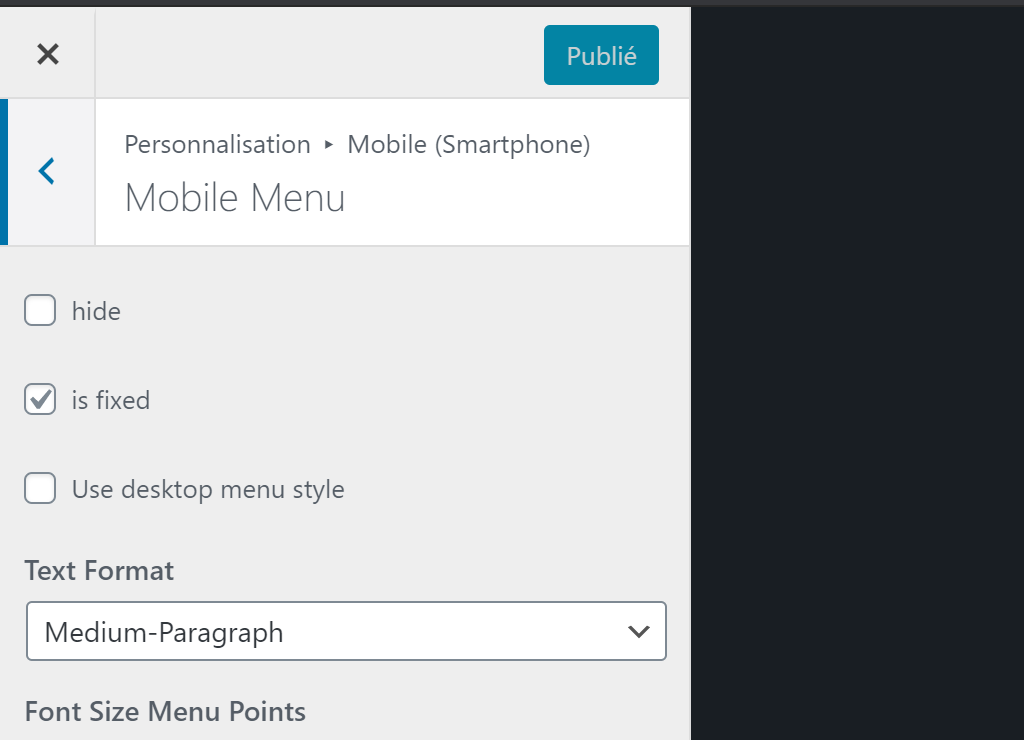
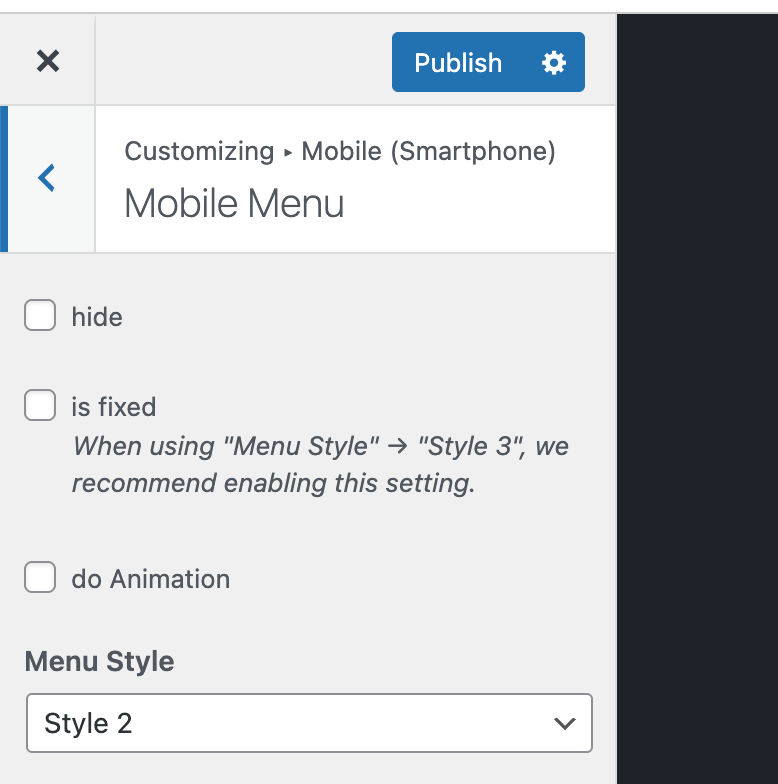
I have only one item in the menu, so I want to avoid a burger and simply replicate the desktop version. I'd swear there was a button to simply do that, and indeed I found it on this thread:
http://laythemeforum.com/topic/5207/desktop-menu-instead-of-mobile-menu-in-mobile-version/2
BUT it seem to be missing from the current version? Is the feature coming back @arminunruh? or do you recommend an alternative method @mariusjopen ?
-
Website not working: swipe.js missing?And the problem still there :-/
-
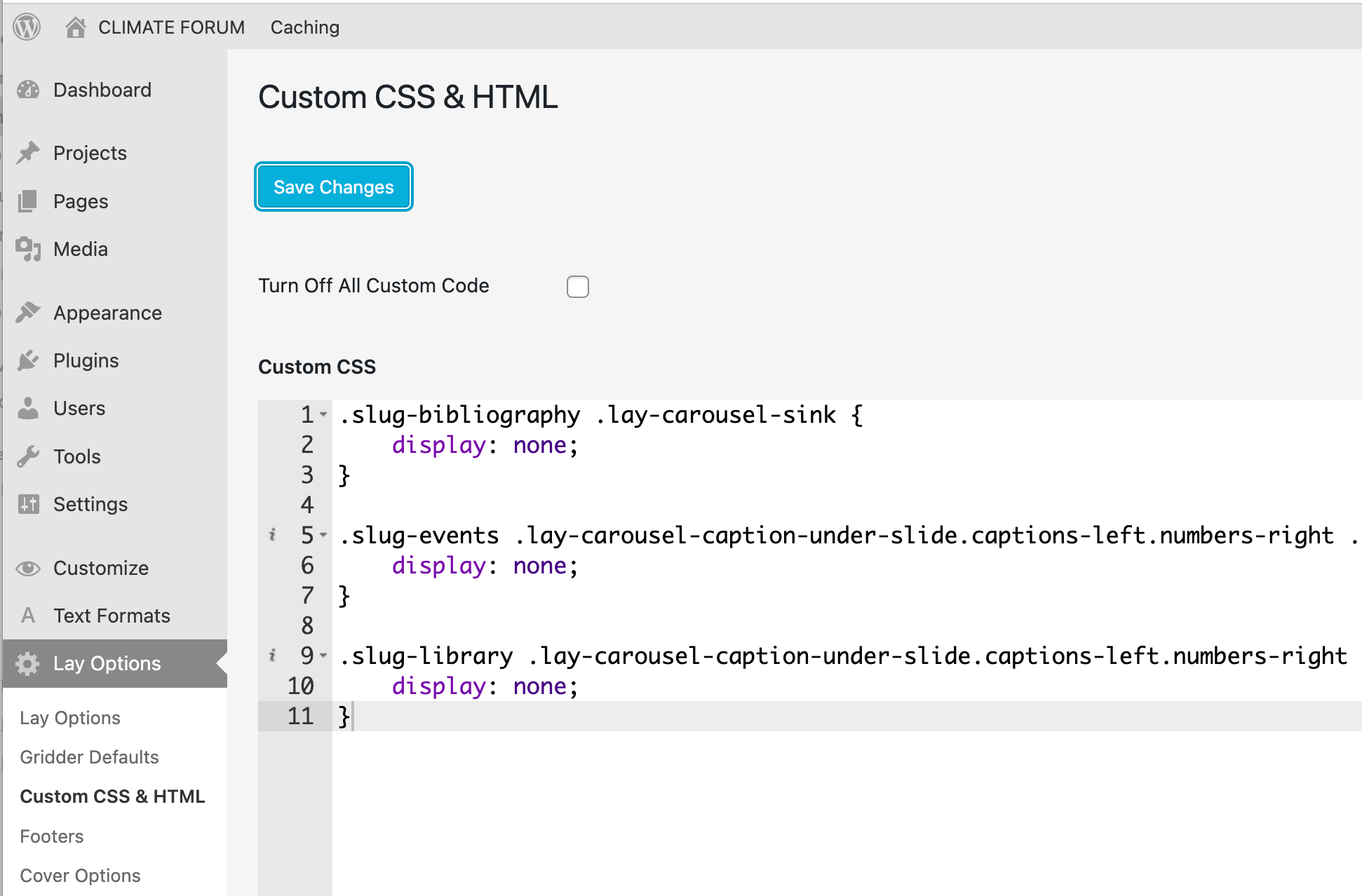
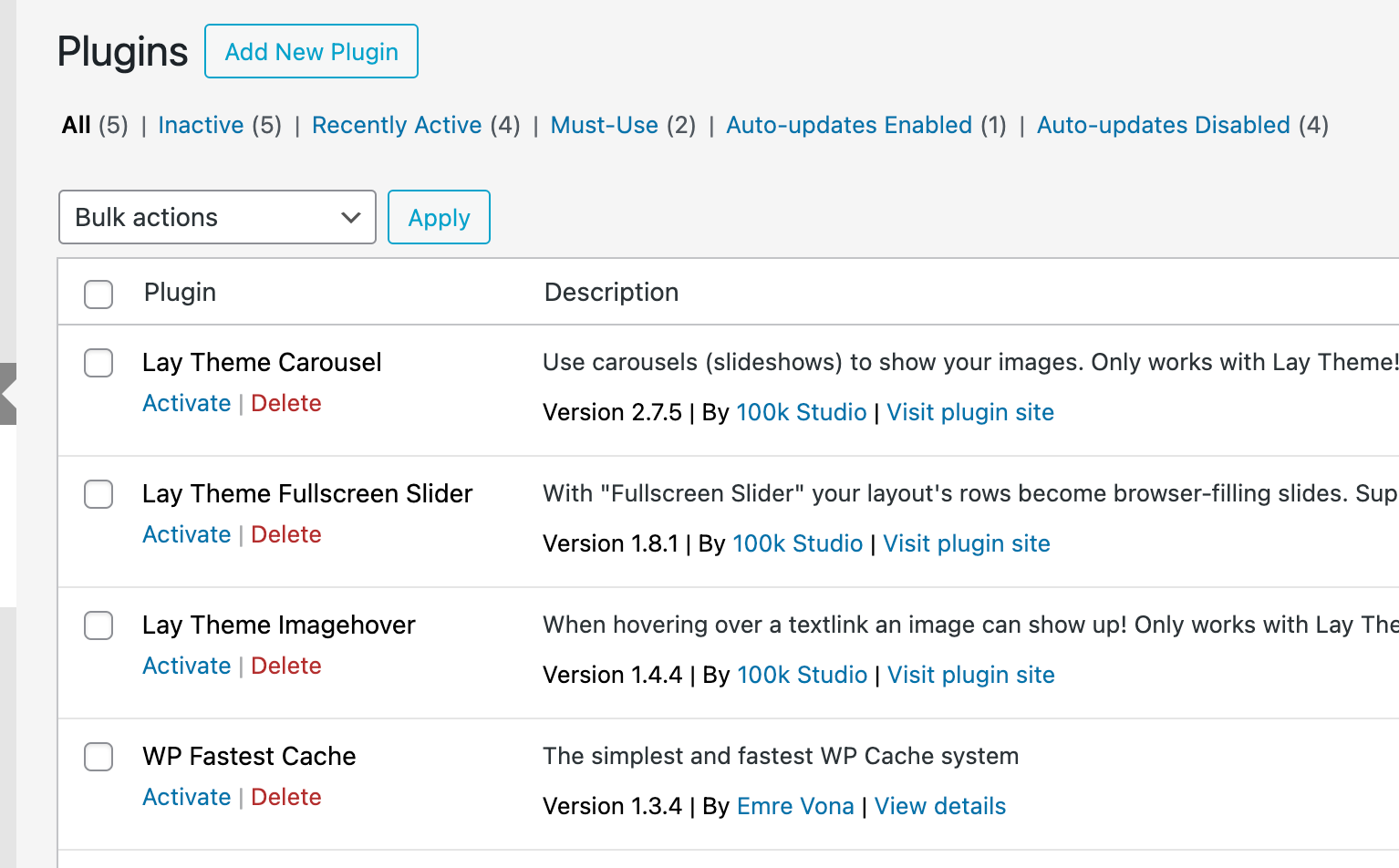
Website not working: swipe.js missing?Just in case, I deactivated Laytheme, delete it entirely. Re-downloaded from https://www.laykeymanager.com/
I have also de-activated all the plugins and Custom code
-
Website not working: swipe.js missing? -
Website not working: swipe.js missing?Hello @arminunruh
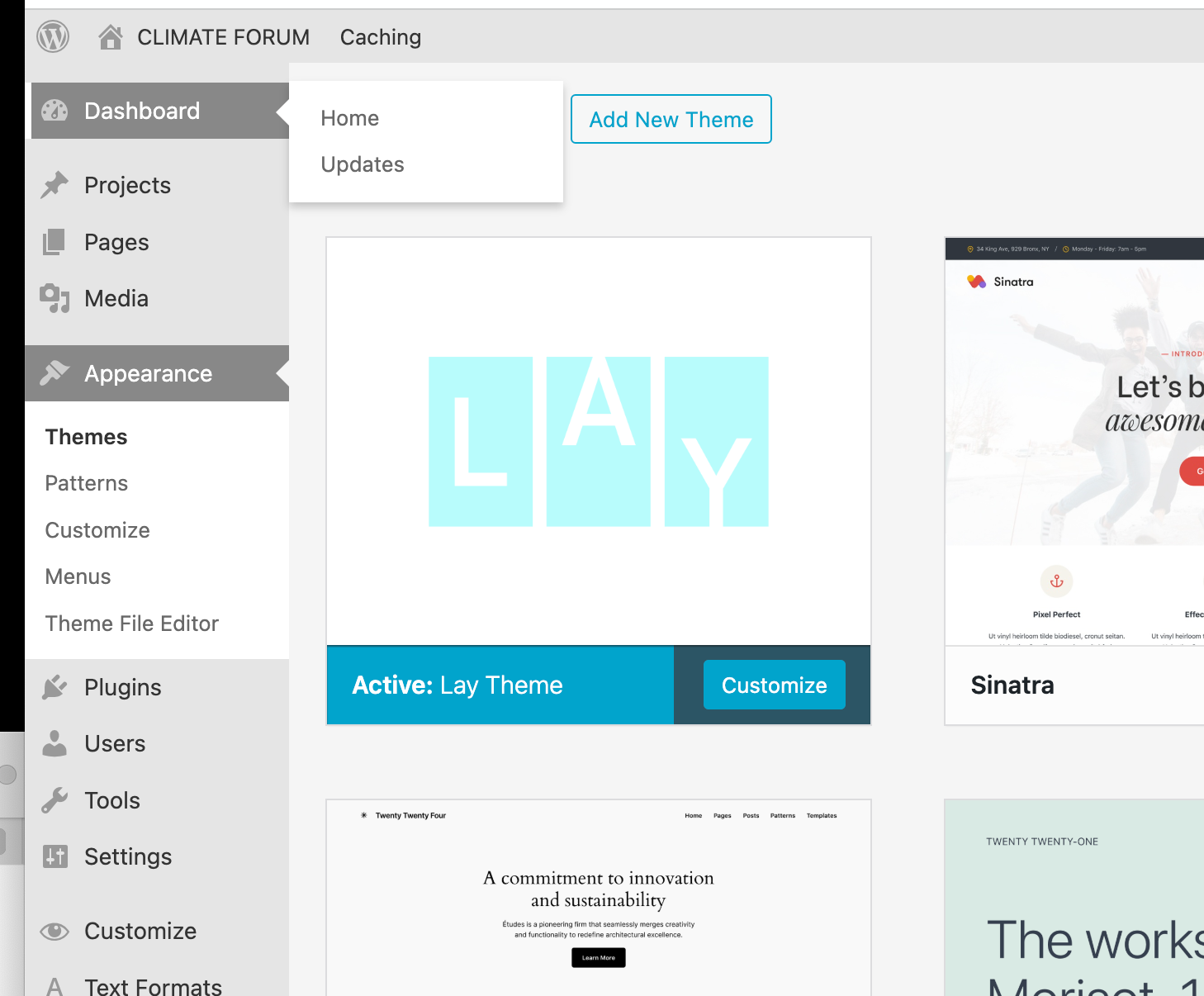
Thank you for your prompt response, the problem is that according to Wordpress Laytheme is up to date, and does not give the posiibility me to update it
-
Website not working: swipe.js missing?I'm writing about:
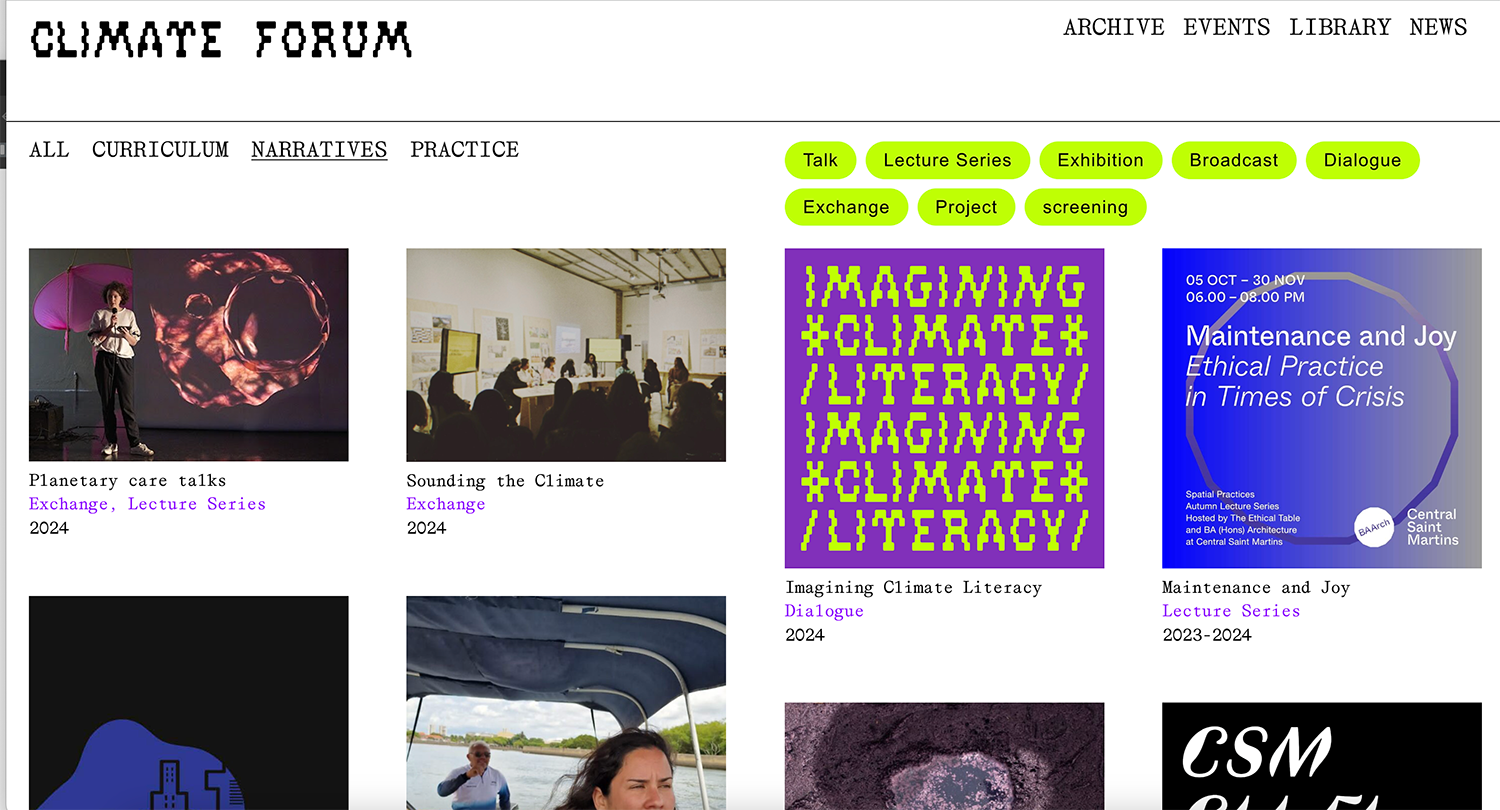
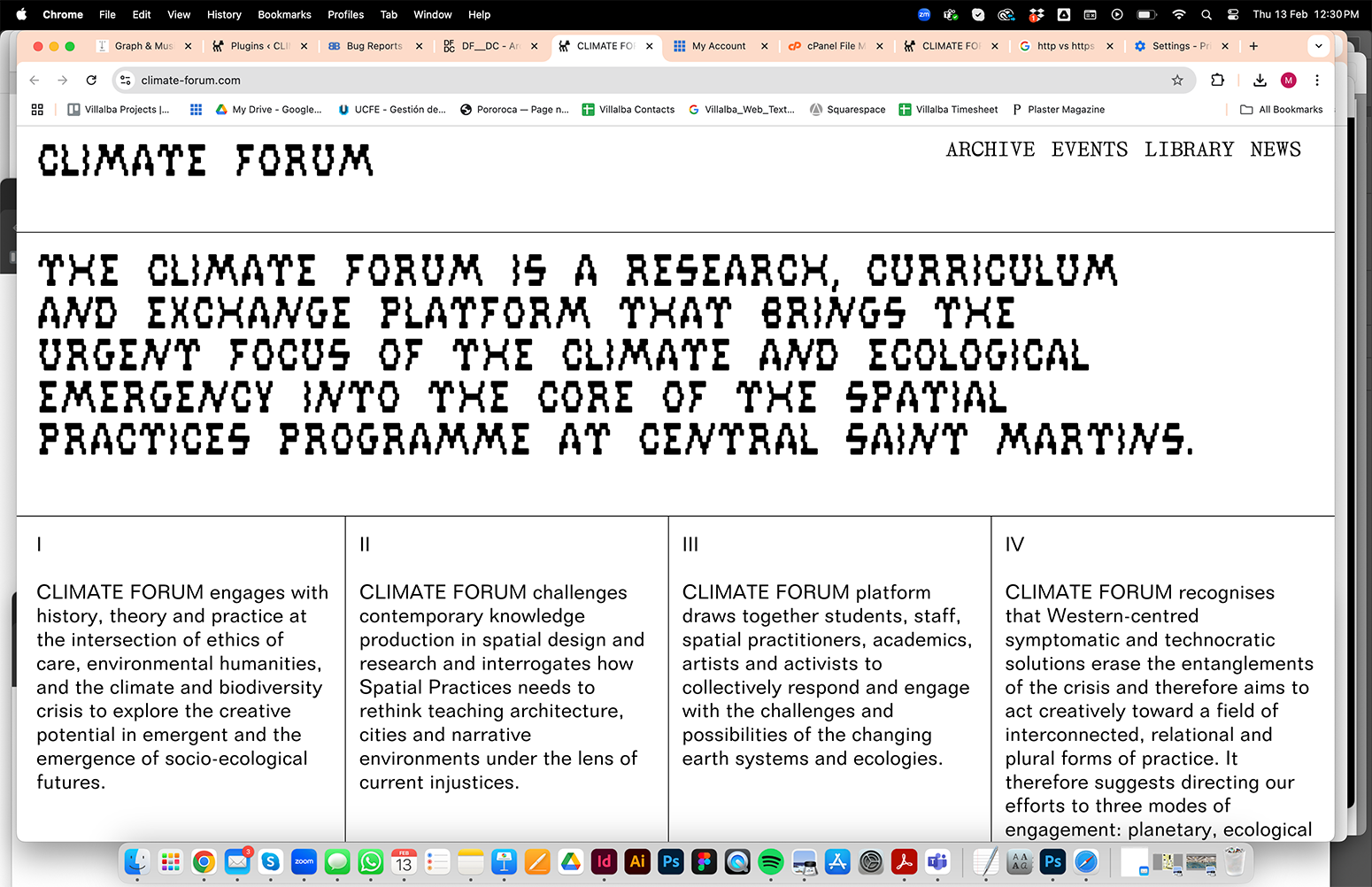
https://climate-forum.comSuddenly, and for the last two weeks, I´ve been having problems with a couple of websites (wordpress+laytheme). In some all the images are missing, or entire pages not loading.
Here, you can only see the menu, all the content is missing. In Chrome I still see the original design – see attached – even if I clear the cache. However, if I try an incognito window on Chrome (or simply using Safari) nothing, the website is blank.
On the inspector I found an error saying swipe.js is missing.
I went into the C-Panel manager to check inside:
wp-content/plugins/laytheme-carousel/frontend/assets/js/vendor/
and the file is missing. I deleted the carouel plugin and re-installed it and the problem still there.Please advice!!
-
Overlay Burger svg icon – change on specific pageHello!
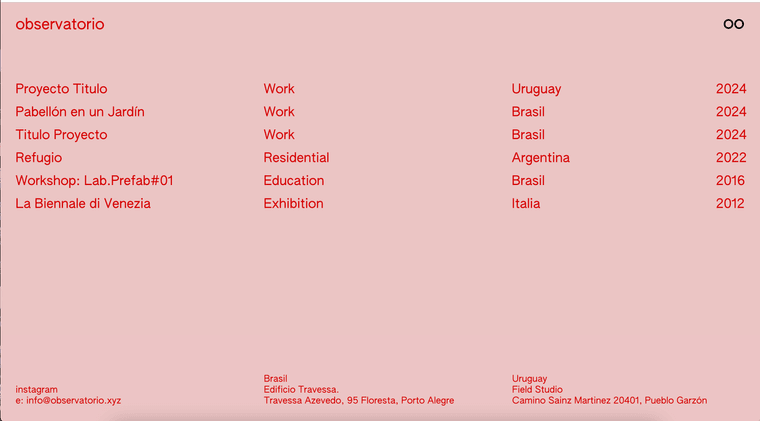
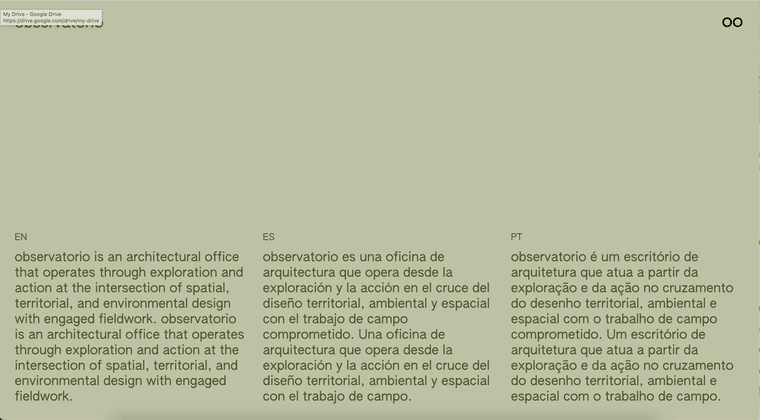
I'm designing a website (WIP: https://villalba.studio/website_2fa0b3db/) for an architectural studio and I'm trying to get the title and custom burger (= binoculars) to change color in certain pages... For instance
Green on the 'about' https://villalba.studio/website_2fa0b3db/info/
Red in the index https://villalba.studio/website_2fa0b3db/index/I succesfully managed to change the site title logo color with this CSS
.slug-info  .sitetitle-txt-inner {
    color: #47592f !important;
}
BUT I'm struggling to change the icon... We cannot simply change the colour (as is an png – or svg – file) so I thought I could create an alternative icon to be used – as custom overlay burger – only in that particular page.
I think I need something along this lines, but the right syntax
.slug-home  .custom-overlay-burger {
   <img src="https://villalba.studio/website_2fa0b3db/wp-content/uploads/2024/10/oo_Identificador_blanco.png">
}
Thanks in advance
-
stuck with simple pictures alignment within an element grid with custom row heightHello! You seem very code-savvy, but I wonder if you are over-complicating this (or I misundertood it).
Looking at the screenshots, the design is not working as you wish becuase of a ratio problem. Those images are too tall to fit, and laytheme does not ´crop´them.
I would start by simply reducing their width (=less columns) so each takes about a 1/4 of the screen – as in your original.
-
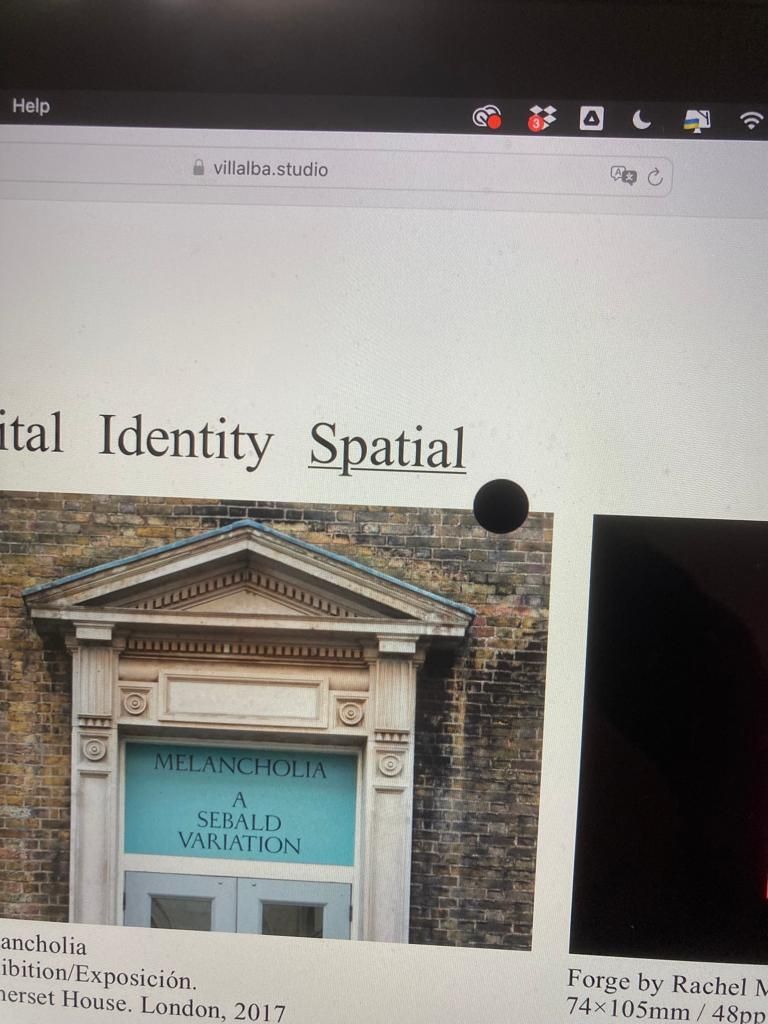
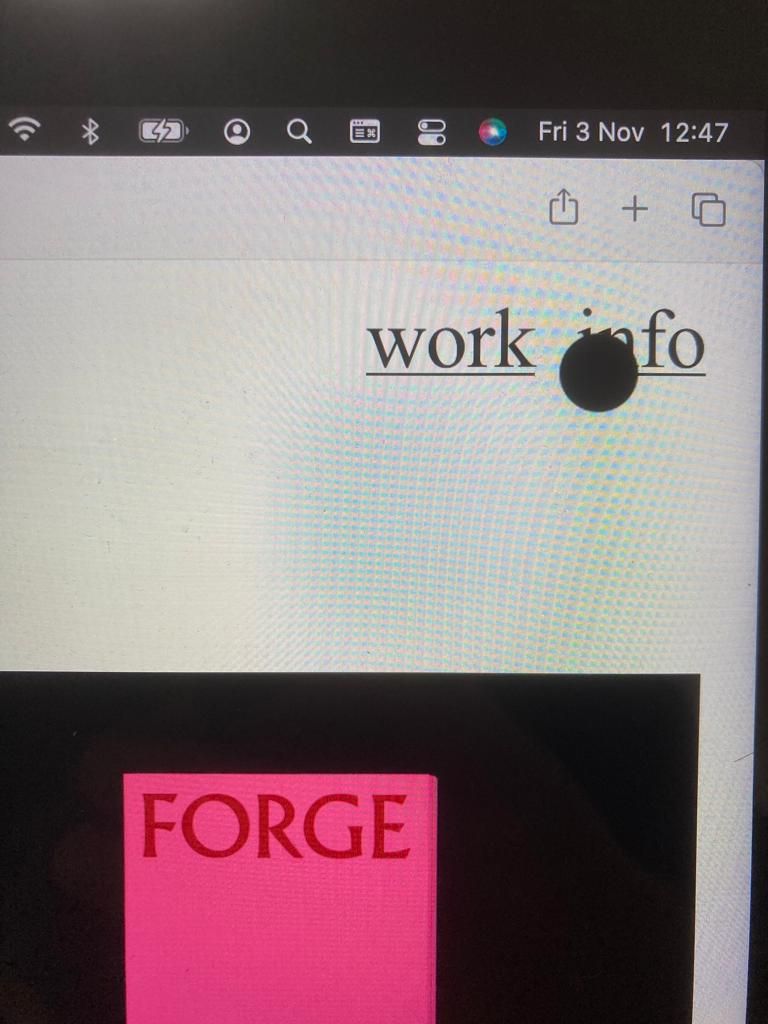
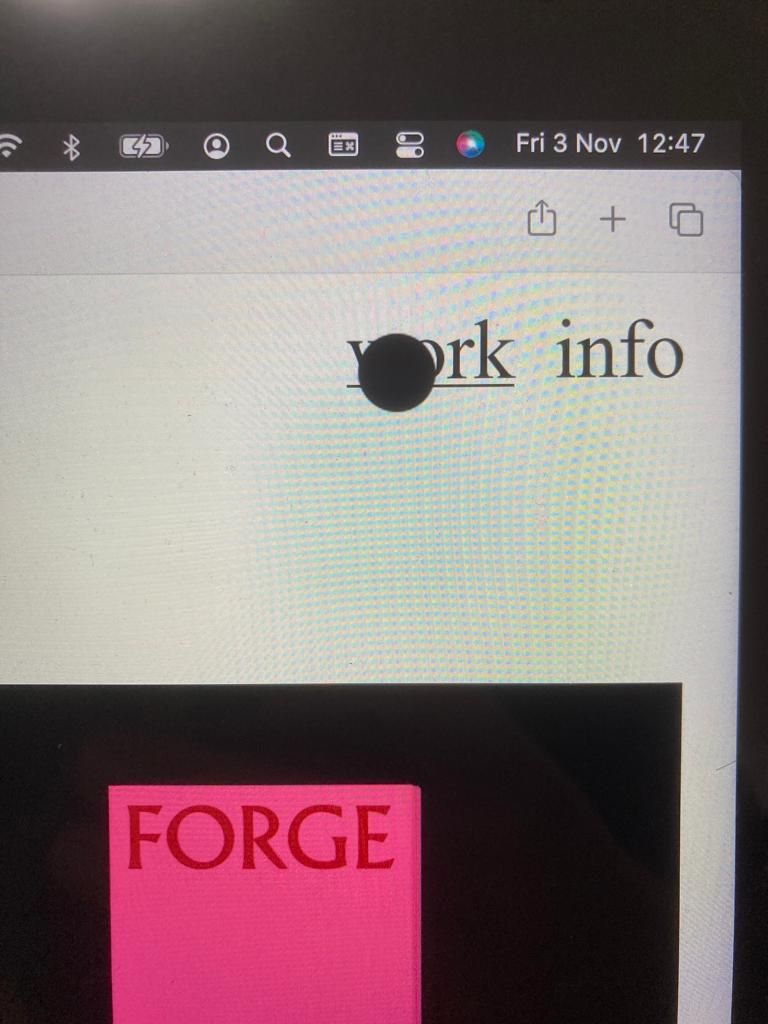
cursor disappearingThis is what happens in Safari (not in chrome) and I would like to purposely implement (black dot stays always)

-
cursor disappearingHey @arminunruh
My website is https://villalba.studio/
Is there a simple way for cursor to stay always on the screen (not become a pointer). For instance, in chrome the cursor disappear over any link. However, in Safari, the cursor stays over the main navigation (but disappears over the filters).
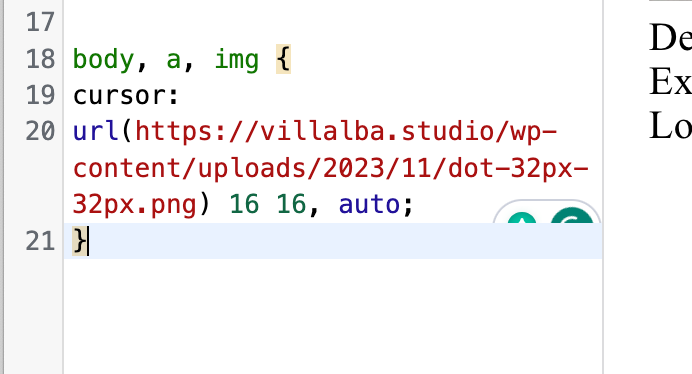
I would like the black dot to always stay on screen. I tried some custom code you had suggested but the cursor looks worse as png (but still disappears over links)
-
thumbnail Grid without categories -
thumbnail Grid without categoriesHey Moritz
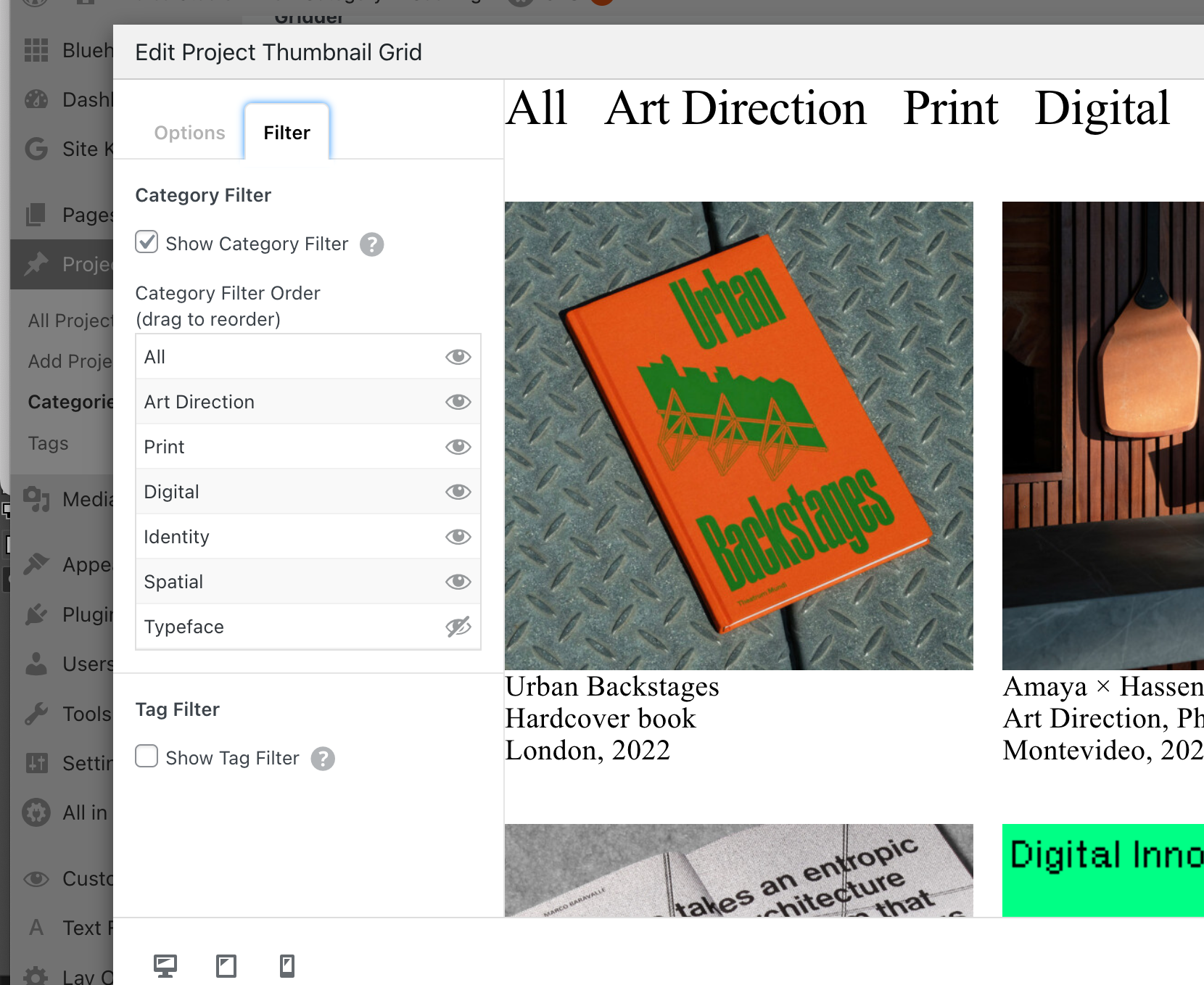
Have you tried the filters in the thumbnail grid?
-
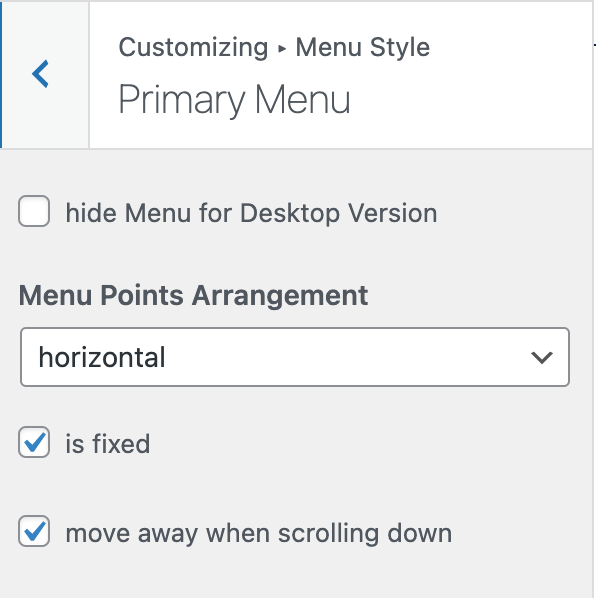
Menu bar – Move away when scrolling down: Does not appear to be workingI'm trying to do something very simple and within the standard features of Laytheme (no fancy CSS involved)
I simply want the Menu bar (with the menu and the site title) to move away when scrolling down (and come back upon scrolling up). But it does not appear to be working properly.
At the moment everything is set to move away, but title and menu go, and
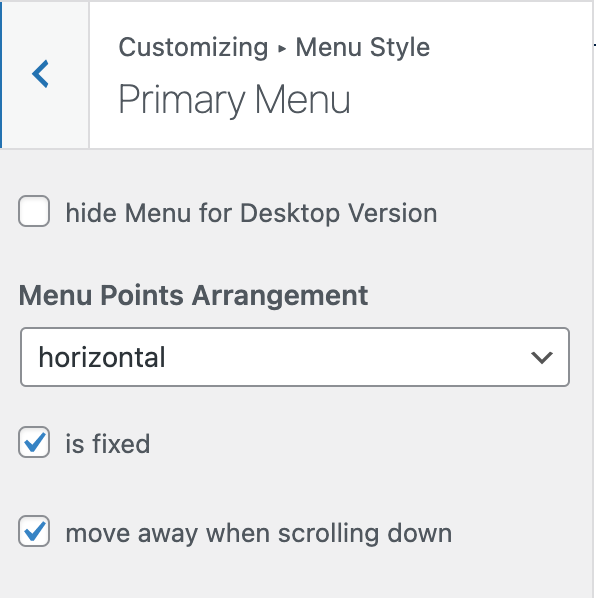 the bar stays.
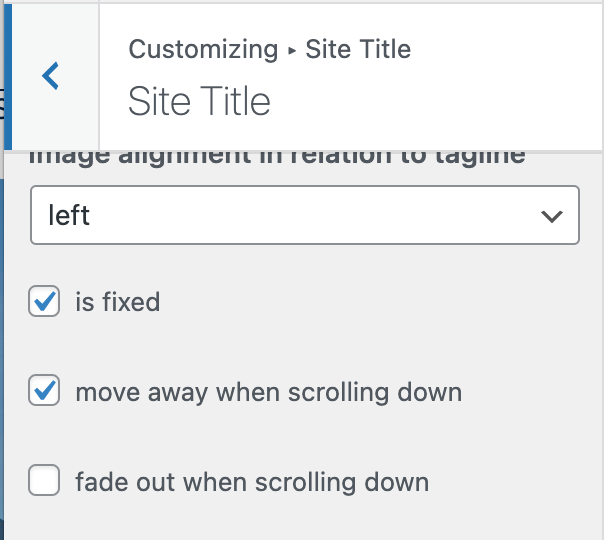
Furthermore, for the Site Title and menu to move away, I first need to click 'is fixed' – Otherwise the option 'move away when scrolling down' disappears (?).
This is – to say the least – counterintuitive. Am I being stupid? I don't remember having this problem in previous laytheme websites (although I tend to favour fixed menus)
-
Carrousel: Changing colour depending upon project category@marcos
I tried this to change the colour of all the Carrousel Numbers (an dit worked).lay-carousel-sink-parent span.numbers._Default_no_spaces { color: #543823; }Then I tried this to try this (which is far from ideal) and oddly enough changed the colour of the numbers in the given page... but not to the given HEX code (?)
.slug-casaparados span.numbers._Default_no_spaces { color: #011e41; } -
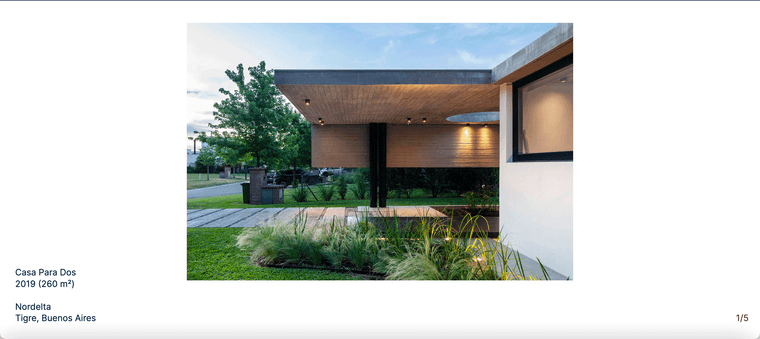
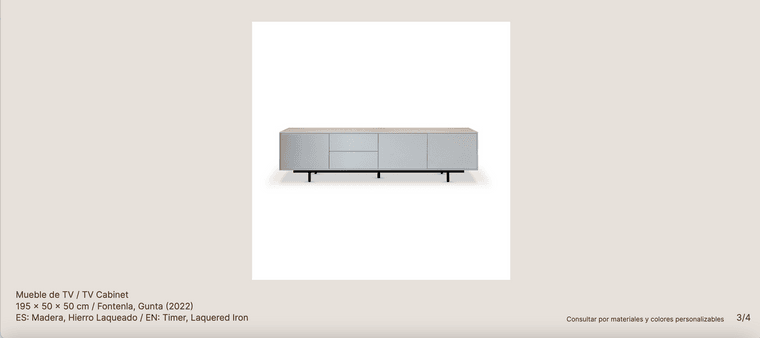
Carrousel: Changing colour depending upon project categoryI'm designing a website for some Architects (which also design furniture). We have two 'twin' project templates:
● Architecture – White BKG / Blue Typography
● Furniture – Tan BKG / Brown Typography
Both with the (carrosuel) numbers pushed into the corner of the viewportI would like to make the numbers blue in one / brown on another... Is there a a way to target all the items in a given category?
 BKG
BKG