second website i have that when I enable Store Notice its shows it twice.

 P
P
second website i have that when I enable Store Notice its shows it twice.
@arminunruh waiting..
@panteley said in scroll slider:
one more issue:
The Website Title or Logo does not display at all on mobile if:
The page uses the Scroll Slider Addon, even if on the addon settings I have 'Always disable for phone' Checked on, if I turn that off, the logo/site title shows up.(check on phone)
update: neither the mobile menu isn't displayed when the addon is active
@arminunruh just don't foget this :D
one more issue:
The Website Title or Logo does not display at all on mobile if:
The page uses the Scroll Slider Addon, even if on the addon settings I have 'Always disable for phone' Checked on, if I turn that off, the logo/site title shows up.(check on phone)
update: neither the mobile menu isn't displayed when the addon is active
First of all, well done on such an amazing work with the scroll slider, 👏
I just added it on my website, and I have only two small things for a feedback.
When you resize the browser screen to mobile than revert it to normal view, the images get smaller.
I use also on the same page the 'Use a Lightbox for this Page', and maybe it is intentionally but with only the 'Scroll Type: Infinite' selected, it doesn't work to click on pictures.
Thank you,
Best,
Hi,
I think would be a good thing to add some sort of 'Load/Show More' for the Project Index,
Would be useful on cases when you have lots of rows in the index (like here for ex.) , but you want to set a limit on how many will be displayed initally, so it doesnt take a lot of real estate at first visit,
Just an idea to consider,
Thanks :)
Heyy, thank you a lot for the answer.
I went throughout the steps, and it was a plugin (Not Lay ones) that was causing that issue.
Arigato
Hi,
Any idea why the 'Add to cart' take so long inhere: https://www.shkodraelektronike.com/shop/
Thanks,
Hi there,
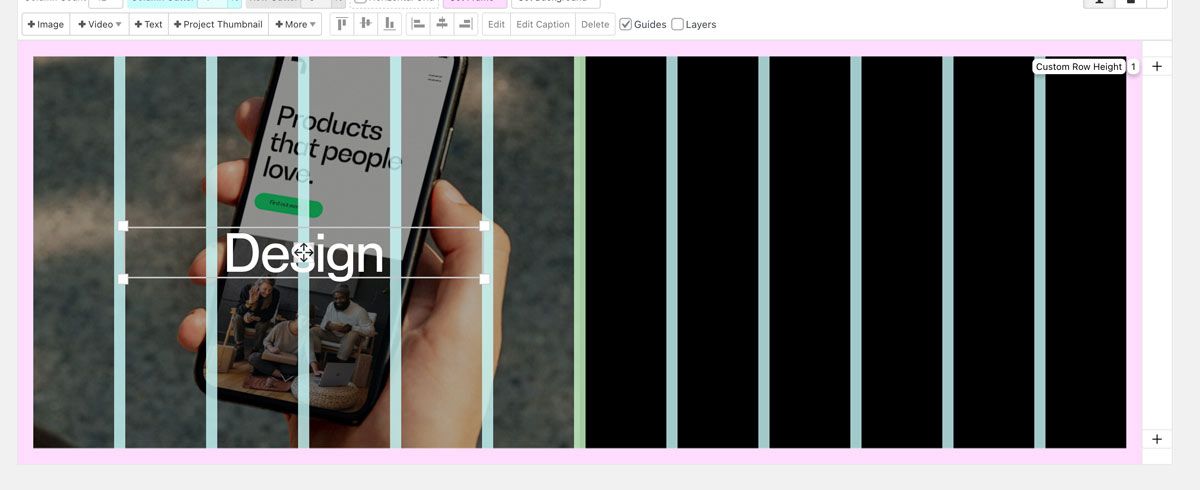
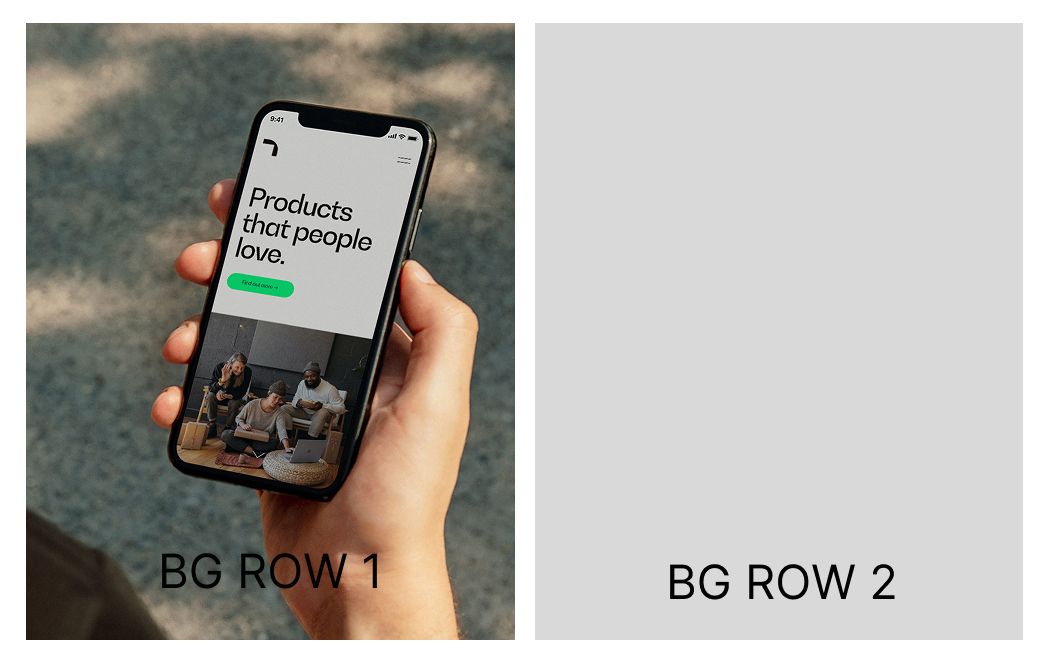
I was wondering, doesn't like make more sense when you want to have in the same row, Left and Right background image, for it to contain the margins and the space set in between as in the Editor mode?
Hi,
Now that there is this capability to disable the link of a project, is it possible to force it with another link?
Hi,
Just updated to 8.0.0 coming from 7.7.4 and I noticed that in the overlay menu, where I have Hover image for the menu items, are now a bit blurred, not in full quality as it previously was.
Here is the website. [menu]
Thanks,
Very much appreciated!
Hi,
How can I split or at least create a certain px space between these two background rows?
Thank you,

I'm using this CSS to create 8px space on both sides
.bg {
	left: 8px!important;
  margin-right: 1%!important;
	width: 99vw!important;
}
[FIXED]
Use a plugin like Better Search Replace:
*beside reinstalling the font, bc i have to many of them (+font formats etc.)