when u go to any wordpress websites
https://www.operafestival.dk/sitemap.xml
and you go to /sitemap.xml
you may see the websites sitemap.
using yoast, in the advanced tab, when you edit a page/project, you can turn it off:
[image: image.png]
yea
u can set it up and if you have issues:
Can you please send:
a link to this forum topic
your website address
/wp-admin/ username and password
to: info@laytheme.com
but please in ur email tell me exactly which buttons/menu points should scroll where with URLs and screenshots so i dont have to guess and search around
yea ure right it uses 16:9.
wordpress automatically detects the width and height of a video when you upload it.
please go to media library in wp-admin.
click on one of those videos. then click on "edit more details"
[image: Screenshot 2024-11-16 at 17.42.00.png]
here you will see the widths and heights that wordpress detected (right bottom):
[image: Screenshot 2024-11-16 at 17.44.00.png]
can you check here if the correct size is set?
can you check if you put this exact video into your carousel :D
if the wrong width and heights are shown here it means wordpress couldnt recognize the sizes correctly.
I maybe found that the problem is the video compression with handbrake, could it be?
yes, maybe try to export the video in a different way or something?
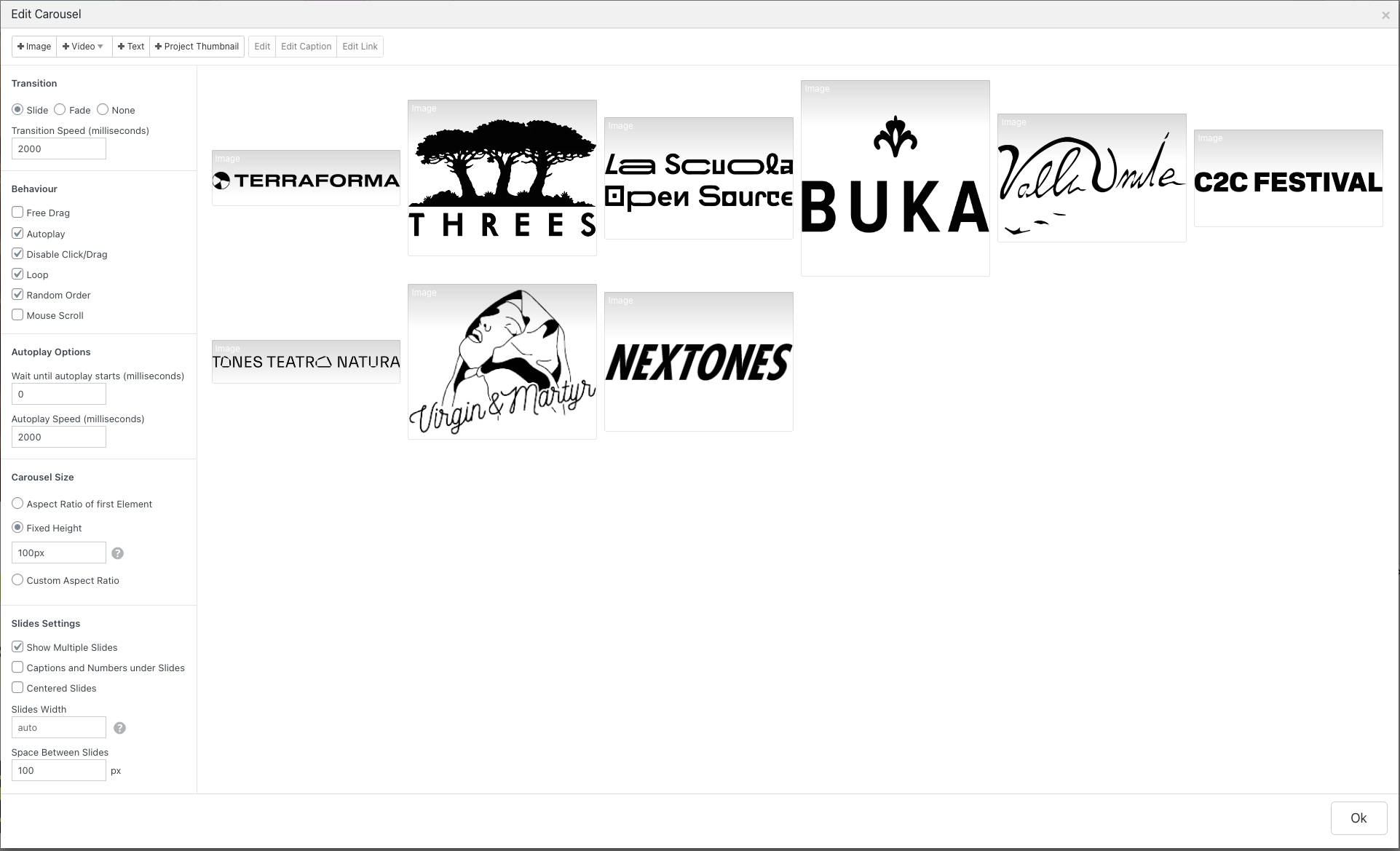
ah yea so its probably better to turn off the random order
sorry but this seems to be a limitation of the slider library i use
it used to work in prior versions, but i updated the slider library to fix a different issue where someone's slider was not aligned correctly
[image: Screenshot 2023-07-29 at 10.39.21.png]
when i increase the font size here the caption is not cut
is that what u mean?
u mean the S here no?
[image: Screenshot 2023-07-29 at 10.40.33.png]
you may need to add a padding top there.
.sink-caption ._didascalie{padding-top: 20px !important;}
i think this happens with some fonts only
i see you have :
h5 a {
color: #FFED00 !important;
}
that makes the anchors inside h5 tags yellow
so the anchor tag inside the h2 tag wont be yellow
this css:
a.trescamenu {
-webkit-text-stroke-width: 1px !Important;
-webkit-text-stroke-color: #FFFF00 !Important;
}
only targets anchor classes that have a class of trescamenu
so it would be anchors like: <a href="#" class="trescamenu">hi!</a>
what u probably want is:
.trescamenu a{
-webkit-text-stroke-width: 1px !Important;
-webkit-text-stroke-color: #FFFF00 !Important;
}
which means any element that has a class "trescamenu", apply the css to any "a" tag inside
how about u set the menu bar height to 0
and use a different mobile menu style and a different burger icon style
in the customizer look for mobile menu → mobile menu style