the order needs to be set here, back to the default "menu order"
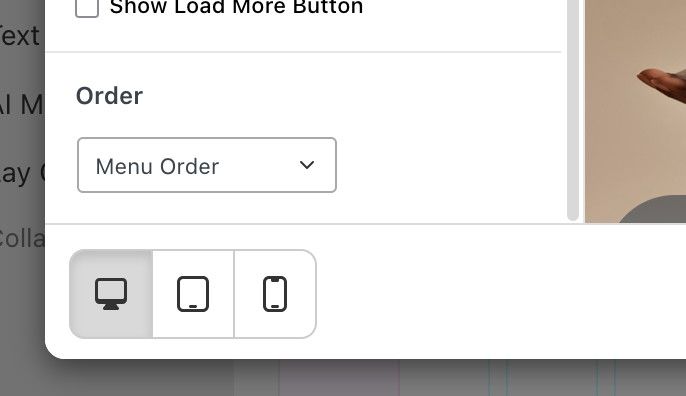
you set it to "custom order" so it has a different order
 A
A
the order needs to be set here, back to the default "menu order"
you set it to "custom order" so it has a different order
thank you ;)
ok. i did all the optimisations possible for this i think hmm.
how about this. i release a new update, it will include new settings:
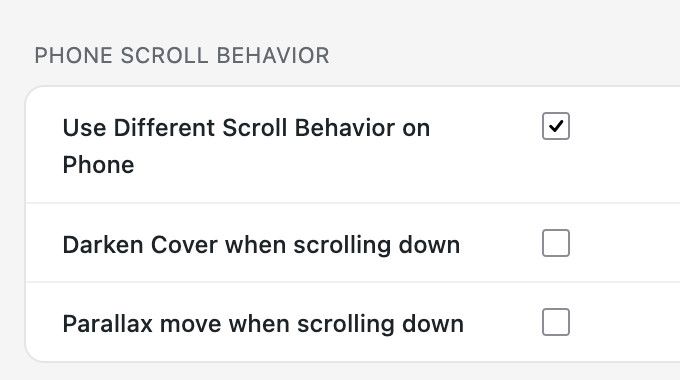
with those you can disable the parallax effect and darken effect in case you use this. without those animations in place, the phone version should work more fluidly
very good, very good
ohh i understand! this is actually the browser behaviour of safari. unfortunately i couldn’t find any way to make the colors bevhave differently. :/
its some logic that safari itself uses but theres no workaround for this as far as i know
if u update laytheme now, it should be fixed!
hier
müsste jetzt gehen
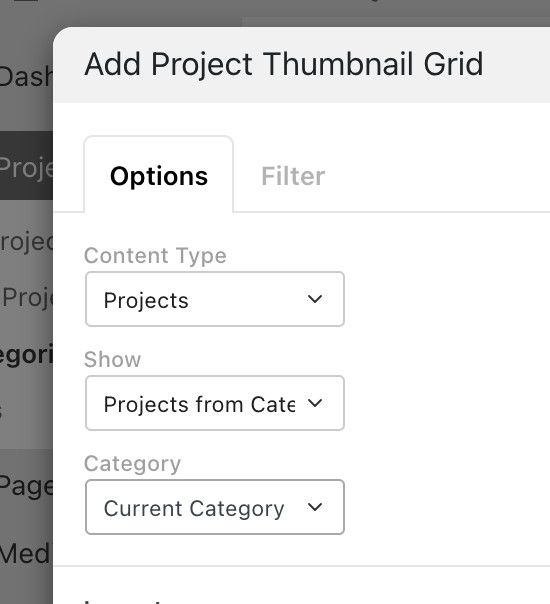
next update will include this
yes thats true. ok i will work on it!
yes i think so!
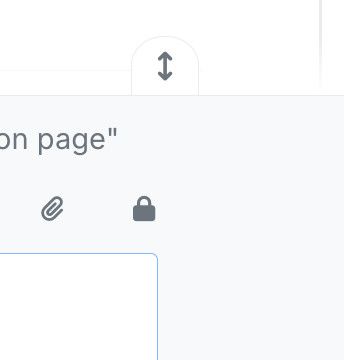
wenn du eine antwort schreibst und hier klickst:
dann wirst du ein schloss icon finden für URL privat posten:
für menüs gibts nur das:
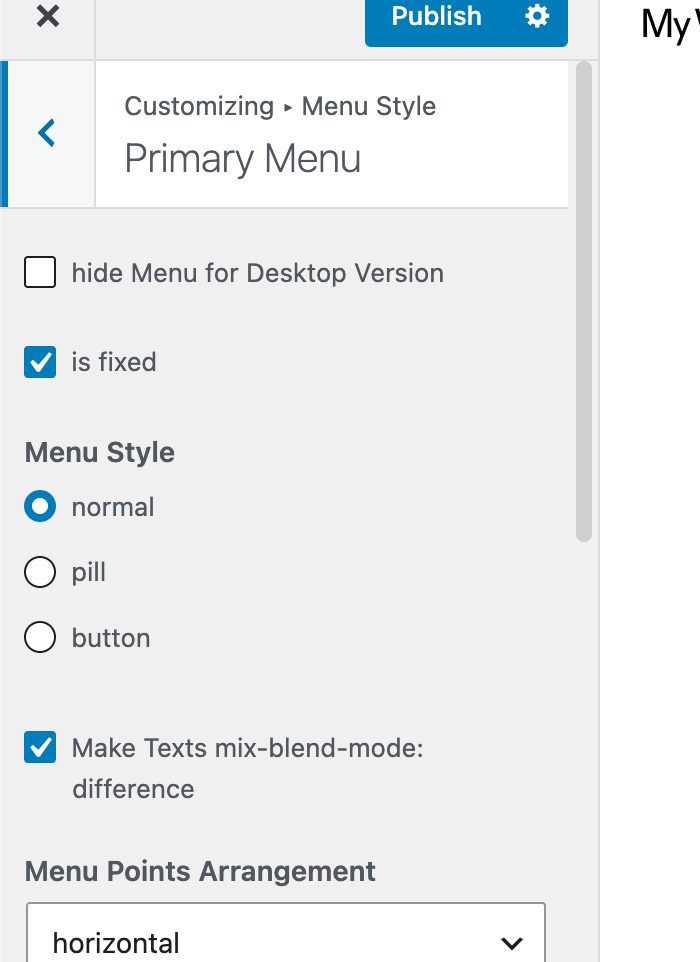
in customize -> menu style -> primary menu
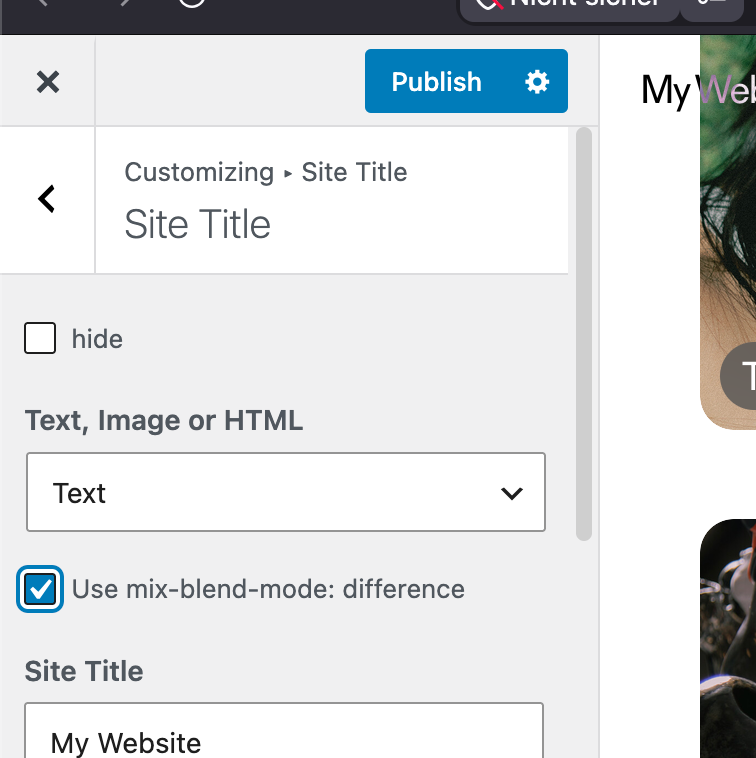
das gleiche gibts für site title:
sonst gibts keine einstellungen für sowas!
danke für deine Nachricht. Also ich habe hier den Mix Blend Mode Difference eingestellt. Gerne würde ich dass hier ein Balken im Hintergrund liegt und die Schrift darauf, beides in dem Mix Blend Mode.
hey ich denke man kann nicht einen balken UND eine schrift drauf haben und beides mix blend mode haben.
ich denke am meisten sinn macht es nur schrift zu haben die mix blend mode difference hat.
customizer-
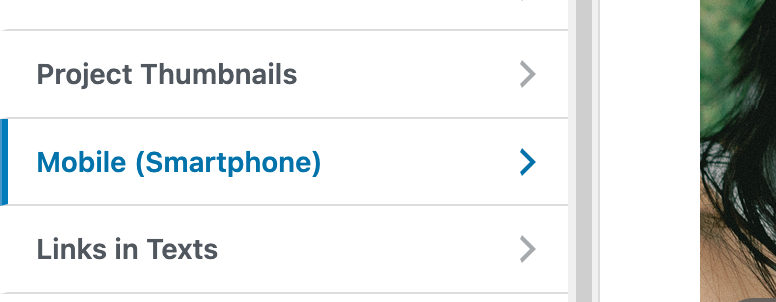
mobile menu, i guess:
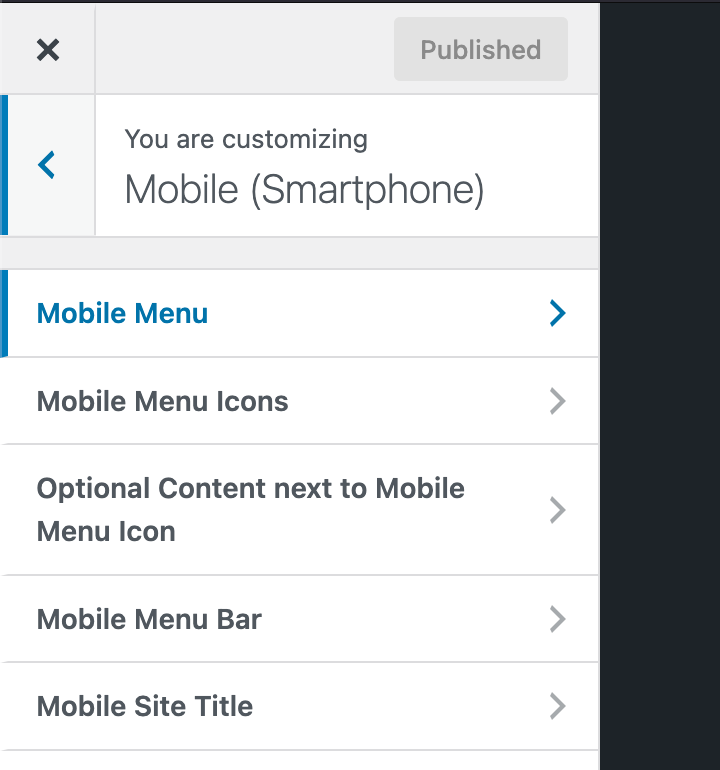
oh yea now i see that thats hidden :O
will be fixed with the next update!
do u have a link bialla? to your website
ah im glad it worked!!
do you have a link?
i think if you make your row browser height and then place it at the bottom this should work.
set frame top and bottom to 0
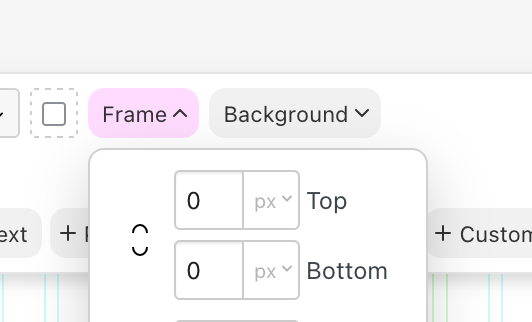
make row browser height
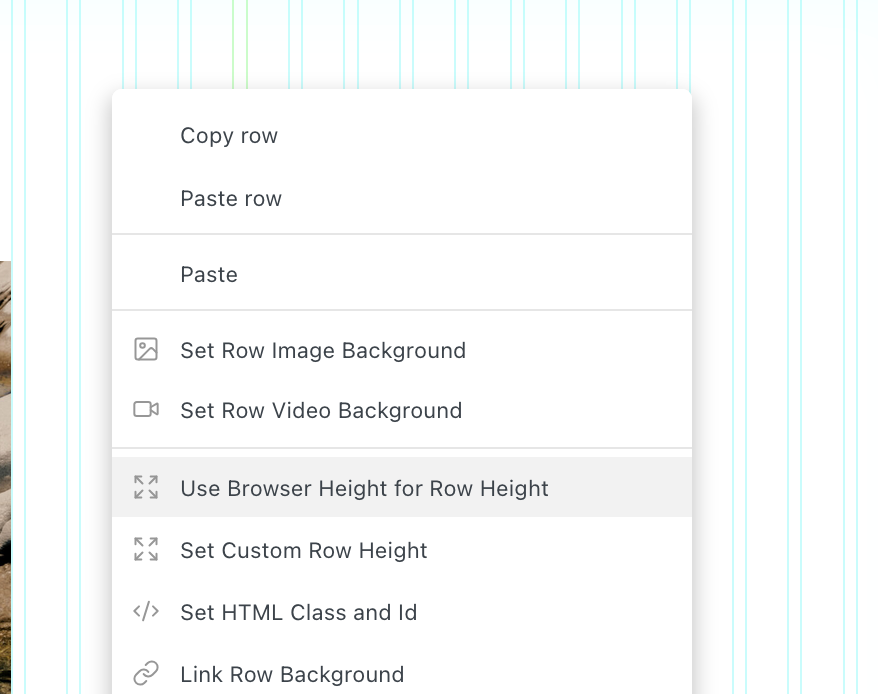
in the row's context menu.
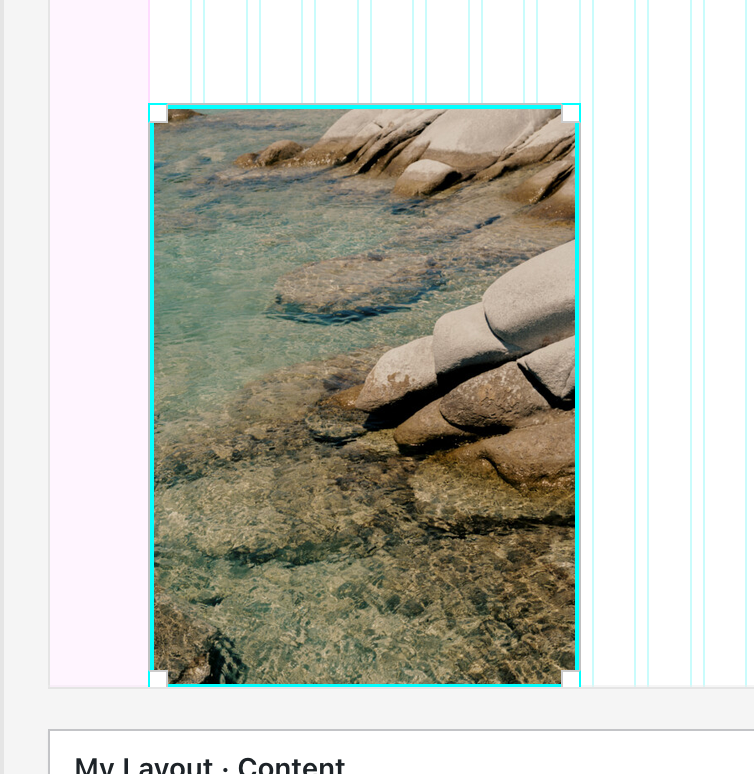
then align your image to the bottom:
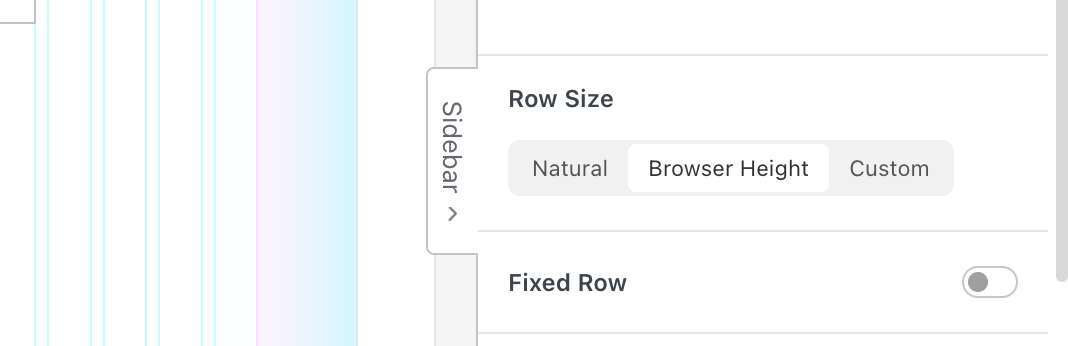
if u select the row, you can even make the row fixed in the sidebar:
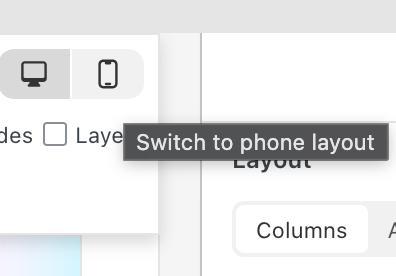
to do this for mobile, make sure to use a custom phone layout:
wow nice website!!
im glad it works <3